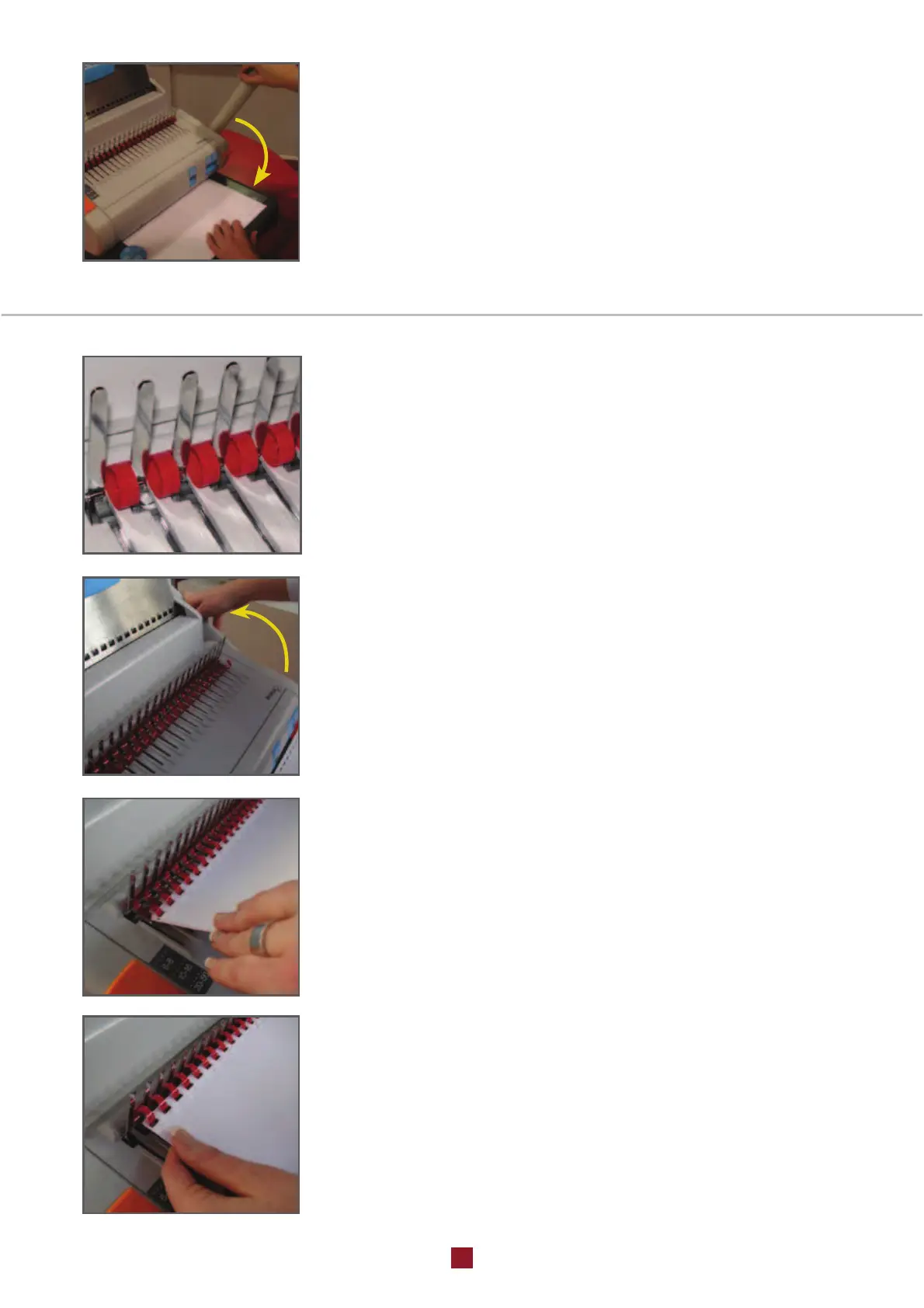
PUNCHING
Set up a maximum of 25 paper sheets against the side guide
knob (3) and insert them into the paper punching slot (6).
Pull the punching lever (7) downwards firmly and after the ope-
ration has been completed, extract the punched sheets.
NB. To ensure that there is no possible jamming, remember to
empty the paper cutting drawer (16) regularly.
2 - PAPER BINDING
POSITIONING AND OPENING OF THE COMB
Insert the comb into the comb opening device (5) with the
pointed parts of the comb, facing upwards.
Push the lever (7) forwards to open the comb and allow for the
insertion of the punched paper.
Hold the punched side of the paper downwards and place the
paper onto the corresponding comb. Pull the lever backwards, to
close the comb. (
Fig. 8)
Withdraw the bound paper. (
Fig. 9)
.


 To Next Page