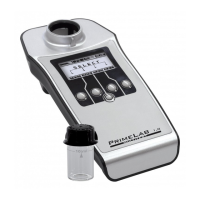
Menu: SET (Setup)
SET 7
Set display contrast
Please ensure that you have removed the protective foil from the display
so the display quality is best.
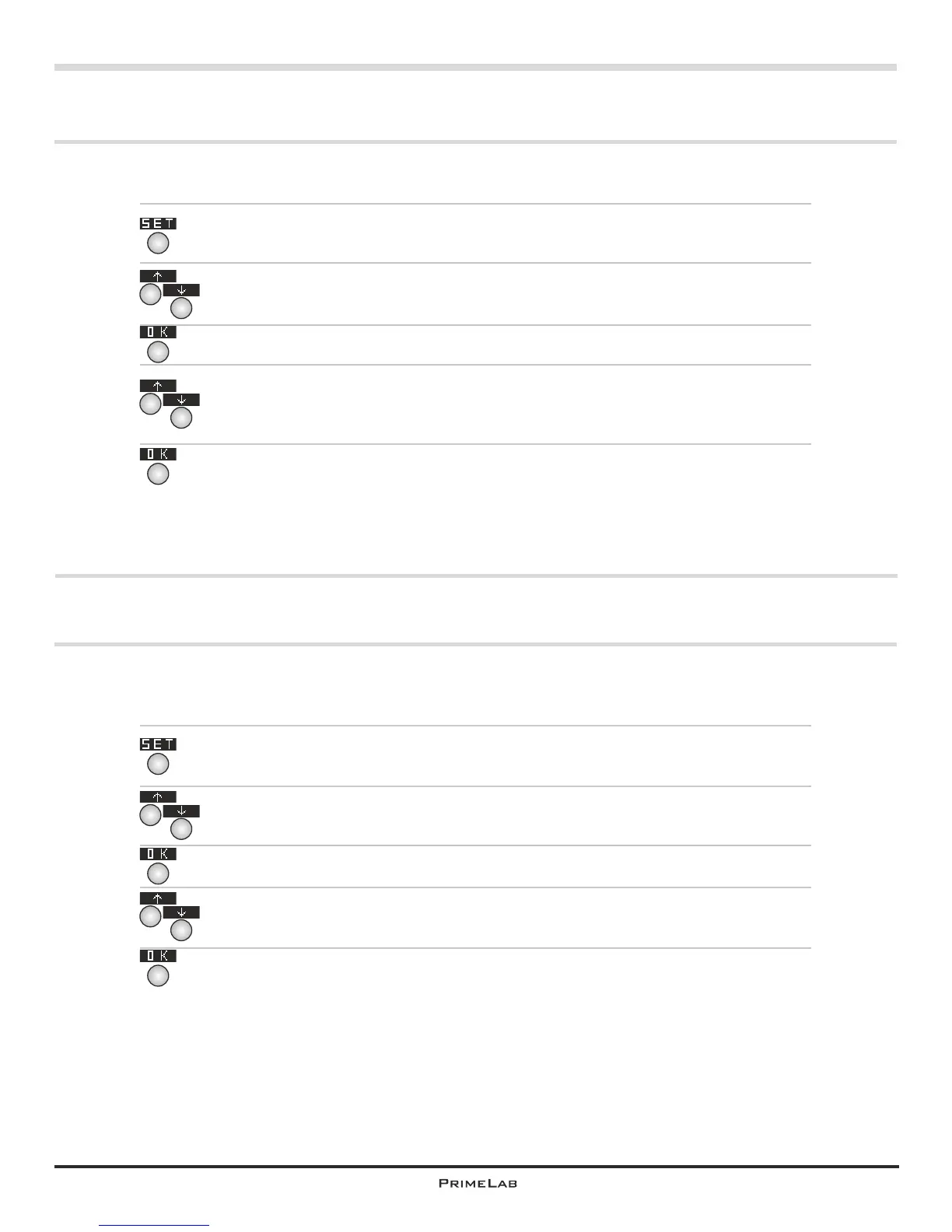
In the start menu press button 4 to access the SETUP menu.
In the setup list scroll up with button 2 and down with button 3 until the
entry “Display” appears in white on black.
Then press button 4.
Change the contrast setting by pressing button 2 and button 3 (up and
down) until the contrast on the display is satisfactory.
Confirm the selected setting by pressing button 4.
4
4
4
Set Auto-Off time
You can determine after which time without any button being pressed or a
measurement being taken the device will automatically switch off to save
energy or preserve battery charge.
In the start menu press button 4 to access the SETUP menu.
In the setup list scroll up with button 2 and down with button 3 until the
entry “Auto-Off” appears in white on black.
Then press button 4.
Change the time setting for the auto-off by pressing button 2 and button 3
(up and down). The preset default is 10 minutes.
Confirm the selected setting by pressing button 4.
4
4
4
2
3
2
3
2
3
2
3
SET 7


 To Next Page
 Loading...