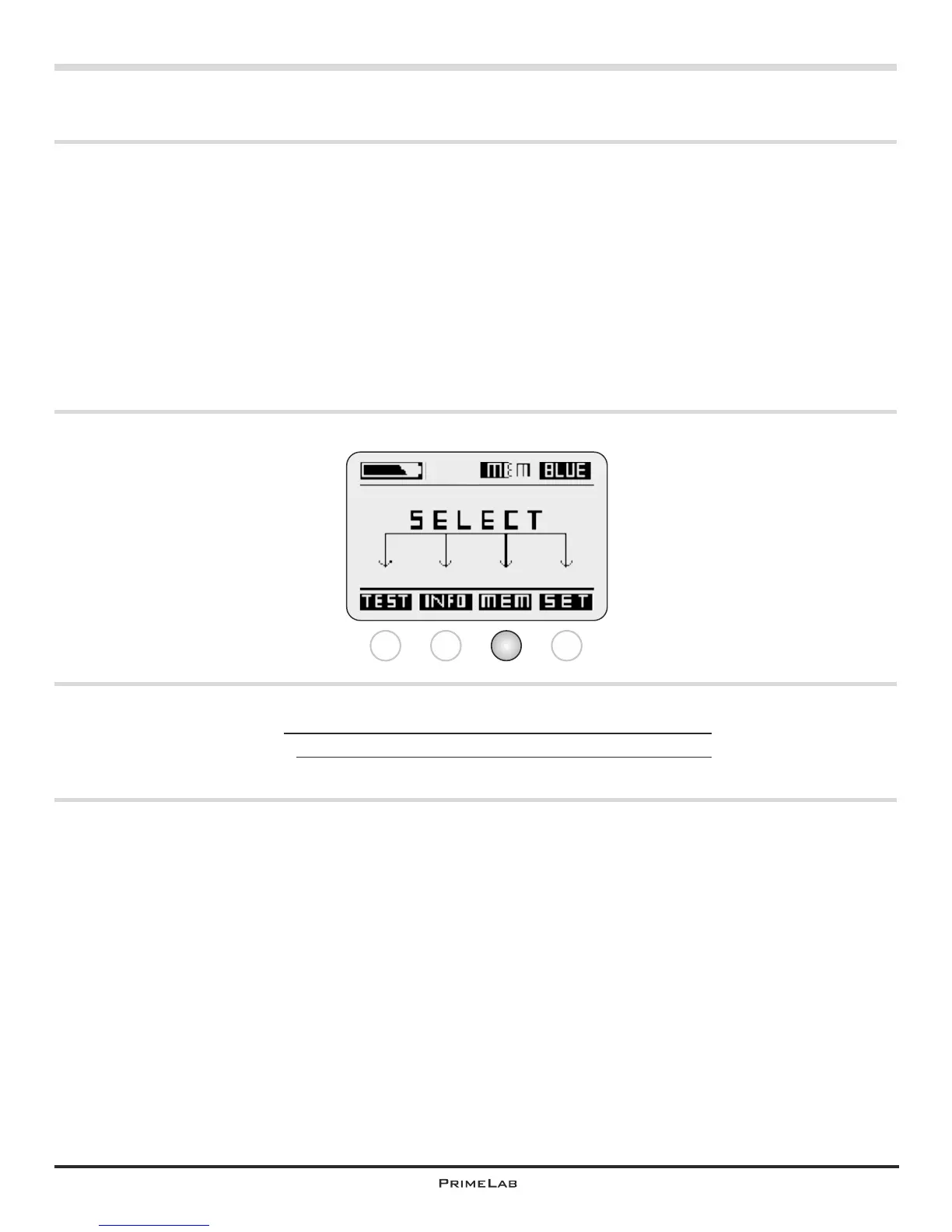
Menu: MEM (Memory)
MEM
View test results
Delete test results
MEM 1 - 2
MEM 3 - 4
Menu: MEM (Memory)
PrimeLab provides memory space for 100 test results.
If you attempt to save more than 100 results the respective oldest data set is
overwritten.
We recommend the regular synchronizing of the test data with the “PrimeLab
Desktop Assistant” to be able to view, edit and evaluate the data more easily and
better.
Test results are assigned to a specific account as a matter of principle
Before each test run it is queried to which account the results are to be assigned.
If you choose not to use the account option just select the “Default” option as a
standard account.
1 2 3 4
MEM


 To Next Page