Delete test results
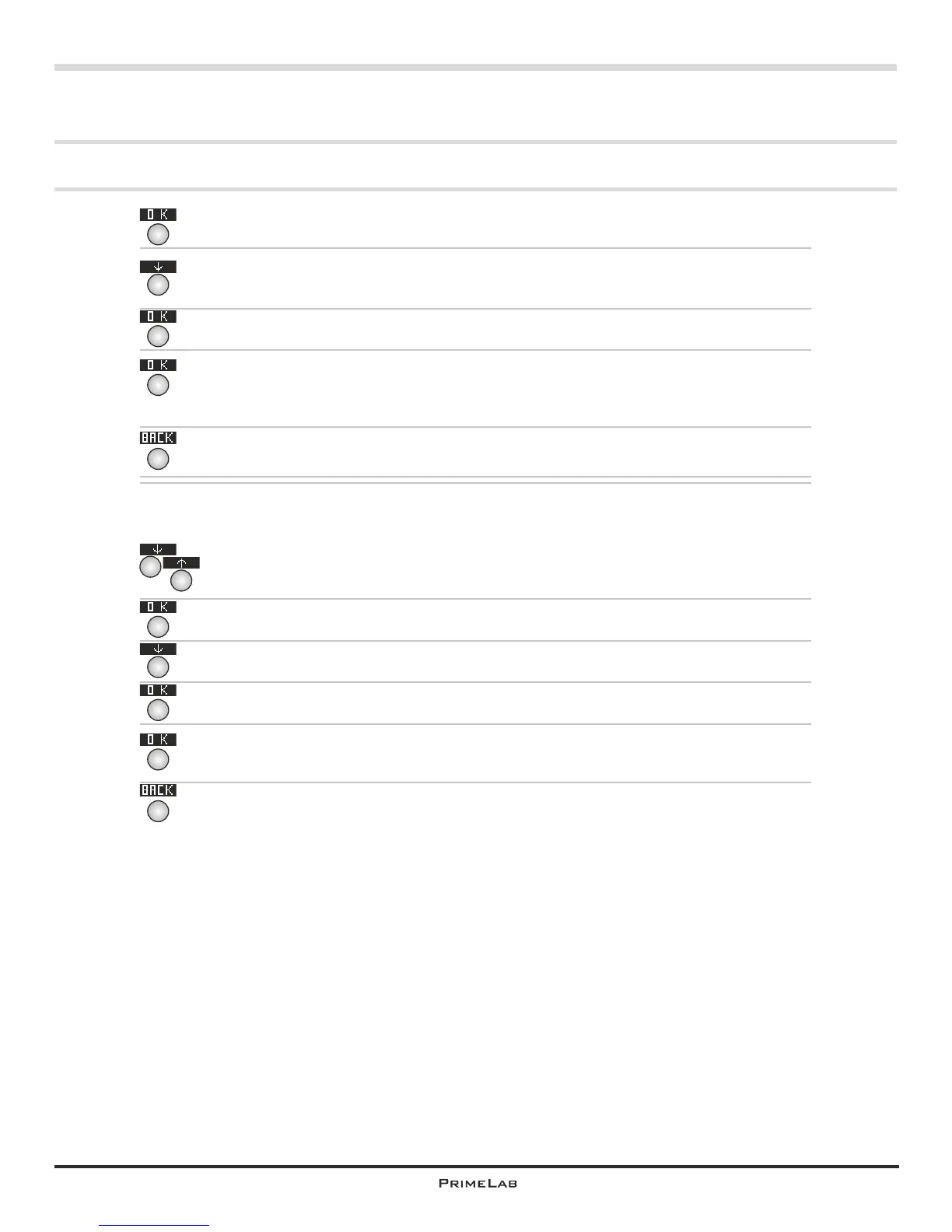
Confirm your entry by pressing button 4.
Press button 3 to select the option “Clear result”.
Confirm your selection by pressing button 4.
Just to make sure you are asked if you really want to delete this parameter
ID of which you want to delete test results If you are sure please confirm
by pressing button 4.
Press button 1 to go back one step.
Selection b) You have selected “View all data” to be shown the saved test
results for the particular account and for all parameters.
By pressing button 2 or 3 to scroll up or down respectively select the data
set you want to delete.
Confirm your selection by pressing button 4.
By pressing button 3 select “Clear result”.
Confirm your entry by pressing button 4.
Just to make sure you are asked if you really want to delete this set of
data. If you are sure please confirm by pressing button 4.
Press button 1 to go back one step.
Menu: MEM (Memory)
MEM 4
4
1
Continued...
3
4
4
4
1
3
4
4
2
3
MEM 4


 To Next Page
 Loading...