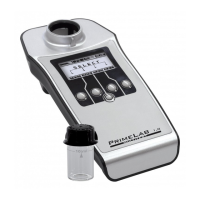
PrimeLab Desktop Assistant
PDA-8
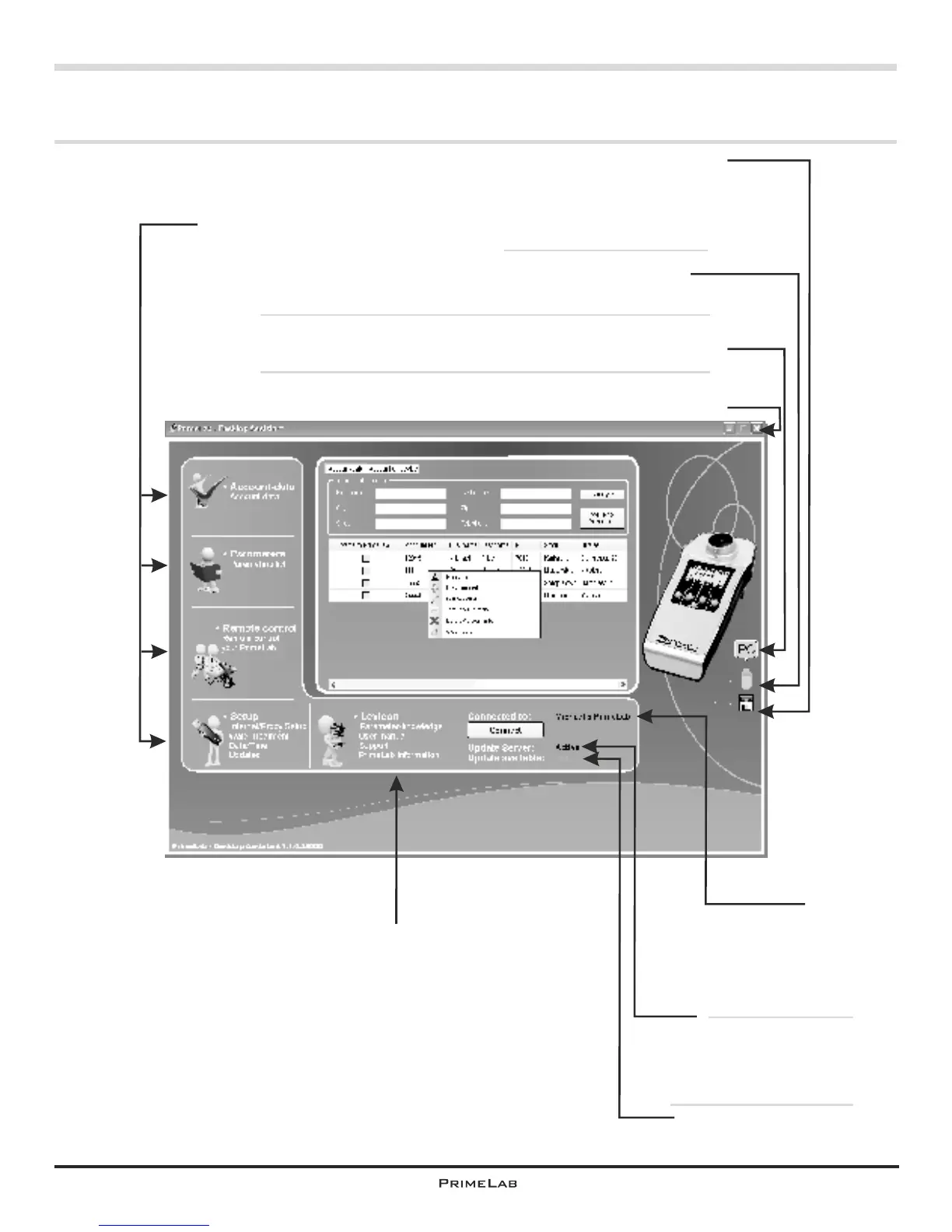
Main screen & screen symbols
Display of the ´assigned´
PrimeLab device name/
confirmation that
photometer and software
are connected.
Indicates whether an
internet connection to
the update server is
available
Indicates whether an
update is available
The menu “Lexicon” provides helpful information
on PrimeLab and background on water quality,
plus links to the support, the most recent
operating instructions and general
information on your device.
Next to this symbol
the remaining memory
space on the device
is indicated in %.
Next to this symbol
the remaining battery
charge is displayed.
®
“Green” means: PrimeLab and PC connected via Bluetooth .
“Red” means: No PrimeLab device connected with the software.
These menus are explained on the next pages.
They are used for the remote control of your PrimeLab,
for the administration of your measurement data,
addresses and water treatment,
generated dosage recommendations etc.
Terminate Software!
PDA-8


 To Next Page
 Loading...