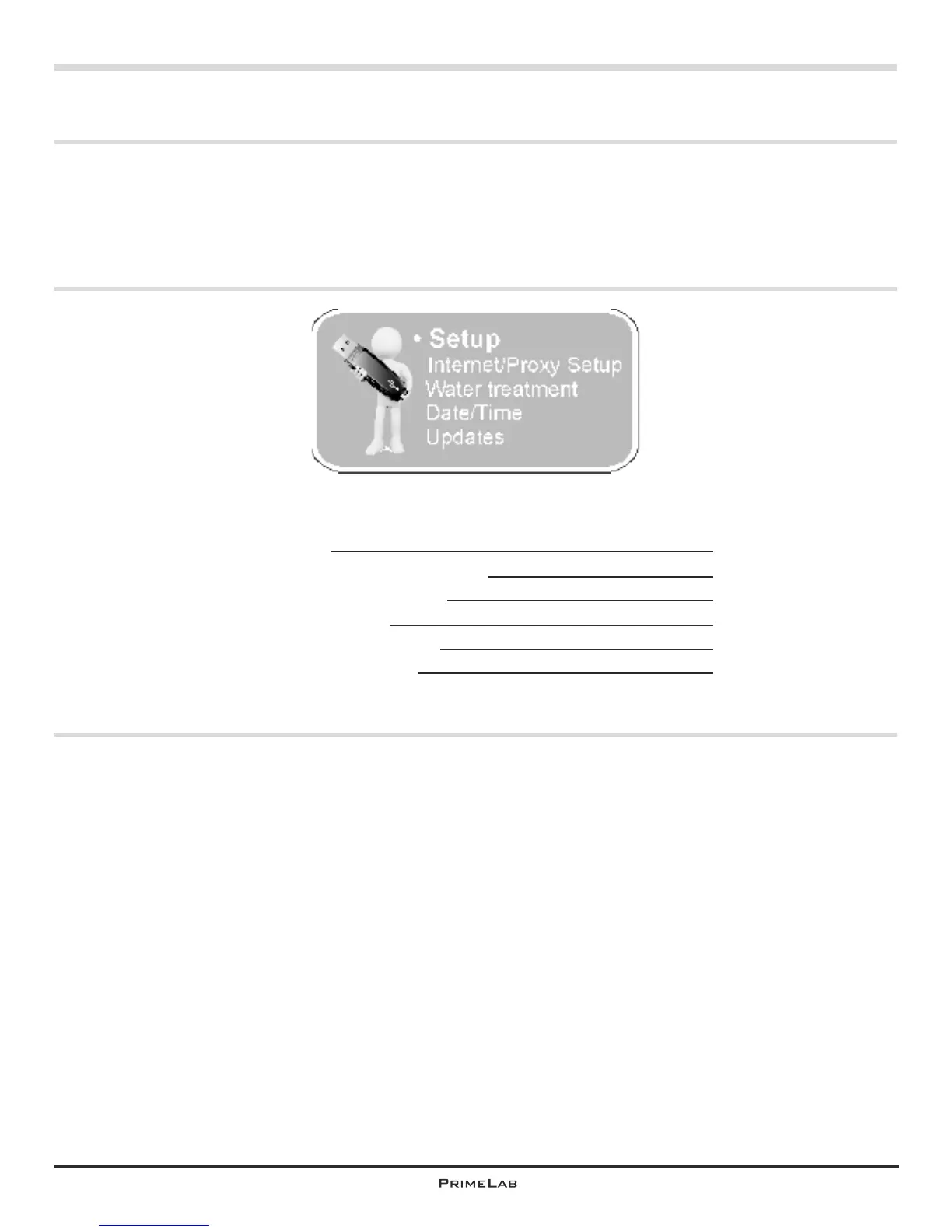
Menu: Setup
Set up proxy
Run update (software / firmware)
Assign a name to PrimeLab
Adjust date and time
Import and export accounts
Reset to factory defaults
Deposit water treatment product for dosage recommendations
PrimeLab Desktop Assistant
PDA-10
Menu: Setup
Use the setup menu in PrimeLab Desktop Assistant to configure your PrimeLab and
for a connection to the internet, to run updates but also to later unlock new test
procedures on your device. Here you also have the option to set date and time so
that your measurement data is always stored against on the correct date.
The update itself, if required, is also available through the setup menu.
PDA 11
PDA 12
PDA 13
PDA 14
PDA 15-16
PDA 17
PDA 18
PDA-10


 To Next Page