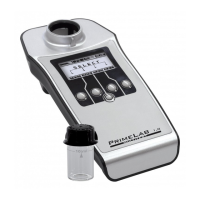
Menu: SET (Setup)
SET 1
Set device language
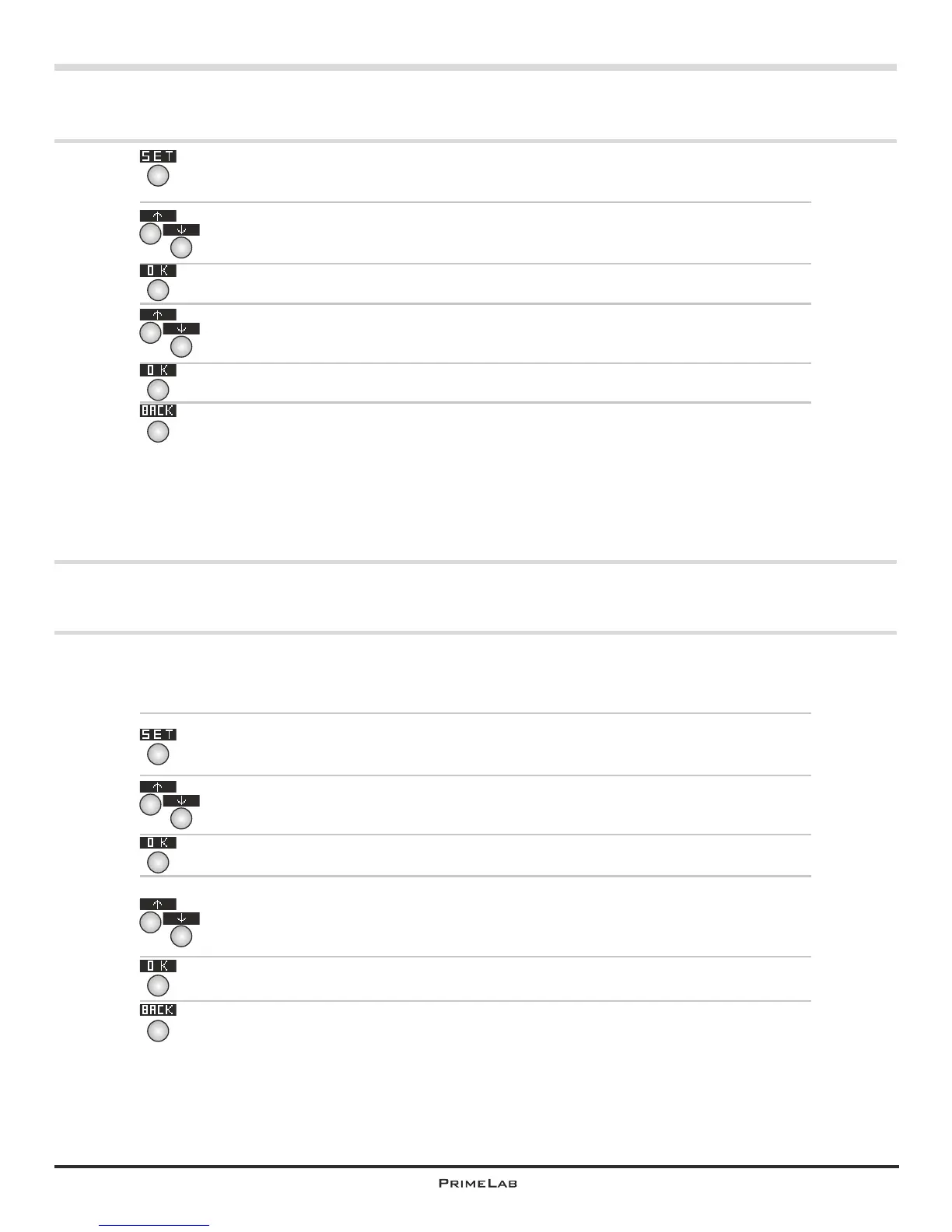
In the start menu press button 4 to access the SETUP menu.
In the setup list scroll up with button 2 and down with button 3 until the
entry “Language” appears in white on black.
Then press button 4.
Scroll up and down in the list with button 2 or 3 respectively until the
language you want to use appears in white on black.
Confirm the selection by pressing button 4.
Use button 1 to return to the main menu
4
4
4
1
®
Activate / deactive Bluetooth transmitter
A connection with the PC and the PrimeLab Desktop Assistant is only
®
possible if the Bluetooth transmitter in your PrimeLab is activated
In the start menu press button 4 to access the SETUP menu.
In the setup list scroll up with button 2 and down with button 3 until the
®
entry “Bluetooth ” appears in white on black.
Then press button 4.
Scroll up and down in the list with button 2 or 3 respectively until either
“Activate” or Deactivate” appear in white on black as required.
Confirm the selection by pressing button 4.
Use button 1 to return to the main menu
4
4
4
1
2
3
2
3
2
3
2
3
SET 1


 To Next Page
 Loading...