TX150 S5 Options Guide 71
Completion Rack model
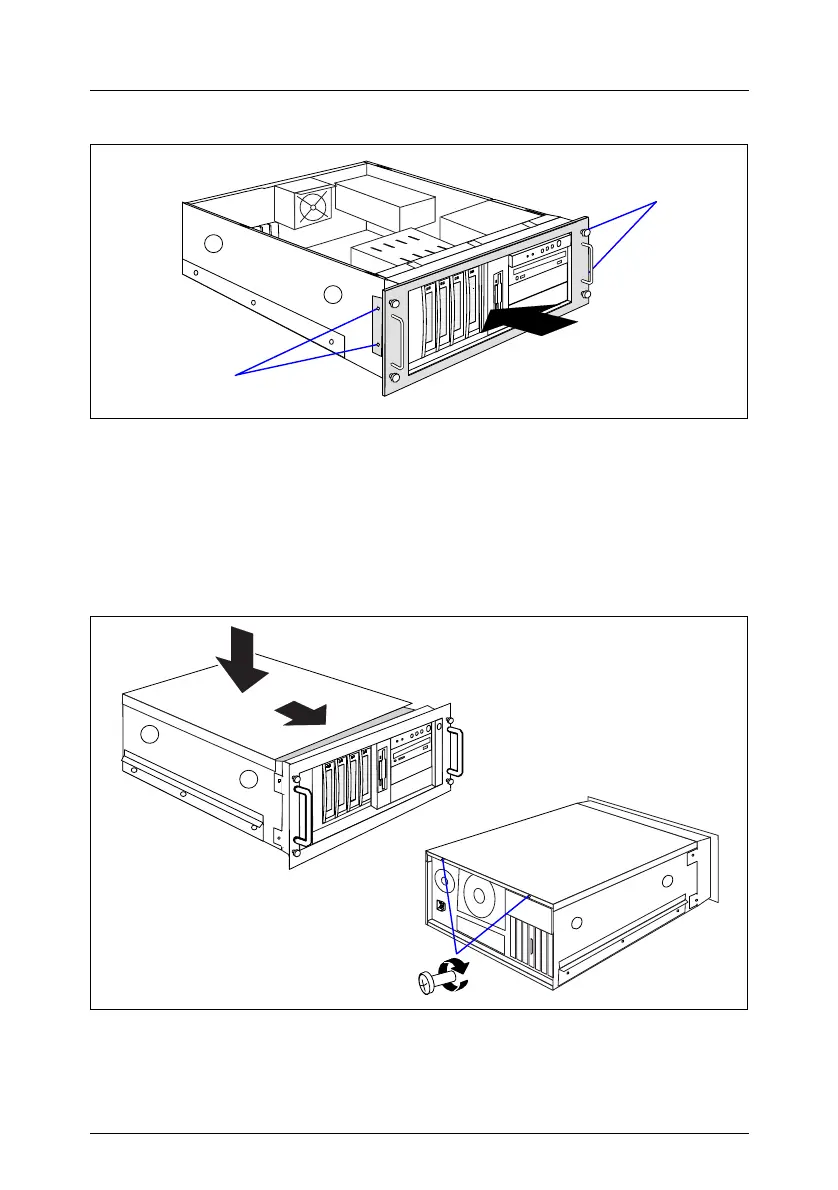
Figure 55: Attaching the rack front cover
Ê Attach the rack front cover from the front (1).
Ê Attach the rack front cover using two screws on each side (2).
12.2.2 Closing the server
Figure 56: Attaching the top cover
Ê Position the top cover in such a way that it protrudes approxiate 2 cm at the
rear (1).
2
2
1
3
2
1



 To Next Page