Operating Instructions
70269601
18
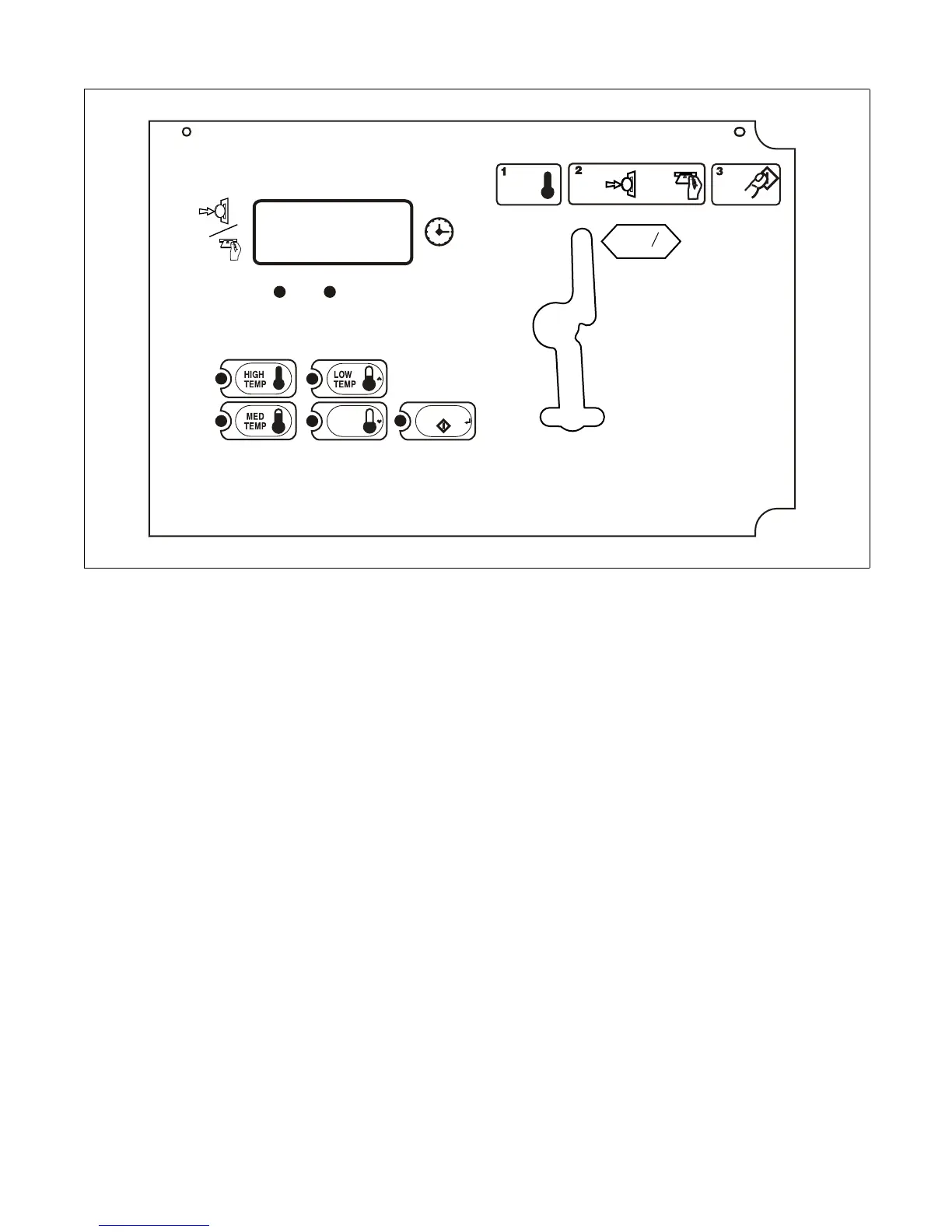
Figure 10
MDC Coin Control
1. Select HIGH TEMP, MED TEMP, LOW TEMP
or DELICATES by pressing the appropriate
temperature pad.
2. Insert the coin(s) in the coin slot.
3. Press START pad to start tumbler.
IMPORTANT: To stop the tumbler at any time
during the cycle, OPEN DOOR. To restart the
tumbler, CLOSE door and press START pad.
4. When the cycle is complete, open door and
remove the laundry.
TMB1964N
SELECT
TEMP
PUSH
START
COOL
DOWN
DRYING
DELICATES
START
25
C
or
INSERT
CARD
INSERT
COINS



 To Next Page