8 PROGRAMMING MANUAL 508913C PUBLICATION DATE 25 AUG 2006.DOC
DIAGNOSTIC MENU („DG“)
Displaying the state of inputs and outputs of the control unit with possibility to change the state of individual
outputs. Input to diagnostic mode is executed by set-up the item „dG“ in initialization to „On“ (by means
of „+“ and „-“ ) and confirmation by pressing „START“ button. Go to individual items in diagnostic mode by
means of buttons „+“ and „-“. Change of individual output state is possible to do by holding the button „START“.
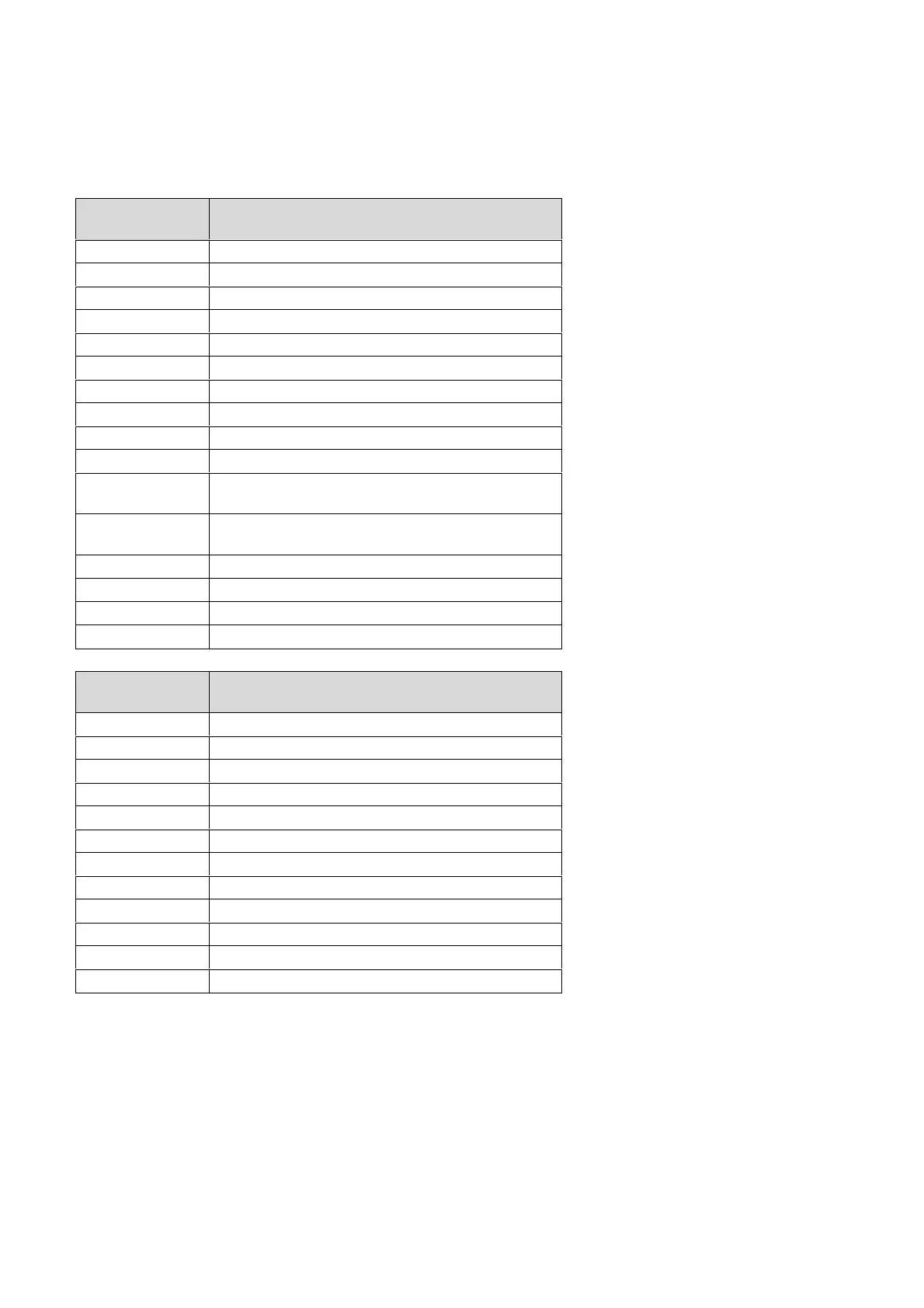
Input
identification
Description
I1 Frequency inverter
I2 Manual crank
I3 Foot pedal of clutch
I4 Bimetal of ventilator
I5 Switch of programming
I6 Gas low pressure
I7 Alarm of gas ignition
I8 Finger protector guard
I9 Detection of linen (OPL) / coinmeter 1 (coin)
10 Incremental roller sensor - testing is not possible
11
Position of pressure roller 1 (OPL - ironer with
front/rear delivery) / coin meter 2
12
Position of pressure roller 2 (OPL - ironer with
front/rear delivery)
13 Trough position
14 Was not used
A1 Actual temperature of ironing roller
A2 Actual speed of ironing roller
Output
identification
Description
O1 Heating 1
O2 Heating 2
O3 Frequency inverter
O4 Blocking of clutch pedal
O5 Pressure roller
O6 Ventilator
O7 Reversation of roller direction
O8 Permit of inverter action
O9 Increased speed of inverter (for the first fold on linen)
10 Direction of cloths delivery
11,12,13 Was not used
A0 Speed of roller



 To Next Page