2
Defines Each Form’s Configuration
Forms Setup
allows you to
set print
parameters
for each of
the 10 form
templates 0-9.
*Factory Default Setting
F# (F0 - F9) = indicates which form is being configured
FORMS
forms
Form #: 0 through 9 Allows you to select the desired form to be
configured. Printer defaults to the currently
selected form.
F# Path: Front, Center, or Rear Assigns tractor path to be used for current form
(
Available on FormsPro 4503 only
).
F# Auto Cut: Yes or No* Available only when the
optional
FormsCutter
is installed. Will cut every form printed.
F# CPI: 10*, 12, 13.3, 15, Sets character pitch in characters-per-inch.
16.74, 17.14, or 20
F# Left Mar: 0* through 134 Sets left margin in columns (characters) from
left-most print position. Column width based
on CPI. Left margin must be less than right margin.
F# Right Mar: 1 through 255, or MAX* Sets right margin in columns (characters)
from left-most print position. A value of MAX
sets margin to the rightmost print position.
F# LPI: 6* or 8 Sets line pitch to 6 or 8 lines-per-inch.
F# Length: 1 through 227 (66*) Sets form length in lines at current line pitch.
F# Top Mar: 0* through 255 Sets top margin by adding specified number
of lines to top of form.
F# Btm Mar: 0* through 255 Sets bottom margin in lines from bottom of form.
F# Scroll+: 0* through 127 Sets distance in lines from top margin to first
print line of form (
Note: does not add lines to form
as top margin does
). Use Scroll with existing
software to take advantage of zero-waste
capability. If first line is printed too high on paper
after aligning edge with tear bar, use Scroll to
position it lower on page. Scroll does not modify
top of form position Not recommended for use.
in place of Top Margin.
F# Cut Adj: -85 to +84, 0*, or Auto Available only when
optional
FormsCutter is
installed.
F# Print Adj: -128 through 0*, or 0 Sets print position in 72nds (.01388”) of an inch
from top of form. May be used to align vertical
print position to match a preprinted form
which does not begin at an even number of
lines from the top edge of paper.
F# Font: FX FD, FX DF, FX LQ PC FD, Selects font to be used. (
Note: Fonts not
PC DF, PC LQ EB FD, EB DF,
installed will not be displayed
).
EB LQ, LA120FD, LA120DF,
LA120LQ, OCRA OQ, OCRB
OQ PCL2 FD, PCL2 DF PCL2 LQ
F# Draft: Normal* or Fast Selects the mode or quality of printing, either
“Normal” or “Fast”.
F# Impact: Norm* or High Sets character printing mode to normal or
high impact.
F# Lang: USA*, France, Germany, Sets character substitution table for alternate
England, Denmark, Sweden, language (
Note: Epson font must be selected for
Italy, Spain, or Japan
character substitution).
F# Zero: Normal* or Slashed Sets type of zero to be printed.
F# Unidir: Yes or No* Sets uni-directional printing instead of
bi-directional printing.
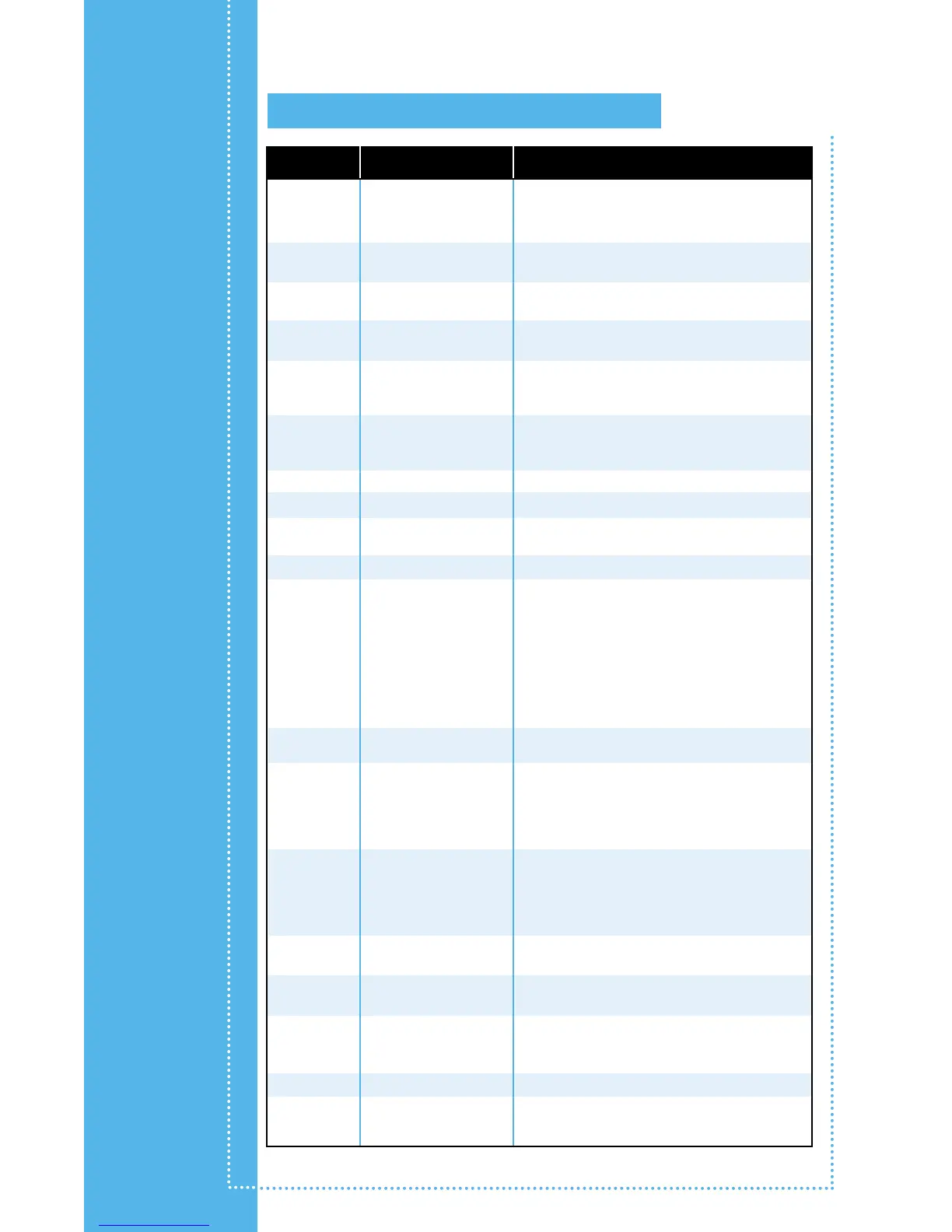
Functions Possible Values Description


 To Next Page
 Loading...






