EasyManua.ls Logo

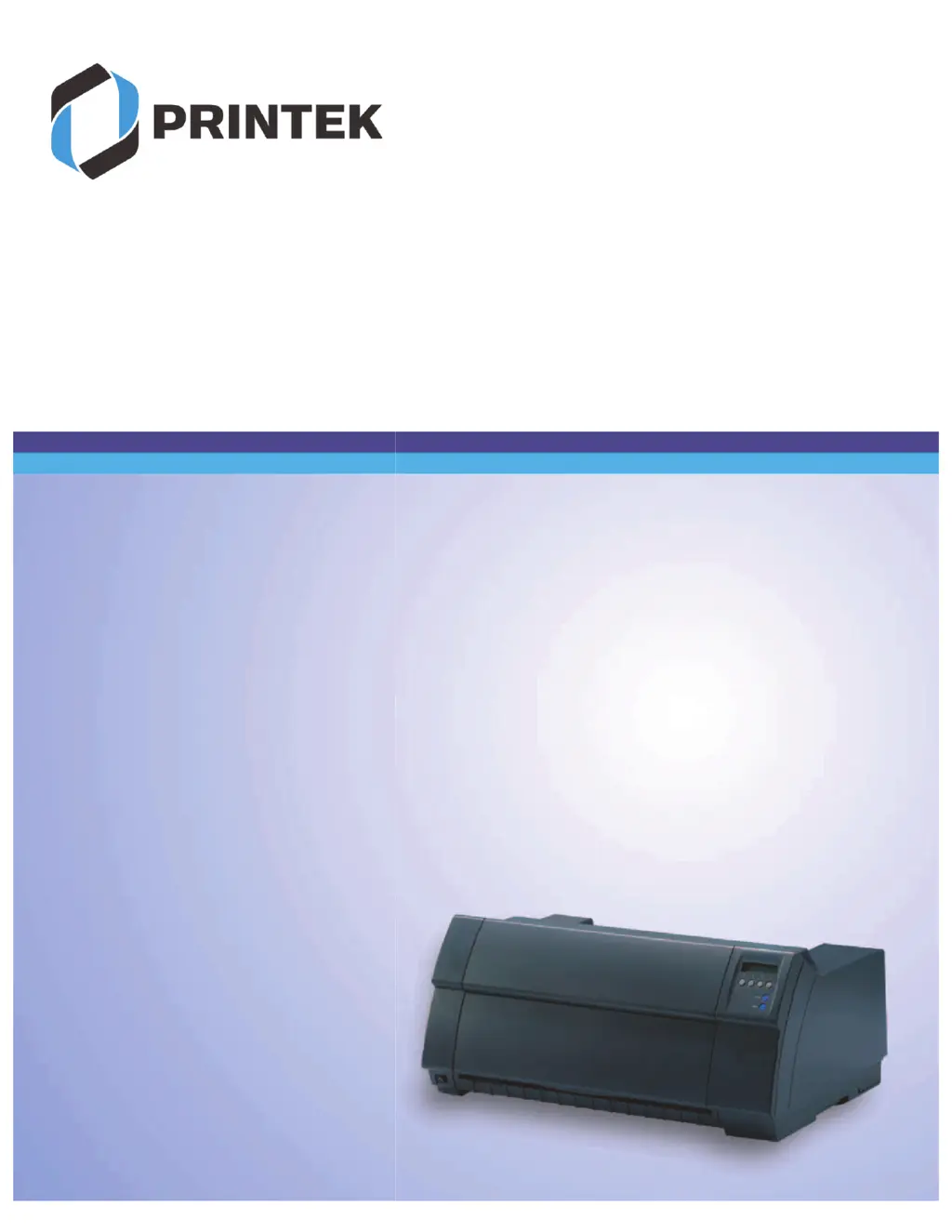
Printek FP5000 series - User Manual

Printek FP5000 series
201 pages
Print Icon
To Next Page IconTo Next Page
Loading...
User guide FormsPro 5000 Series Printers

Table of Contents

Questions and Answers

Summary

Installation

Unpacking and Placing the Printer

Instructions for safely unpacking the printer and selecting an appropriate location considering stability and access.

Initial Setup: Voltage and Connection

Details verifying and setting correct printer voltage and connecting power/data cables.

Inserting the Ribbon Cassette

Initial Ribbon Cassette Installation

Guides through the first-time installation of a ribbon cassette, including printer preparation.

Changing the Ribbon Cassette

Provides step-by-step instructions for replacing an existing ribbon cassette with a new one.

Printer Drivers

Driver Installation and Other OS

Explains driver necessity, location, and usage with Windows and other operating systems like Linux/Unix.

The Control Panel

Control Panel Overview and LC Display

Describes panel layout, keys, display functions, and basic operating modes.

Operating Modes: Online, Offline, Setup

Details the functions and differences between the printer's Online, Offline, and Setup operating modes.

Display Messages and Key Functions

Lists common LC display messages for fault diagnosis and key functions during printer startup.

Paper Handling

Loading and Transporting Paper

Instructions for loading fanfold paper and transporting it within the printer using control panel keys.

Moving Paper and Removing Paper

Guides on positioning paper for tearing and safely removing it from the printer.

Settings

Print Head Gap Adjustment

Explains manual and automatic adjustment of the print head gap for optimal print quality.

The Menu

Network Configuration: IP, Gateway, Subnet

Guides network configuration including IP address, Gateway, and Subnet mask settings.

Advanced Menu

Test Functions Overview

Provides an overview of available tests for print quality, mechanics, and data transmission.

Printer Self-Test (Rolling ASCII)

Performs a self-test routine to check printer configuration, quality, and operational readiness.

Troubleshooting

General Print Problems

Provides basic troubleshooting for display issues, no printing, and paper feed problems.

Print Quality Problems

Addresses issues like light printing, smudging, undefined characters, and missing dots.

Error Messages via Display

Lists common error messages and their causes, including Eject, Load, Paper Jam, and Hardware errors.

Sensor and Ribbon Errors

Troubleshoots paper width sensor defects and ribbon issues, emphasizing genuine parts.

Care and Maintenance

Replacing the Fuse

Details the procedure for replacing the printer's fuse, emphasizing using the correct type.

Specifications

Printer Specifications Overview

Provides a comprehensive list of technical specifications, including system, speed, and quality.

Interface Specifications

Ethernet Interface Details

Covers Ethernet interface attributes including hardware, supported OS, protocols, and IP address designation.

Interfaces

Parallel Interface Details

Details the bidirectional parallel interface (IEEE1284) and its data transfer capabilities.

Ethernet Interface Details

Describes the Ethernet interface for network connectivity, including hardware and protocols.

Optional Serial Interface V.24;RS232 C

Explains the printer's serial interface, specification, signals, and connector assignment.

Printek FP5000 series Specifications

General IconGeneral
Storage Temperature-4°F to 140°F (-20°C to 60°C)
Print TechnologyDirect Thermal
Print Width4.09 inches (104 mm)
Resolution203 dpi
Media Typelabel stock
Power100-240 VAC, 50/60 Hz

Related product manuals