3
4
Functions Possible Values Description
Options
Set-Up
allows you
to set
operating
variables
and install
optional
products.
*Factory Default Setting
OPTIONS
Configures Options
^
~
!
?
;
‘
|
\
*
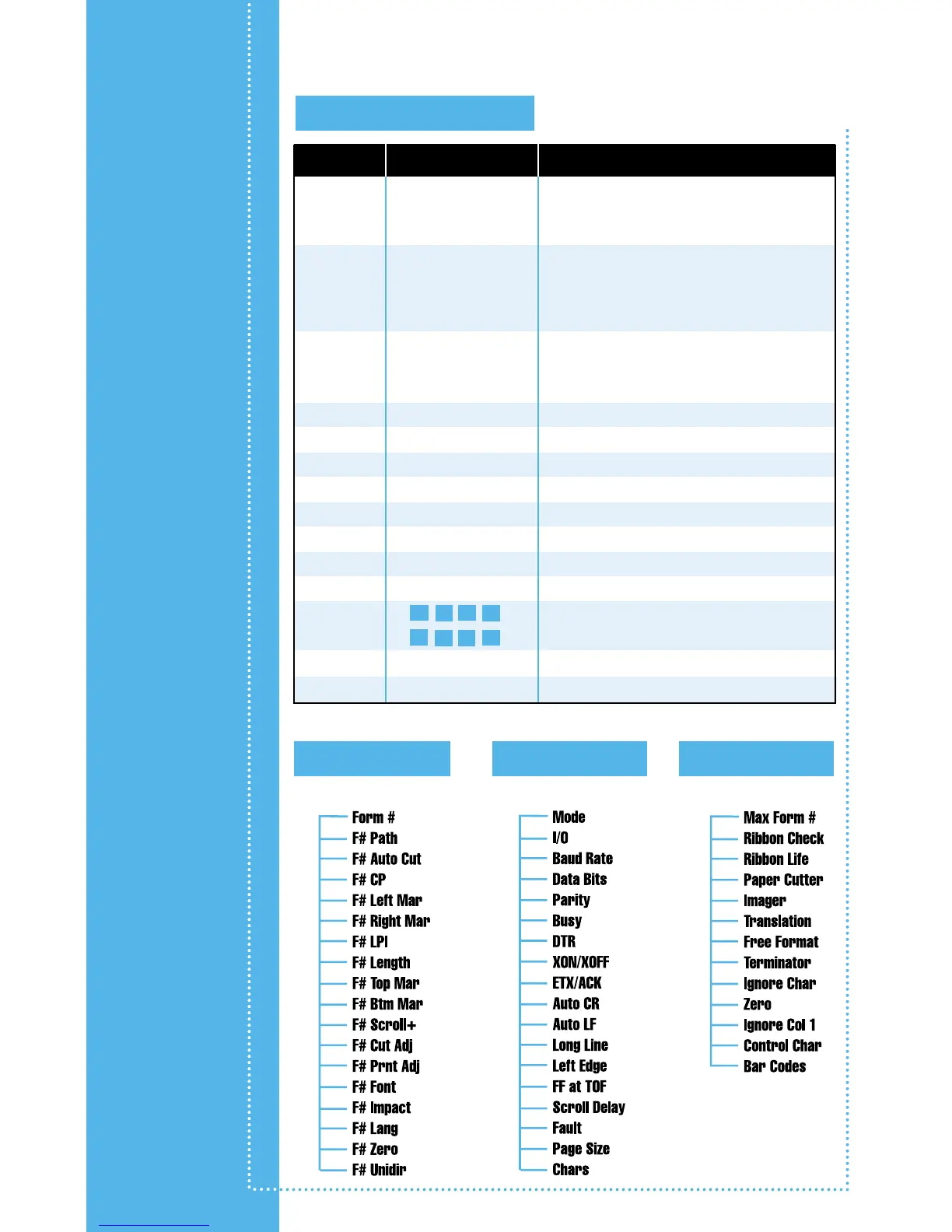
Setup: Forms Setup: Interface Setup: Options
(One Beep)
(Two Beeps)
(Three Beeps)
Max Form #: 0 through 9 Sets the last form number to be displayed by
operator selection with FORM SELECT button
or while in “Setup: FORMS” menu.
Ribbon Check: On* or Off Sets whether ribbon checking is active.
Turning off may limit the warranty on print
head. For more information, see “Using
Special Features” in User Manual and refer to
warranty in “Printer Specifications” appendix.
Ribbon Life: 23*, 5 through 30 Sets number of characters to be printed before
“Change Ribbon” message is displayed. For more
information, see “Using Special Features” in User
Manual.
Paper Cutter: Yes or No* Sets whether optional FormsCutter is installed.
Imager: Yes or No* Sets whether Imager or Imager Plus is installed.
Translation: Off* or On If Imager option is installed, refer to Imager Manual.
Free Format: Off* or On If Imager option is installed, refer to Imager Manual.
Terminator: LF* or CR If Imager option is installed, refer to Imager Manual.
Ignore Char: Off* or On If Imager option is installed, refer to Imager Manual.
Zero: Normal or Slashed* If Imager option is installed, refer to Imager Manual.
Ignore Col. 1: Yes or No* If Imager option is installed, refer to Imager Manual.
Control Char: If Imager option is installed, refer to Imager Manual.
Bar Codes: Hi-Res*, Med-Res, If Imager option is installed, refer to Imager Manual.
Line Reg: Off or On* If Imager option is installed, refer to Imager Manual.
To access these menus, take printer offline and hold down the Set-Up button.
options



 To Next Page