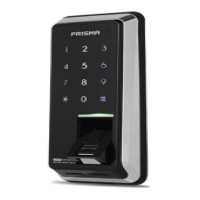
Settings
Mute
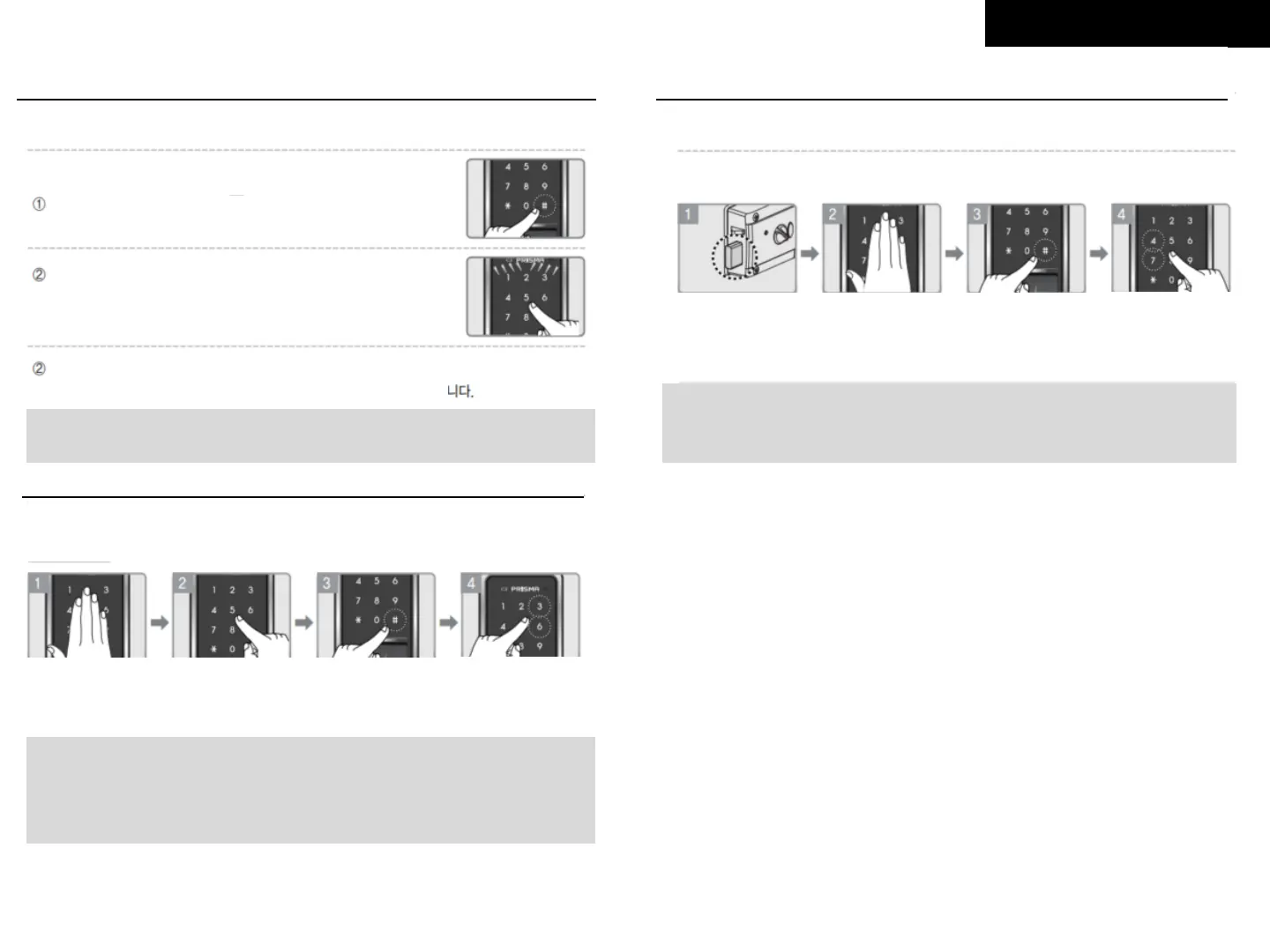
3. Auto Lock and Manual Lock
□ To stop the volume when you want to use without sound (For one time)
Touch the keypad and press the [#] button
Volume Control
Note:
This is just for one time, sound will be activated from very next time.
With Password
Enter password, press [#] button, and a door will be
unlocked (No sound, and only keypad light blinking)
With RFID Card
Touch RFID card on reader and a door will be unlocked.
Volume can be adjusted in 7 levels.
Make the
deadbolt is
out
Touch the
keypad
Enter your
password
And press
[#] button twice
Press [4] : Auto
Lock set
Press [7]: Manual
Lock set
Touch the
keypad
Enter your
password
Press
[#] button
Press
[3] OR [6] button
Note:
Press [3] button, the volume will be up,
press [6] button, the volume will be down.
On mute status, the keypad lamp will be blinking when pressing the buttons
□ The function is to open the door by automatically or manual
Setting
Note: Leave the door open
Note:
New products are set with Auto Lock by default.



 To Next Page