EasyManua.ls Logo

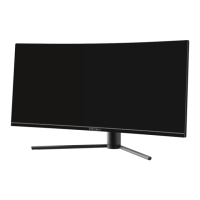
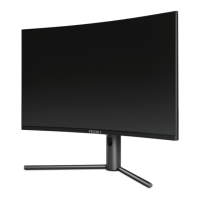
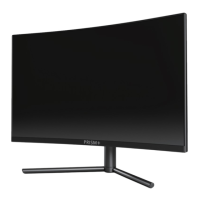
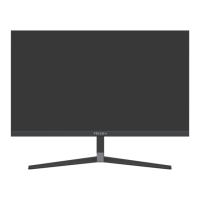
PRISM+ X300 - User Manual

PRISM+ X300
18 pages
Print Icon
To Next Page IconTo Next Page
Loading...
X300
User Manual
Question and Answer IconNeed help?

Do you have a question about the PRISM+ X300 and is the answer not in the manual?

Summary

Safety Precautions

Box Contents

Product Overview

Monitor Buttons

Details the function of each physical button on the monitor.

Monitor Ports

Identifies and explains the monitor's connection ports for input/output.

Stand Installation

Mount Installation

Connectivity Options

Connecting Earphones

How to connect earphones for audio output from the monitor.

DisplayPort (DP) Connectivity

How to connect the monitor to a computer using a DisplayPort cable.

Connecting the Power Cable

Guide on connecting the monitor to a power source and wall outlet.

HDMI Connectivity

How to connect the monitor to a computer using an HDMI cable.

Basic Operation

Indicator Light Status

On-Screen Display (OSD) Navigation

OSD Menu Functions

Details the functions and options available within the OSD menu for customization.
ECO Modes and Gameplus Switching

Monitor Specifications

PRISM+ X300 Specifications

General IconGeneral
BrandPRISM+
ModelX300
CategoryMonitor
LanguageEnglish

Related product manuals