8
Section 5: Mount Installation
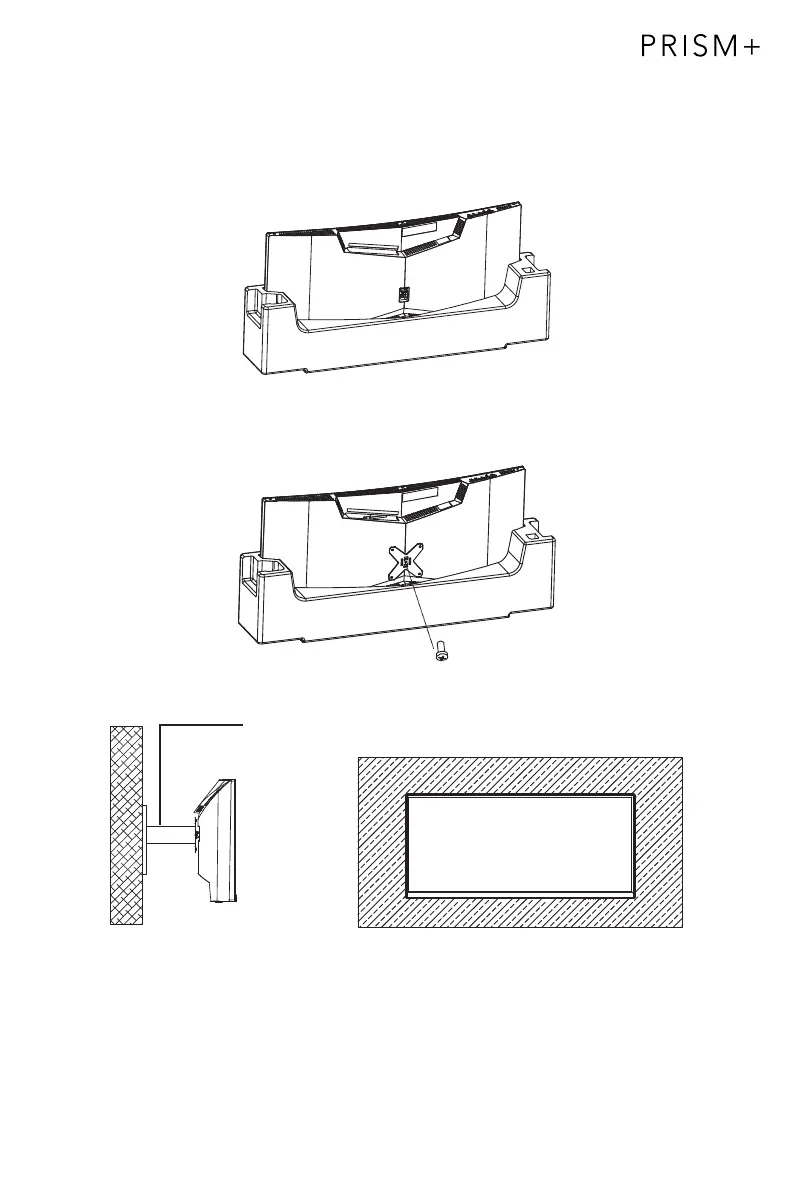
1. Open the package, take out the product with foam still attached, and gently
place it on a desktop or table. Remove the extra parts and the foam covering the
bottom of the monitor. If the monitor is already attached to the stand, remove it.
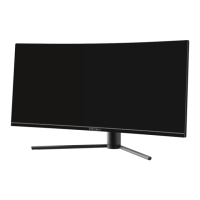
2. Use a screw to attach the included 75x75mm VESA adapter to the back of monitor,
then install the monitor on the wall mount or monitor arm as desired.
Screw x 1
Mount
(not included)


 To Next Page