Only Priva approved service engineers/installers who have received product-
specific training from Priva are allowed to commission the unit.
Preparations
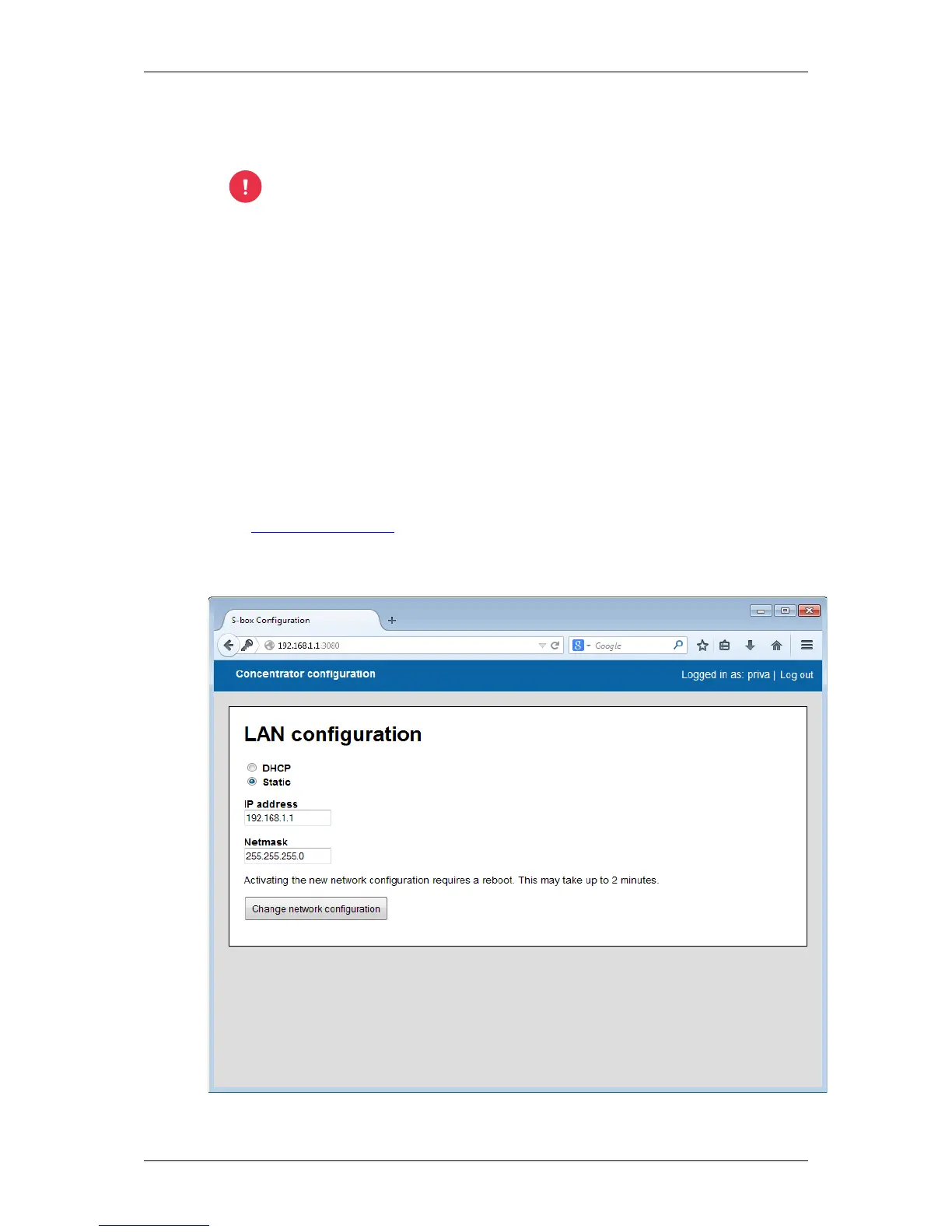
The FS Concentrator is delivered with a default IP-address and netmask: 192.168.1.1 /
255.255.255.0. The FS Concentrator must be configured to a static IP-address for the network of
the customer.
In order to connect to the FS Concentrator, the IP-address 192.168.1.1 must be reachable from
the computer that will be used for the configuration. The best way is to set this computer to an
IP-address in the same range, e.g. 192.168.1.2 and to connect this computer directly to the FS
Concentrator through an Ethernet cable.
The configuration can then be done through a web interface on port 3080:
http://192.168.1.1:3080
The required username / password is priva / priva.


 To Next Page