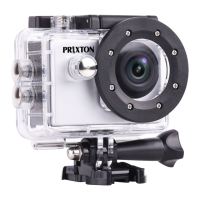
System Configuration menu
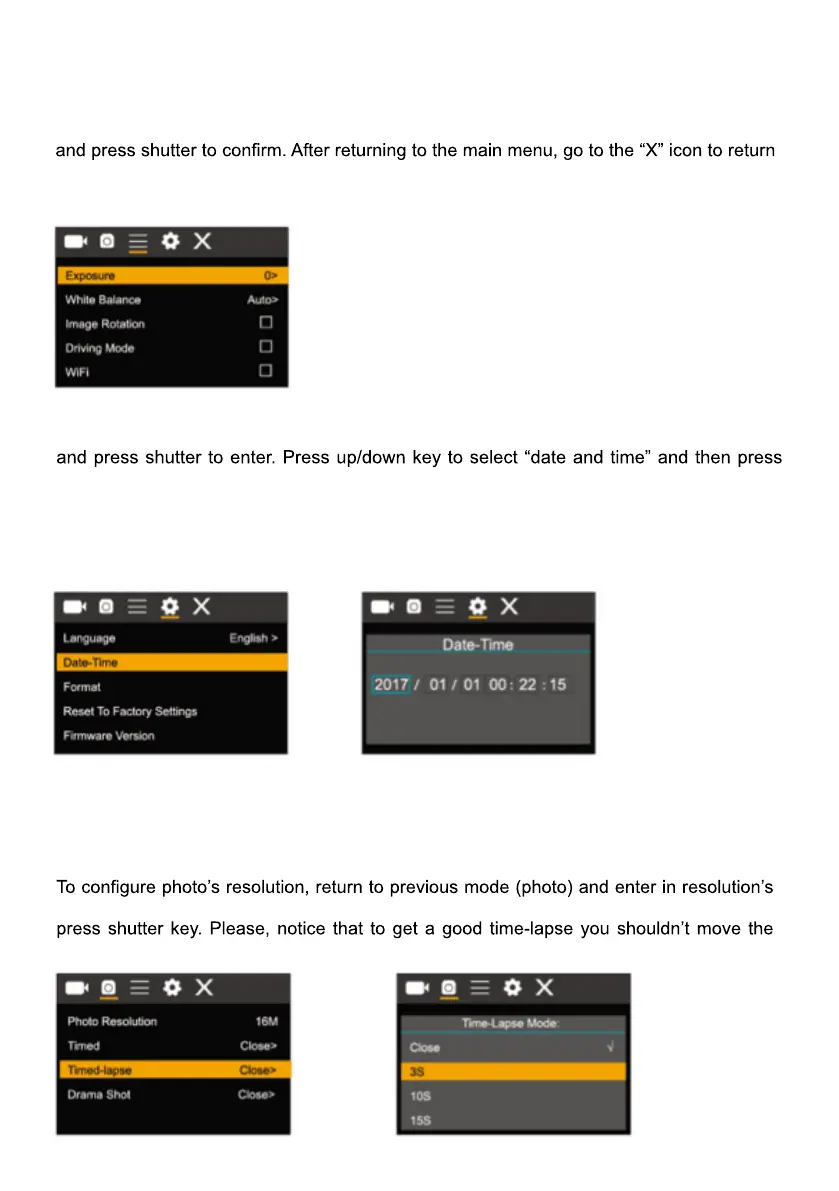
After opening the menu by pressing power key, press mode key to switch over to setting
main menu. Press up/down key to select menu, and after that to press shutter key for
confirming to enter the submenu. In the submenu, press up or down key to select menu,
to main menu.
System menu mode:
Setting data and time
Press mode key to open the menu, press mode key again until arrive to the grain icon
shutter to enter.
In setting window, press mode key to select items(date/time) to be adjusted, and then
press up key or down key to make adjustment, press shutter key for conformation at
completion of adjustment or press power key to cancel setting and exit. Finally, press
power key to exit from setting mode
Time-lapse mode settings
To configure the camera into time-lapse mode, enter in setting menu and then select
photo settings. Enter in time-lapse submenu and adjust the shutting time for each photo.
Keep in mind that in PAL-DV mode, to get 1 second in video you will need take 24
photos; and in HD mode 30 photos.
submenu. To start taking pictures, enter in photo mode, put the camera in position and
camera


 To Next Page
 Loading...