Search Box
Right-click the taskbar and go to Taskbar settings. Under Taskbar items, toggle the switch to On/Off next to Search to set
up.
Change the taskbar location
Right-click any empty space on the taskbar. Select Taskbar settings > Taskbar behaviors > Taskbar alignment and then
select Center or Left.
Rearrange taskbar buttons
Drag a button from its current position to a different one.
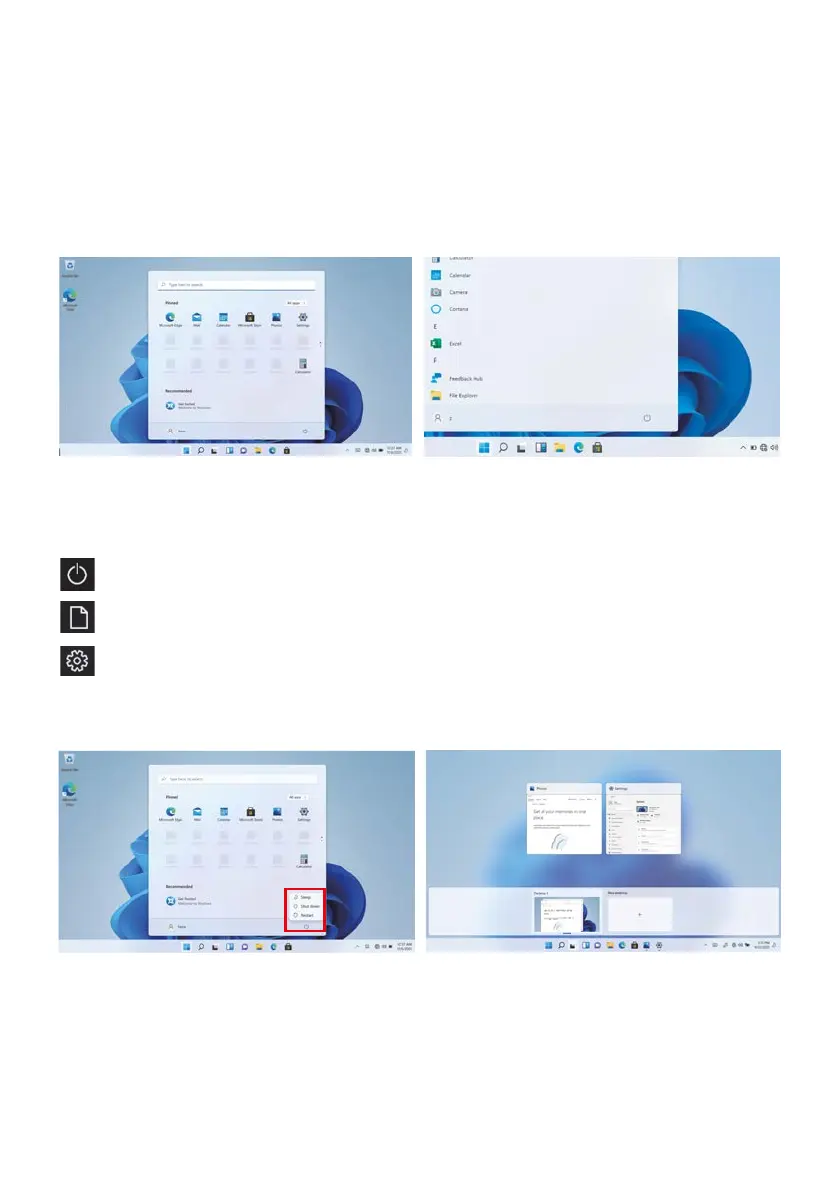
Expand the menu bar from the screen.
File manager, settings, power supply and all applications, you can sleep / shutdown / restart the device
Power
Manage files and applications
Set up your machine
Menu bar
Click the Desktop task view to operating a multi- operating interface.
Multitasking operating interface



 To Next Page