Child Tracker Watch User Manual
Please read the instruction manual carefully before using in order to install properly and use
instantly. For the watch color, please refer to the real product.
I.Preparation before using
i. Check if the model is correct and all accessories are included.
ii. Choose a SIM Card of GSM network (GSM 850/900/1800/1900). For details, please refer to
the seller's advice.
iii. SIM card terminals need to open GPRS and Caller ID function. (Attention: Please shut down
the watch before card installation)
iv. Install an APP into Smart phone. As for the APP, please consult your seller.
II. Function
Dual- control: Smart phone APP or PC GPS service platform remote control
Real-time locating, tracking and monitoring;
Pedometer & Sleep monitoring
SOS emergency alarm and dial family Number
Bluetooth anti-lost function
Electric fence function
Low-battery alarm function
Watch-removal alarm
Remote shutdown
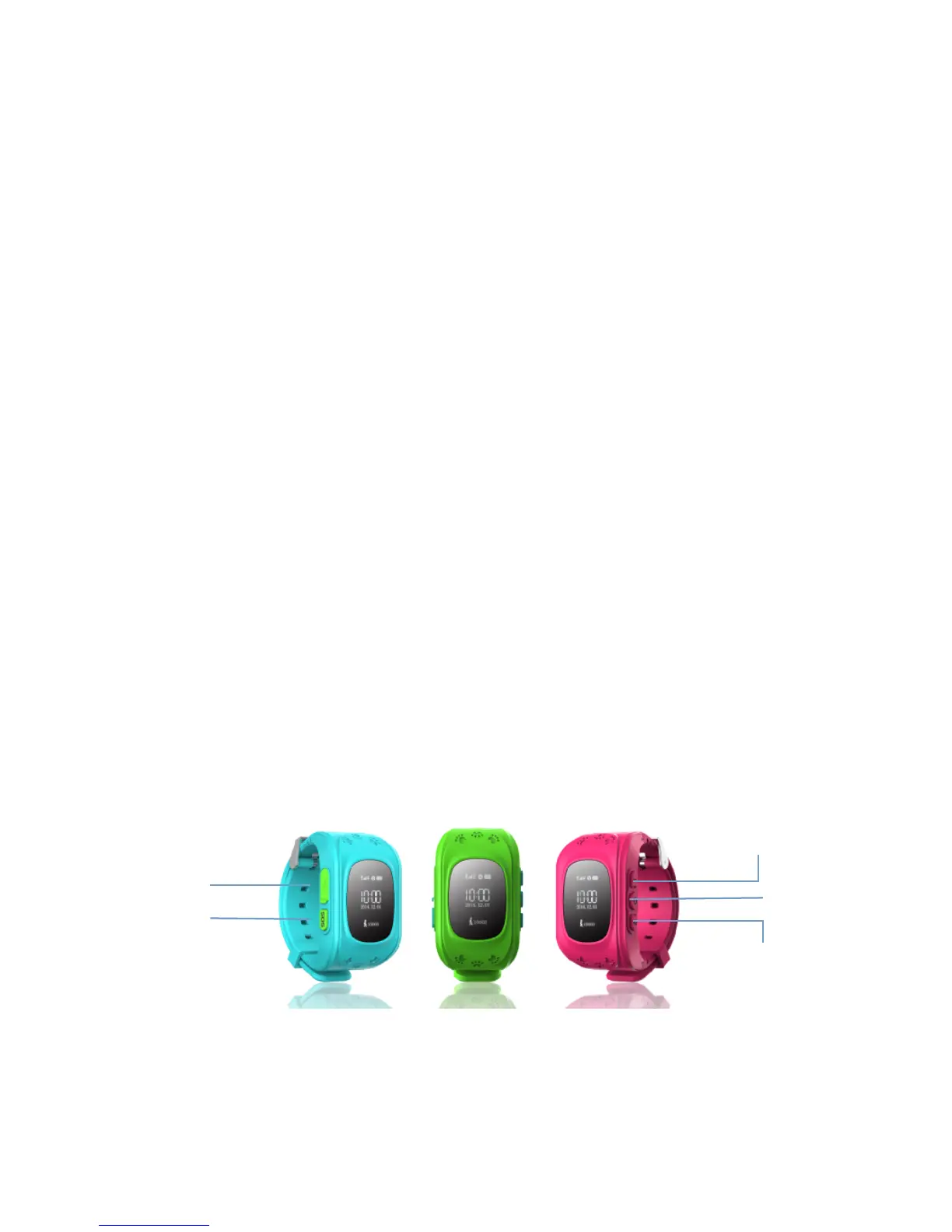
III. Watch presentation
Note: SOS family Numbers should be set in APP before dialing in order to make the Numbers
specified. SOS Family No. 1 corresponds to Key 1. It can be dialed directly by long pressing Key
1 for 3 seconds. Same as SOS Family No.2, which corresponds to Key 2.



 To Next Page
 Loading...