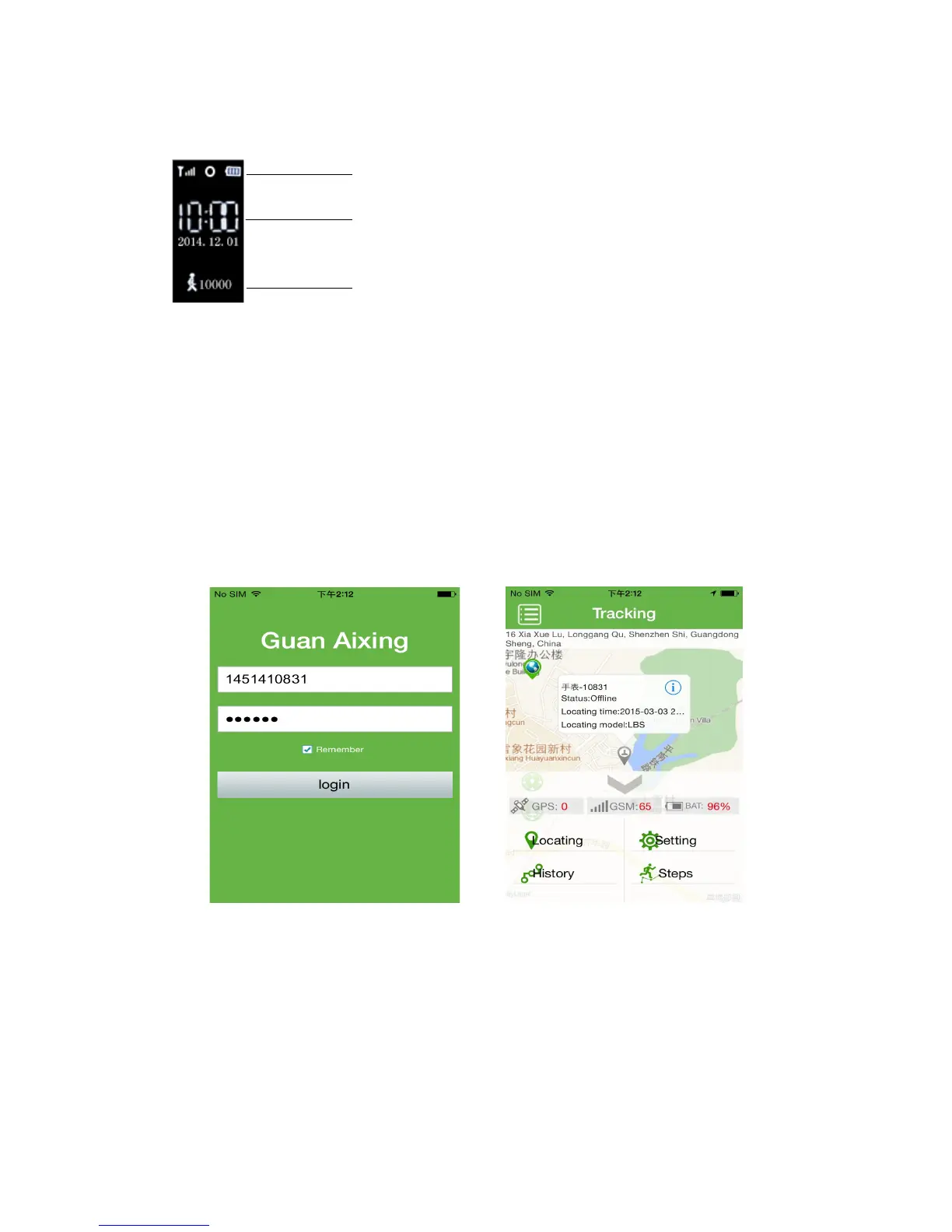
IV: Screen instructions
V. APP instructions
i. APP log in
Account: watch’s ID number which is sticked inside of the back case.
Password: Default 123456 (Password can be changed in APP)
Enter the correct account and password in the APP to log in, and enter the main interface as
below:
ii. APP function menu interface
In the function menu, you can query and set the relevant terminal parameters, as
below:



 To Next Page