2.2. Power supply
SP5000 has a DC power supply type only. When replacing GP-3750T AC type with
SP5000 series, changing to DC power supply is required. For the detailed electric
specifications, see the hardware manual.
2.3. USB Transfer cable
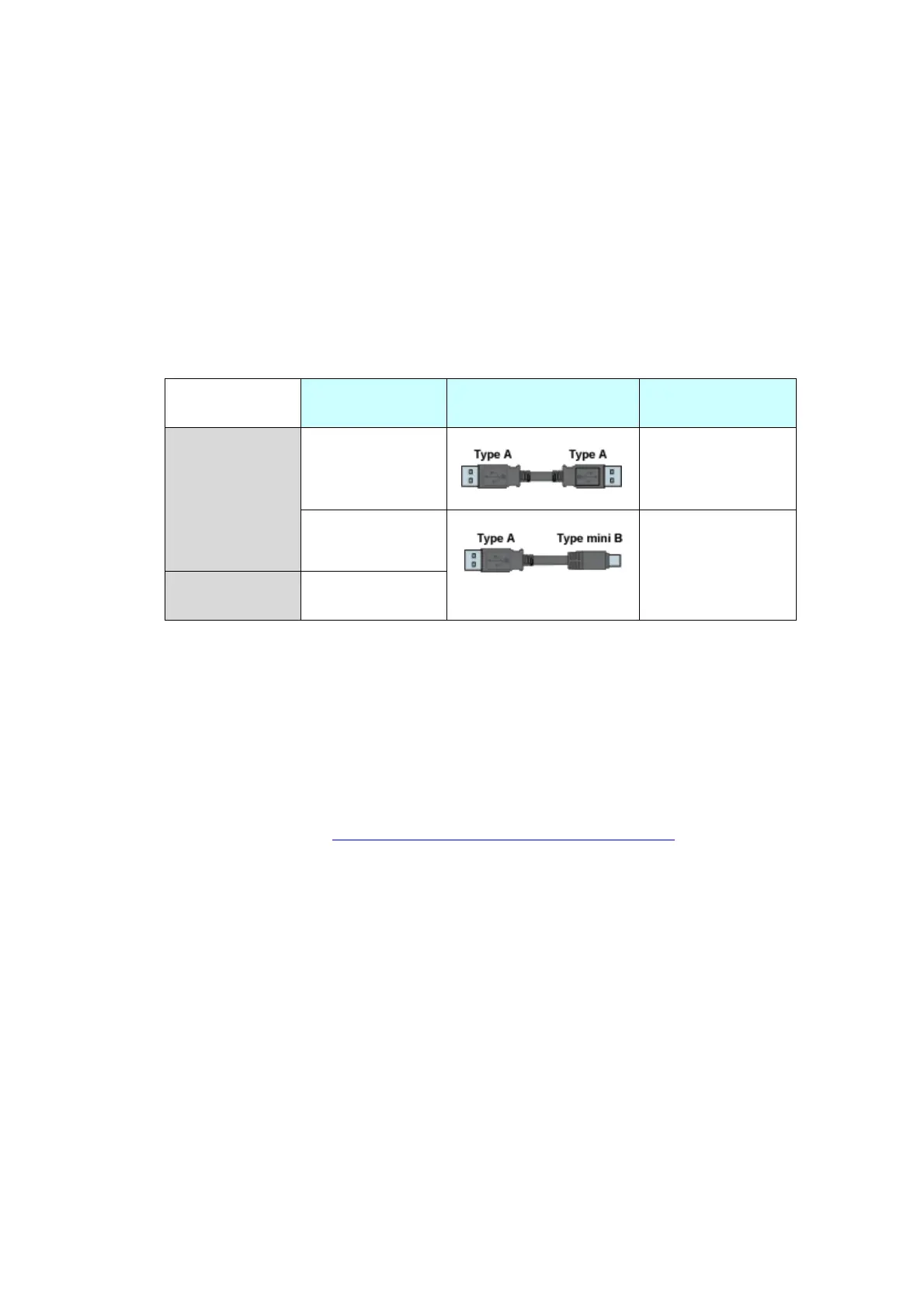
Like the GP3000 series, a USB transfer cable (CA3-USBCB-01) can be used for the
SP5000 series. Also, a USB (Type mini B) cable (ZC9USCBMB1) and commercial
cables can be used on the SP5000 series’ side.
2.4. Interface
2.4.1. Serial Interface
The SP5000 series has a COM port on the side of box module.
The pin array and the shapes of the plug and the socket differ between GP-3750T
COM2 port and SP-5B00(Standard box) COM port. The PLC connection cable that
used to be connected to GP3000 Series via its COM2 port cannot be used as it is.
For details, refer to “Chapter 4 Communication with Device/PLC”. Cables other
than that can be used as they are.
When both the COM1 port and the COM2 port have the RS-422/485 setting, only
the COM2 port can be used for RS-422/485 connection after replacement to
SP-5B00(Standard box).
2.4.2. Auxiliary I/O Interface (AUX)
There is no Auxiliary I/O interface (AUX) on SP-5B00(Standard box).
If using AUX, please select SP-5B10(Power box) for the box module.


 To Next Page
 Loading...