GP4000 Series Hardware Manual
37
*2
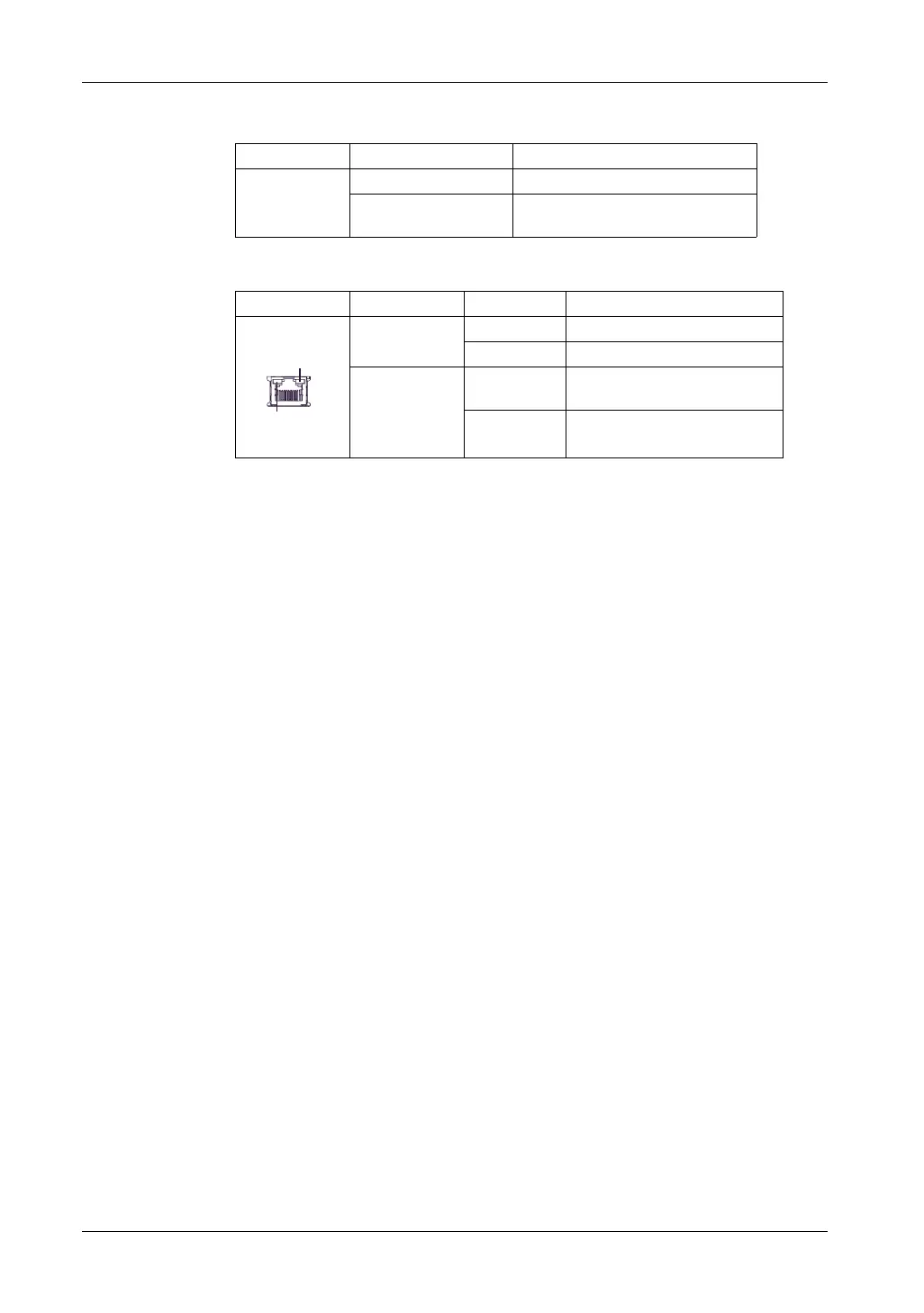
SD Card Access LED operations are as shown below.
*3
Ethernet LED operations are as shown below.
Color Indicator Description
Green (Active) ON The SD Card is inserted.
OFF The SD Card is not inserted or is not
being accessed.
Color Indicator Description
Green (Active) Flashing Data transmission is occurring.
OFF No data transmission.
Green (Link) ON Data transmission is available in
10BASE-T/100BASE-TX.
OFF No connection or subsequent
transmission failure.
Link
Active





 To Next Page