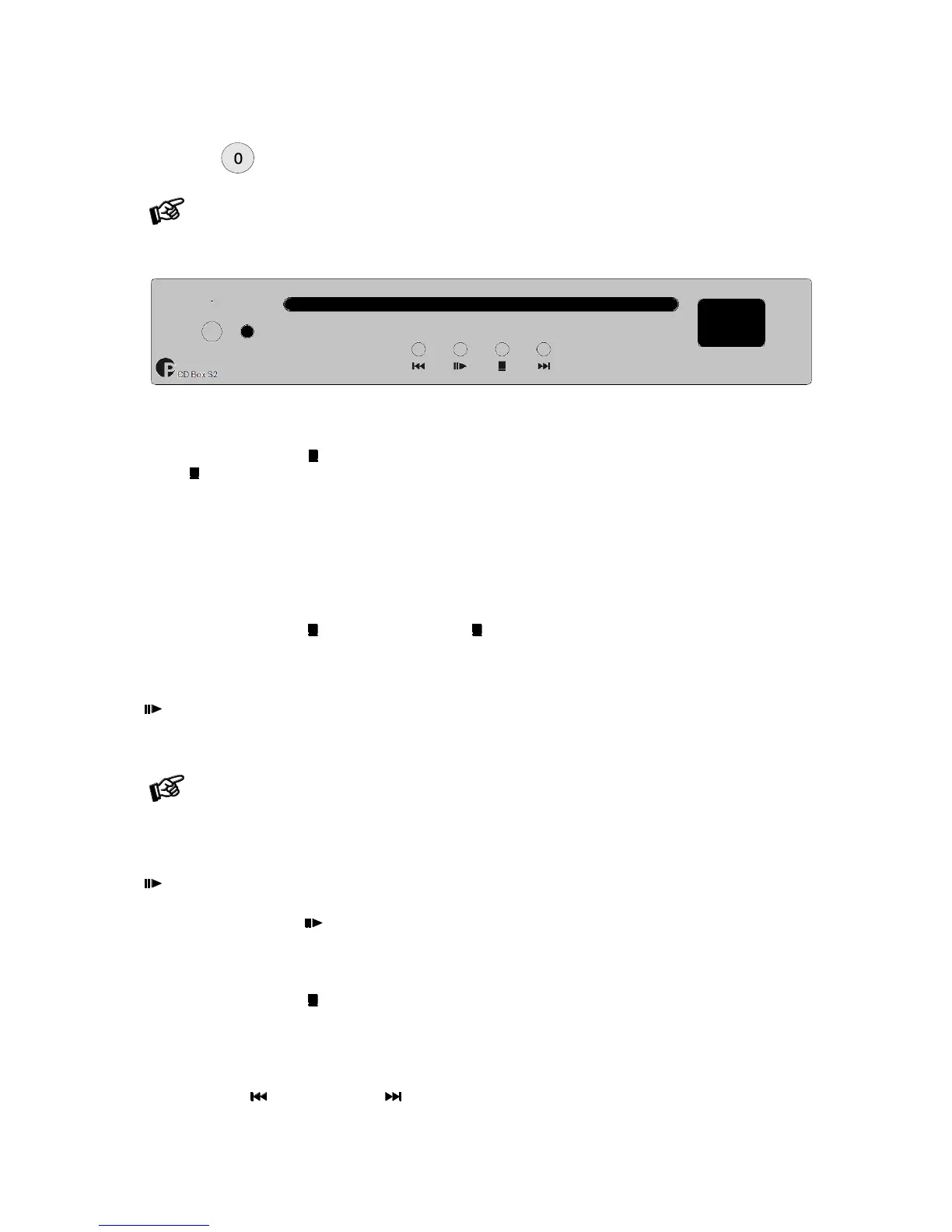
To switch on from standby or to standby
A short press of the button switches the player to its fully operational status. To return to standby, press the
button for more than four seconds. The display shows STANDBY when the unit is in standby.
To switch to standby, playback must be stopped.
Inserting and ejecting a disc
Switch the unit on from standby. Insert the disc into the slot, with the label side facing upwards. The slot-loading
mechanism will load the disc automatically. The display shows the total number of tracks on the disc and the
total duration of the disc.
A short press of the button stops playback. Pressing again, ejects the disc.
Play
starts playback of the first track. The display shows the current track number, the elapsed time of the
current track and the play icon.
In case of a damaged CD, it may take a little longer to process the errors and start playback. It is
possible to terminate the process with the Stop button. The process is automatically terminated after 20
seconds.
Pause
pauses playback. The display shows the current track number, the elapsed time of the current track and
the pause icon.
To resume playback press again.
Stop
A short press of the button stops playback. The display shows the total number of tracks on the disc, the
total duration of the disc and the stop icon.
Stepping between tracks
Press the buttons (previous track) or (next track). The display shows the number of the tracks as you
step, the elapsed time of the current track and the step icon.



 To Next Page