© Pro-Ject Audio Systems · Pro-Ject Pre Box S2 Digital · Revision 2017.09.04
Dear music lover,
thank you for purchasing a Pro-Ject Audio Systems preamplifier.
In order to achieve maximum performance and reliability you should study these instructions for use carefully.
Warning of a hazard for the user, the unit or possible misuse
AC outlet voltages vary from country to country. Before connecting to the mains, make sure that the
voltage in your area meets the voltage requirements printed on the power supply.
The power supply is used to disconnect the unit from the mains. Make sure that the power supply is easily
accessible at all times. Never handle the device or the power supply while your hands are wet or damp.
Avoid letting liquids enter the device or the power supply. Never place any item containing liquid, such
as a flower vase on or near the device. Never spill any liquid on the device or the power supply. Never
place any naked flame sources, such as lighted candles on or near the device. The product shall not be used
in damp or wet locations, next to a bathtub, sink, swimming pool or any other similar conditions.
Make all connections whilst the preamplifier is disconnected from the power supply
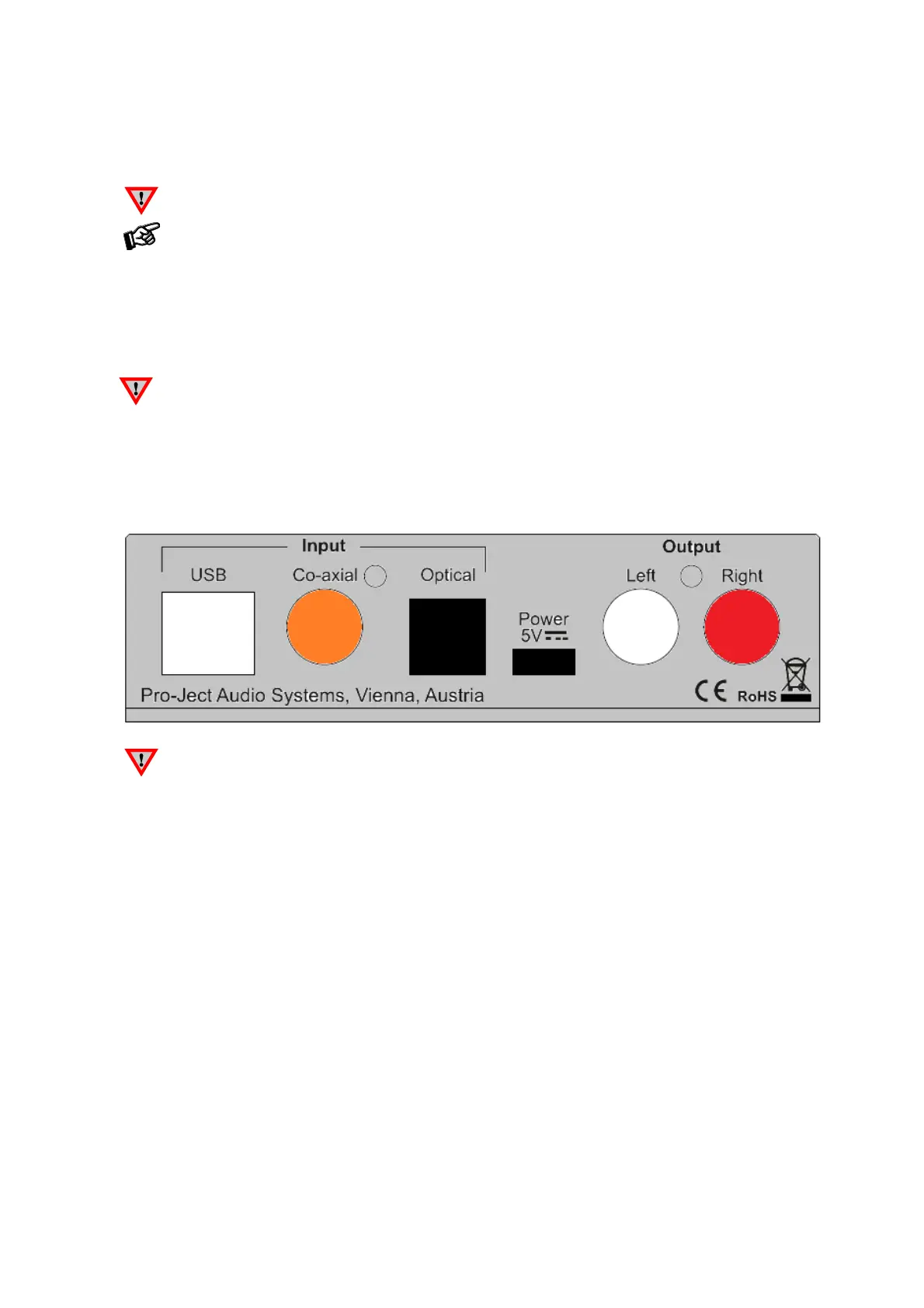
Take care to connect the left and right channels correctly. The right channel is usually marked red,
the left channel black or white.
Mains power connection
The unit offers 2 possibilties:
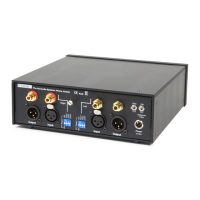
1. USB input is not used: Connect the low voltage plug from the power supply to the micro-USB socket Power
5V DC before connecting the power supply to the mains.
2. USB input is in use: Unit can be powered directly from computer via USB input. In this case is highly
recommended to disconnect Power 5V DC cable from the unit - power disturbances from two power supplies
could affect sound performance.
Outputs
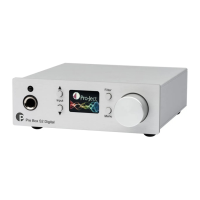
The unit is equipped by a pair of analogue output RCA sockets on the back panel and a headphone output
connector (Jack 6,3mm) on the front panel. Connect the Output RCA socket to a line input on your
amplifier.


 To Next Page