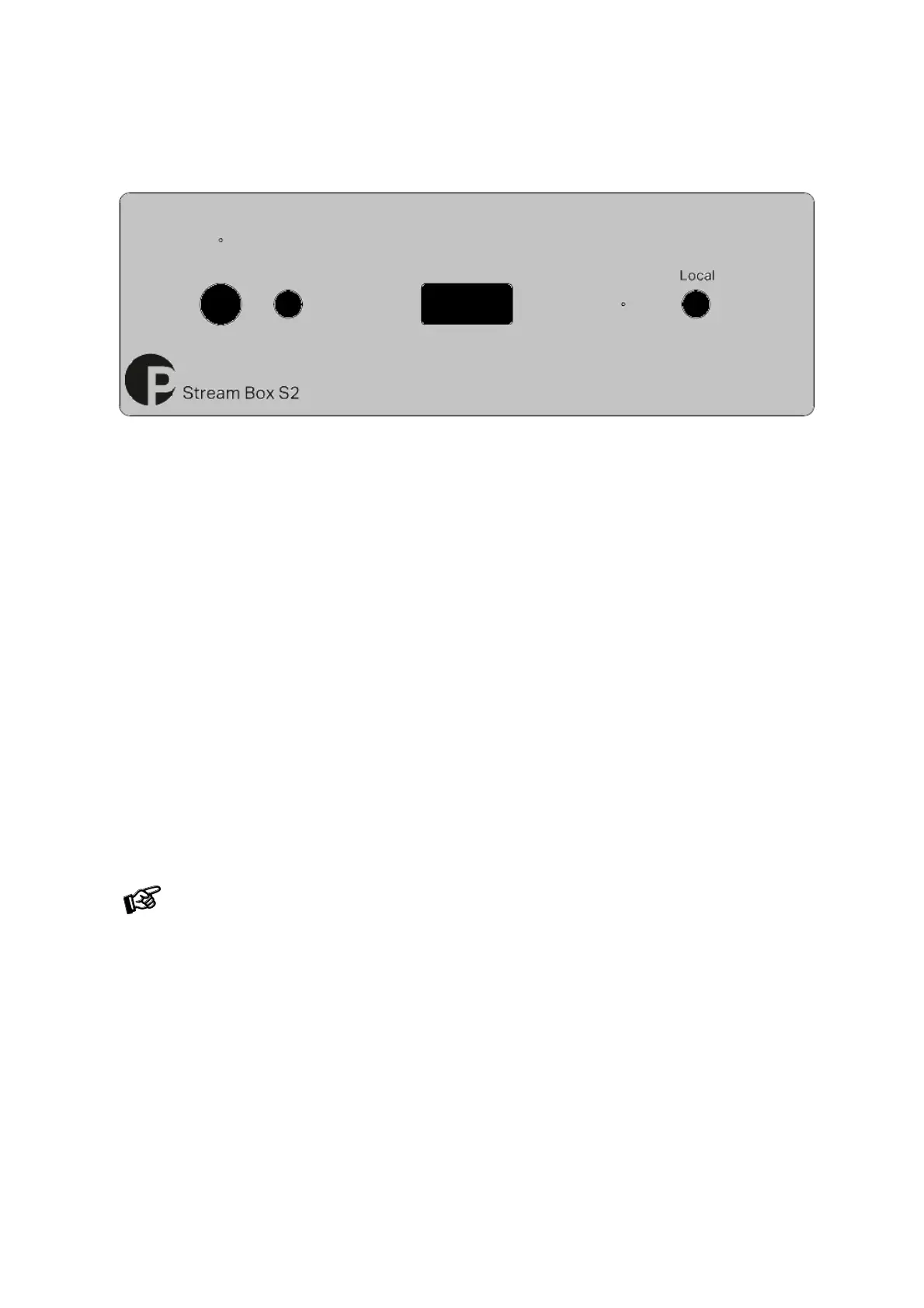
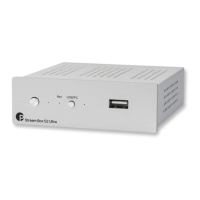
To switch on from standby or to standby
The push button on the front panel of the unit alternately turns the power on or returns it to standby mode. The
blue LED above the stand-by push button shows that the unit is switched on.
Local
The frontpanel button Local activates Line in input, the blue LED lights up when the local input is activated.
The network player must be switched back to a network source from within the mobile App.
Installation and first use
The unit can be connected to the network/internet via a wired or a wireless connection.
Wired connection: Connect the LAN cable from your network to the Ethernet socket on the backpanel.
Wireless connection (WiFi):



 To Next Page