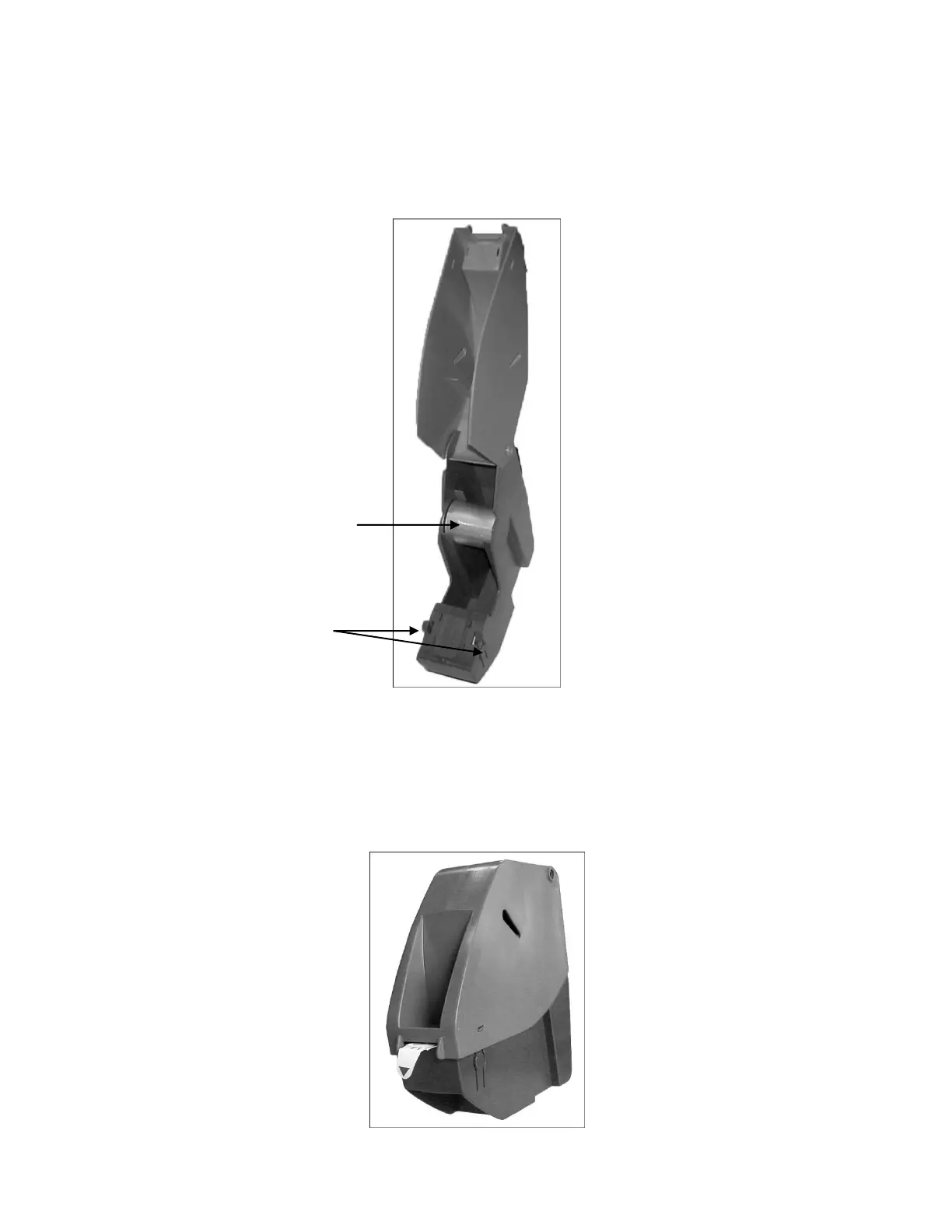
Ticket Roll Installation
1) Press the release buttons to open the Ticket Dispenser.
2) Remove the Ticket Roll Holder from dispenser
3) Insert the Ticket Roll Holder through the center of the Ticket Number Roll.
4) Insert the assembled roll back into the Ticket Dispenser.
5) Before closing dispenser, feed the ticket to the front of the dispenser mouth.



 To Next Page