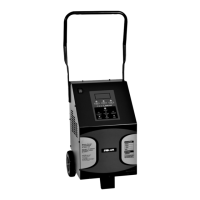
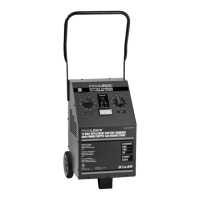
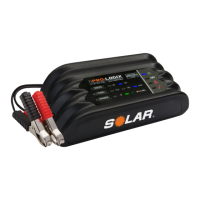
Need help?
Do you have a question about the Pro-Logix PL4050 and is the answer not in the manual?
Read and follow all safety instructions to reduce the risk of accident.
Precautions for explosive gases, sparks, battery acid, and working near moving parts.
Guidelines for safe charger use, cord handling, and extension cord specifications.
Precautions to prevent battery explosions from gases, sparks, and short circuits.
Protective measures for eyes, skin, clothing, and preventing tool-related sparks.
Guidance on correct battery types, avoiding frozen batteries, and preventing damage.
Steps for preparing a battery, including cleaning terminals and checking fluid levels.
Recommendations for locating the charger away from the battery and ensuring adequate ventilation.
Safety measures for connecting and disconnecting charger clips to prevent sparks and explosion.
Detailed steps for charging a battery while it remains installed in a vehicle.
Instructions for safely charging a battery that has been removed from the vehicle.
Explanation of independent output channels, LEDs, and standby mode indicators.
Steps to initiate, pause, and complete the charging process using the START/STOP button.
Information on the green LED indicating a full charge and power save mode.
Overview of the seven-phase charging cycle, including Energizing and Absorption.
Details on Resting, Exercising, and additional features like battery type compatibility.
Explanation of Reverse Polarity, Battery Fault, and Short Circuit protection.
Guidance on choosing the correct battery type setting for optimal charging.
Information on standard and optional accessory leads and extension cords.
Instructions for cleaning and maintaining the charger to ensure longevity.
Details of the limited warranty and procedures for obtaining service or support.
 General
| Input Voltage | 120 VAC |
|---|---|
| Microprocessor Controlled | Yes |
| Automatic Voltage Detection | Yes |
| Reverse Hook-Up Protection | Yes |
| Overcharge Protection | Yes |
| Display Type | LCD |
| Battery Type | AGM, Gel |

 To Next Page