EasyManua.ls Logo

pro.point 8656852 - User Manual

pro.point 8656852
48 pages
Print Icon
To Next Page IconTo Next Page
Loading...
V1.0 8656852
Please read and understand all instructions before use. Retain this
manual for future reference.
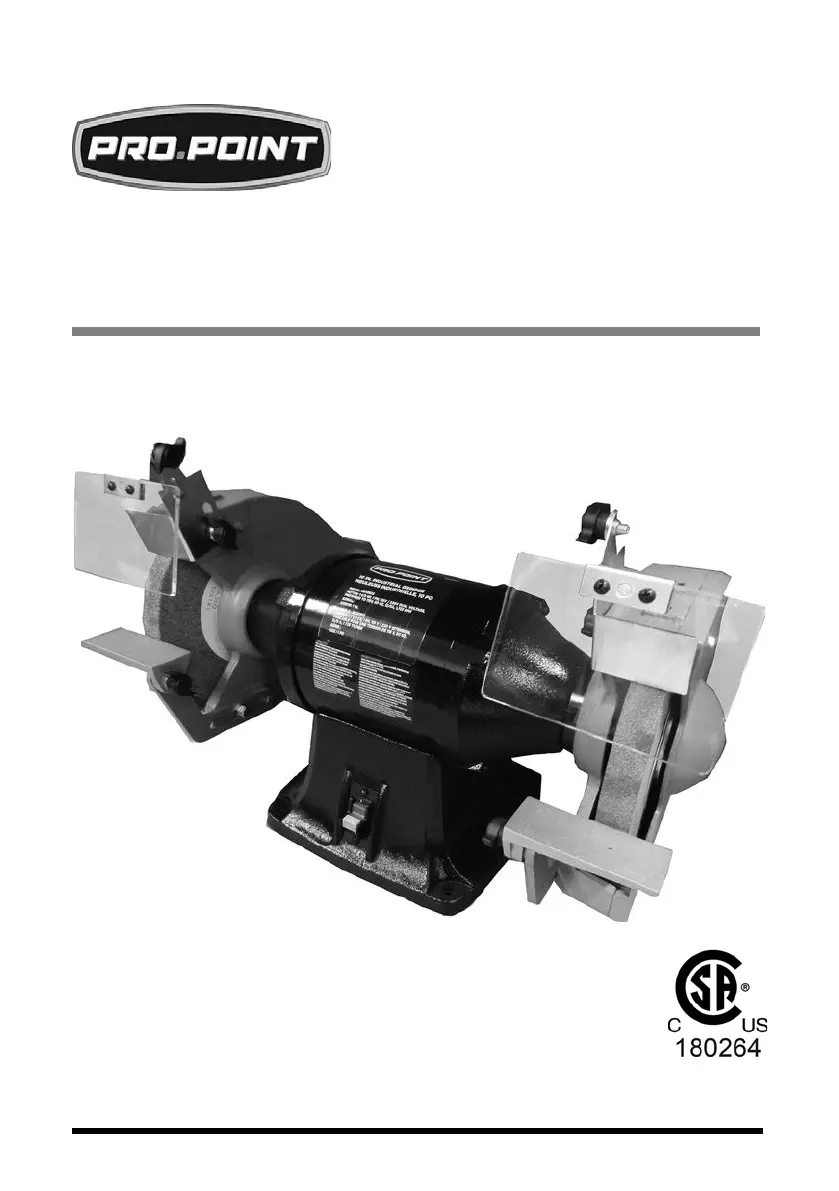
10 IN. HEAVY-DUTY
BENCH GRINDER
USER MANUAL

Questions and Answers

  • B
    Brenda GomezAug 12, 2025
    Why are the fuses being blown or circuit breakers tripped on my pro.point Grinder?
    • B
      Brandon CaseyAug 12, 2025
      Blown fuses or tripped circuit breakers in your pro.point Grinder can occur due to several reasons: * Overloading due to binding: Clean around the wheels and shaft, and consider replacing the bearings. * Defective plug: Replace the plug. * Defective cord: Replace the cord. * Defective switch: Replace the switch. * Faulty internal wiring: Have an electrician rewire the grinder.
  • A
    Alyssa BoydAug 18, 2025
    What to do if my pro.point Grinder won’t start?
    • G
      Gordon LoweAug 18, 2025
      If your pro.point Grinder won't start, consider the following potential causes and solutions: 1. Blown line fuse or tripped circuit breaker: Replace the fuse with one of the correct size or reset the tripped breaker. 2. Low line voltage: Check the power supply voltage and correct as necessary. 3. Material wedged between wheel and guard: Turn off the grinder and remove the material. 4. Defective switch: Replace the switch. 5. Defective, blown capacitor: Replace the capacitor. 6. Defective circuit board: Replace the circuit board.
  • T
    tgriffinAug 27, 2025
    Why is my pro.point Grinder motor overheating?
    • B
      Benjamin JohnsonAug 27, 2025
      The motor of your pro.point Grinder might be overheating due to: * Excess pressure required to grind material: Dress or replace the wheels. * Grinding on the side of the wheel: Ensure you only grind on the face of the wheel. * Motor not turning freely (without power): Clean around the wheels and shaft and/or replace the bearings.
  • E
    Erin VillegasSep 2, 2025
    How to fix excessive vibration in my pro.point Grinder?
    • K
      Kim WardSep 3, 2025
      Excessive vibration in your pro.point Grinder can be attributed to: * Improper mounting of the grinder or accessories: Remount the bench grinder. * Grinding wheel out of balance: Dress or replace the wheels. * Improper wheel mounting: Remount the wheels, rotating one wheel by 90 degrees with respect to its previous position while keeping the other wheel in its original position.

pro.point 8656852 Specifications

General IconGeneral
Brandpro.point
Model8656852
CategoryGrinder
LanguageEnglish