clean the meter's shell. Don't attempt the use of any abrading or chemical
solvent.
The dirty or damp input socket may affect reading.
Steps for cleaning input sockets:
Disenable the meter and pull all test leads out of the input socket.
Clean up all dirty substances on sockets.
Use a new cotton ball with a detergent or lubricant to clean each socket,
because lubricant can prevent the socket vulnerable to dampness from
pollution.
5.2 Battery & fuse replacement
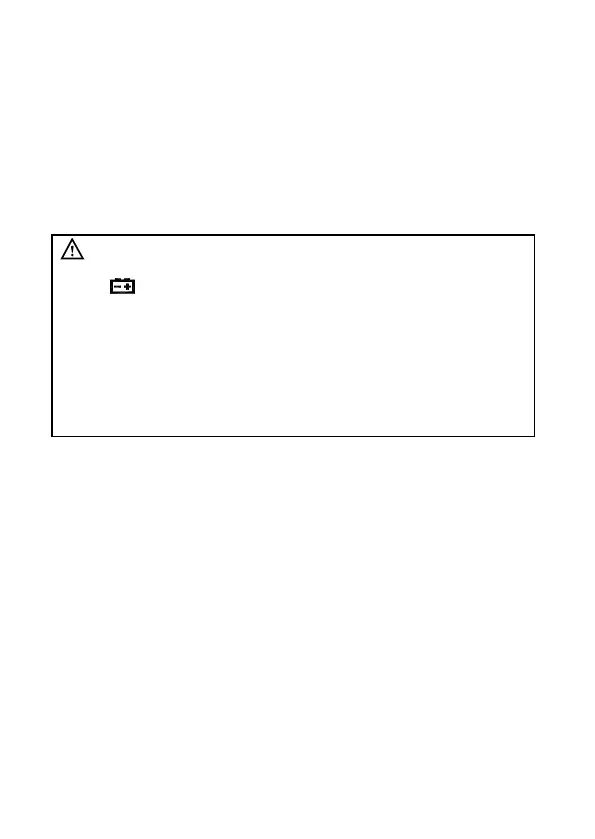
To avoid any electric shock or personal injury as a result
of incorrect reading, replace batteries once the symbol
“ ” appear on the display unit.
Only the designated fuse (630mA/250V,10A/250V
quick-acting fuse) can be used.
To avoid any electric shock or personal injury, don't
attempt to open the battery cover to replace batteries,
unless you have already powered off the device and
carried out an examination to ensure that the test lead has
been disconnected from the circuit to be measured.
Battery replacement:
1. Turn off the power of the meter.
2. Disconnect all test leads from the input socket.
3. Use a screwdriver to remove the screw of battery cover.
4. Take off the battery cover.
5. Take out the old batteries carefully and replace with 4 pcs 1.5 V AA new
batteries.
6. Fix the battery cover.
Fuse replacement
When fuse is blown, replace with the same type of fuse.
1. Turn off the power of the meter and take out the holster.
2. Use a screwdriver to remove the screw of back cover.
3. Take off the back cover.
4. Remove the blown fuse and replace with the same type of fuse
5. Screw the back cover
6. Put the holster back.


 To Next Page