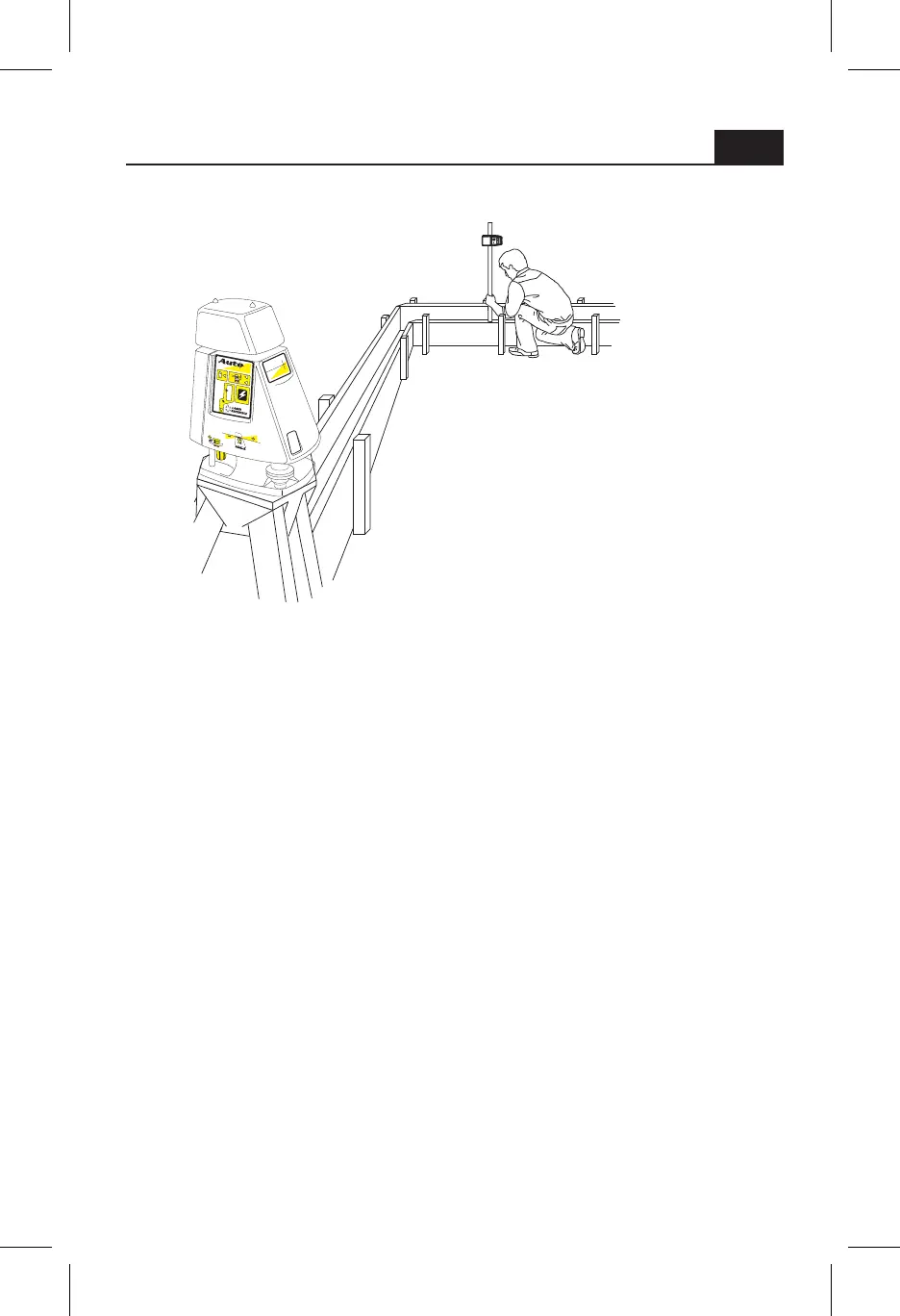
Level Setup
Follow the instructions in the "initial
setup guidelines" section.
Turn the laser on and allow it to level.
Zero the grade display carefully.
Aiming the laser when doing level work is not
important.
In the event that a very long distance is required, the laser can be
set-up in the middle of the site, covering a total of 2000 feet (610
meters) diameter with the R7 hand held receiver or MC-1 machine
control receiver.
Periodically check your setup against existing benchmarks or set and
check your own.
0 0 0
7
Auto



 To Next Page