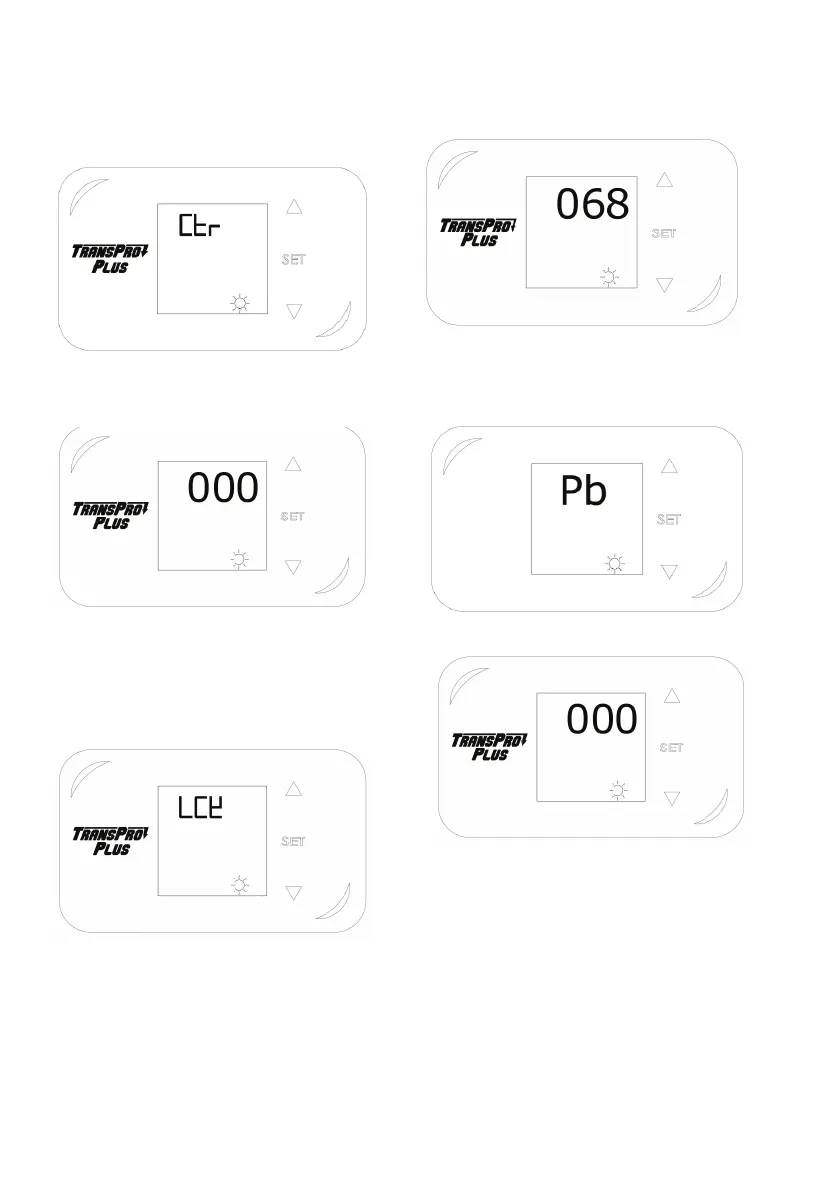
11.3 Press “set” button to select “ctr” mode,
press up and down button to set value at 0
or 1, 0 for celsius, 1 for Fahrenheit
11.4 Press “set” button 4 seconds to quit.
12. Temperature Calibration
12.1 Press “set” button for 4 seconds,
display shows LCK
12.2 Input 68 then press “set” button to
enter into second level menu.
12.3 Press “set” button to select “Pb” mode.
Press up and down button to make tem-
perature calibration.
12.4 Press “set” button 4 seconds to quit.
Note:
If temperature on heat platen is
higher than circuit board shows,pls raise
the Pb value.
Example:
Heat platen temperature:190C
Circuit board temperature:185C
Pls set Pb Value at (+5)


 To Next Page