6
ver. 1.1
4. Working modes and functions
4) Relative
measurement
3) SOUND mode 1. Short-press the “SOUND” (7) button to turn on SOUND mode:
» At exact angles 0°, 30°, 45°, 60°, 90° - continuous sound
» Up to 1° above angles 0°, 30°, 45°, 60°, 90°
- fast beeping sound
» Up to 1° below angles 0°, 30°, 45°, 60°, 90°
- slow beeping sound
1. Turn on the device, and choose the desired units,
2. Set the device at the angle you want to check deviations from,
3. Press the “REF” (8) button shortly. Now your device is turned
on for relative measurement. The device will indicate „0” (zero),
4. Press the “REF” (8) button again.
The device returns to absolute measurement.
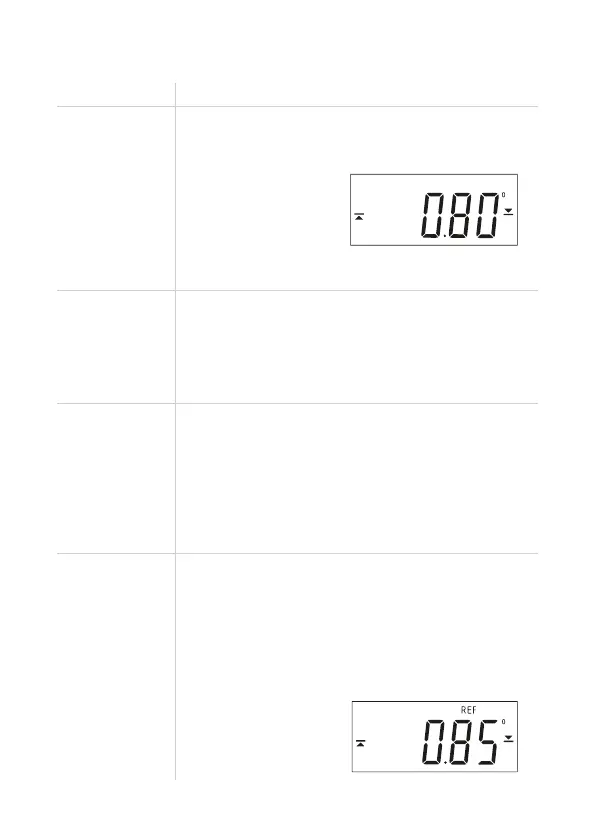
The main display view in relative measurement:
No.
1) Normal mode
2) BACK LIGHTED
Screens
1. Press the “POWER” (4) button. The device turns on,
2. Change to desired units by pressing the “UNIT” button (9).
The device is ready for work. The main display view:
3. The arrows on the display indicate the direction in which
to rotate the spirit level to obtain an even angle (0°, 90°).
1. Short press the “LIGHT” button to turn on/turn off
the backlight
WARNING: The backlight is automatically on when you turn on
the device. If the backlight is not needed, turn it off to save energy
and allow for longer operation time.
Mode Description



 To Next Page