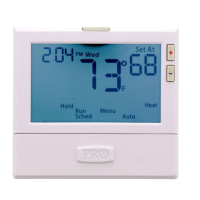
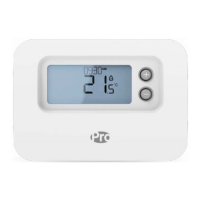
Thermostat Quick Reference
Thermostat Quick Reference
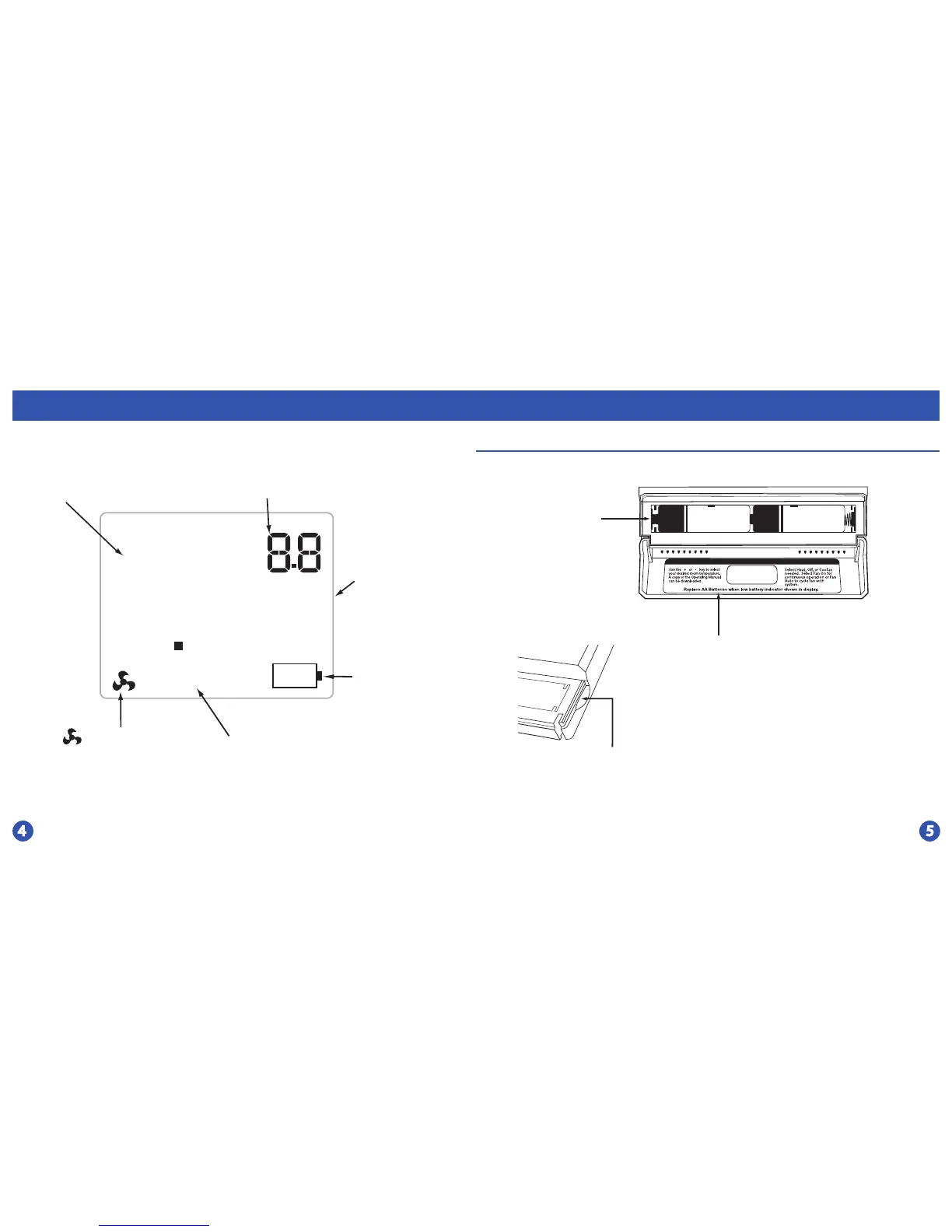
Battery Door Installation
Use the nger bevel on
the lower portion of the
thermostat to open the
easy access battery door.
Replace with
2 AA Alkaline
Batteries. High
quality Alkaline
batteries are
recommended.
Simple operating instructions are
found on the back of the battery door.
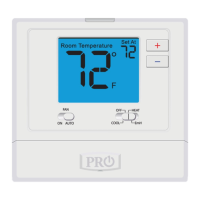
Displays the user
selected setpoint
temperature.
System Operation
Indicators:
The COOL ON,
HEAT ON, and
EmH ON.
If these are ashing
the 5 minute compressor
delay is active.
Stage 1 and 2 indicate the
stages of HEAT that are active.
Indicates the current
room temperature
88
Room Temperature
o
Set At
C
F
LOW
COOL ON
HEAT ON
EmH ON
Stage 1 & 2
Low Battery
Indicator:
Replace batteries
when
indicator is shown.
icon will display
when the thermostat is
calling for FAN.


 To Next Page