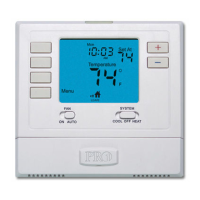
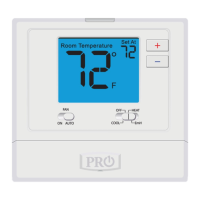
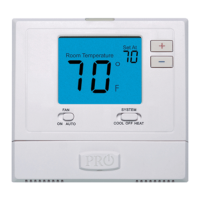
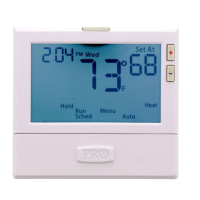
Thermostat Quick Reference
The low battery indicator is displayed when the AA battery
power is low. If the user fails to replace the battery within 21
days, the screen will only show the low battery indicator but
maintain all functionality. If the user fails to replace the batteries
after an additional 21 days (days 22-42 since rst “low battery”
display) the setpoints will change to 55˚F (Heating) and 85˚F
(Cooling). If the user adjusts the setpoint away from either of
these, it will hold for 4 hours then return to either 55˚F or 85˚F.
After day 63 the batteries must be replaced immediately to
avoid freezing or overheating because the thermostat will shut
the unit o until the batteries are changed.
Important:
4
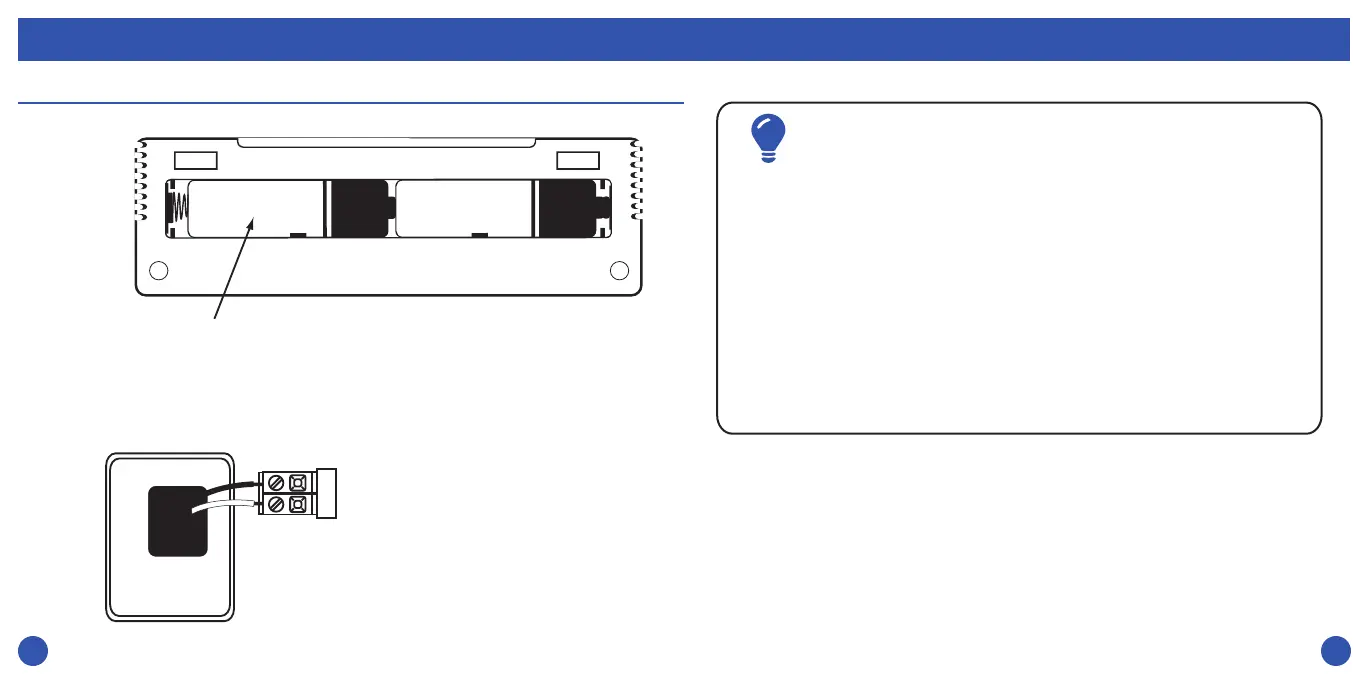
Battery Installation
5
Thermostat Quick Reference
Insert 2 AA Alkaline batteries (included) located
in the back of the thermostat. High quality
Alkaline batteries are recommneded.
Battery installation is
optional if thermostat is
hardwired (R and C
terminal connected to
24V power).


 To Next Page