Thermostat Quick Reference
Thermostat Quick Reference
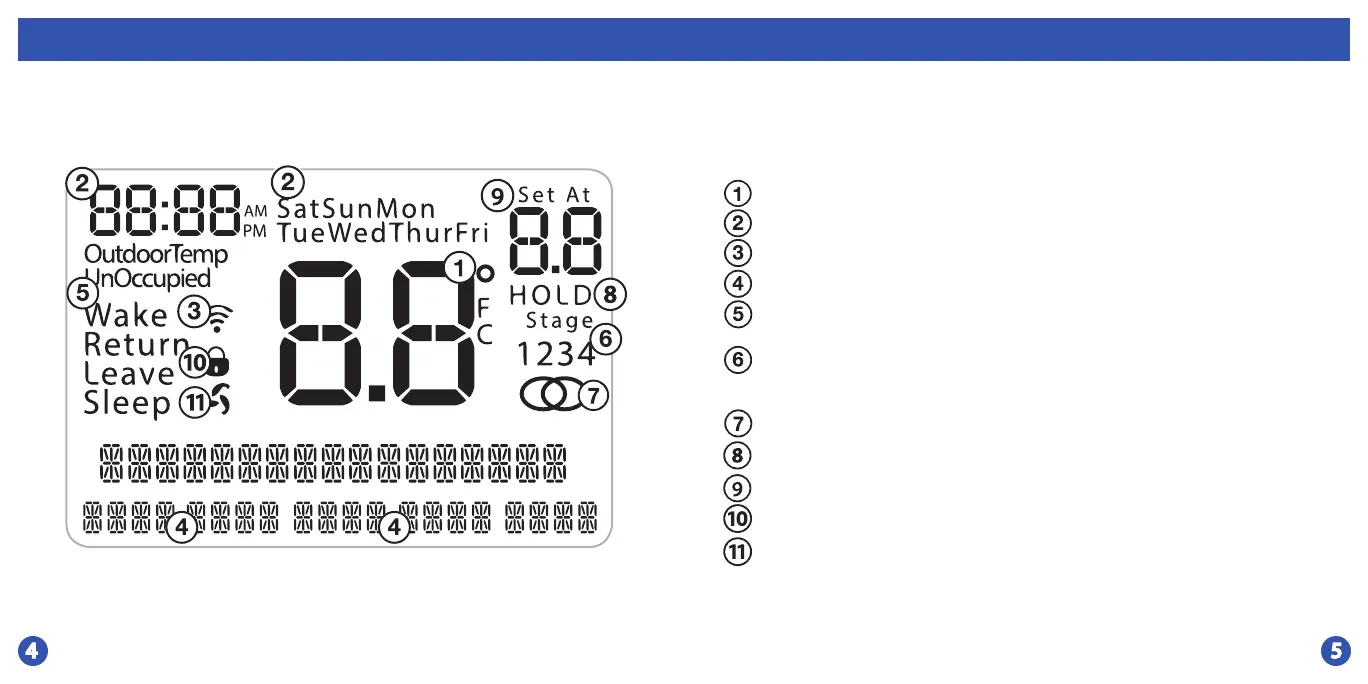
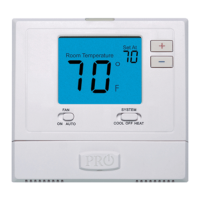
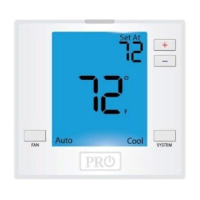
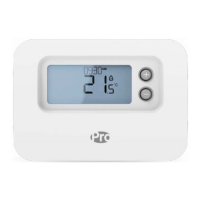
Indicates the current room temperature
Time and day of the week
Staging Indicators: Indicates stages of heat or cool running.
The compressor delay feature is active if these are ashing.
Setpoint: Displays the user selectable setpoint temperature.
Hold: Is displayed when the thermostat program is permanently overridden.
WIFI Connection Indicator
WIFI Signal Strength
Button Options
Program Time Periods - Residential: Uses 4 time periods - WAKE, RETURN,
LEAVE & SLEEP. Commercial uses 2 time periods - OCCUPIED, UNOCCUPIED.
Lockout Indicator
Fan Indicator



 To Next Page