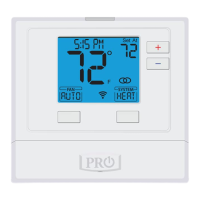
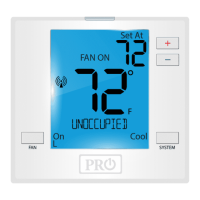
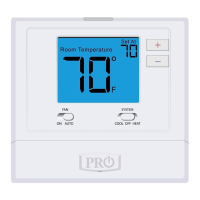
Thermostat OperationThermostat Operation
Glow in the dark light button
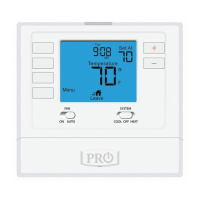
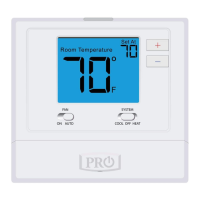
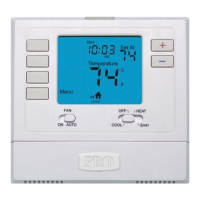
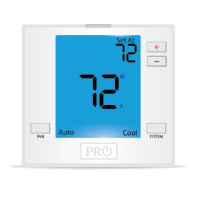
Fan Switch
System Switch
Temperature Setpoint Buttons
LCD Display
User Buttons
LCD Display
Glow in the dark light button
Fan Switch
System Switch
See page 4 for details about
this display read out.
The glow in the dark light
button will self illuminate for
several hours after exposure
to ambient light. This button
turns on the display light
when pressed.
Select ON or AUTO. ON will
run the fan continuously.
AUTO will cycle the fan on
only when the heating or
cooling system is on.
Selects the operation mode on
your HVAC system. Selecting
HEAT turns on the heat mode.
Selecting COOL turns on the
air conditioning mode.
Selecting OFF turns both
heating and cooling o.
When the battery icon appears replace your
AA batteries immediately. Failure to do so may
result in your heating & cooling system becoming
inoperable. Freezing or over heating can occur.
Caution:
LOW
User Buttons
Use these buttons to set up
your programming options.
Refer to the next page for
detail.
Temperature Setpoint Buttons
Press the + or - buttons to
select the desired room
temperature.
Easy Change Battery Door
Easy change battery door
See page 5 for details.
ON AUTO COOL OFF HEAT
7



 To Next Page
 Loading...