6
7
Thermostat Quick Reference Thermostat Quick Reference
6
Em.Heat
AutoCool
Set At
On LHM
STAGES
1+2+3
COOL ON
HEAT ON
FAN ON
1
2
3
7
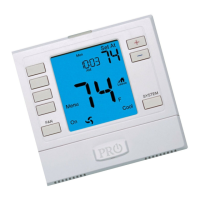
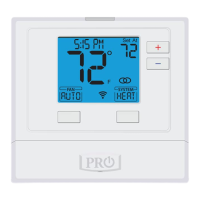
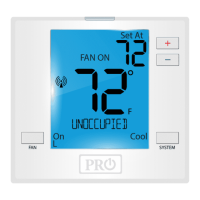
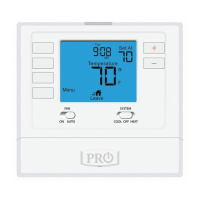
Indicates the current room temperature
Setpoint: Displays the selected setpoint temperature.
System Operation Indicators:
The COOL ON, HEAT ON or FAN ON will display when the
COOL, HEAT, or FAN is on. The compressor delay feature
is active if these are ashing.
Low Battery Indicator: Replace batteries when this
indicator is shown.
System: Indicates current system mode setting.
Stages: +1 will appear in the display when the rst
stage of heat or cool is on. +2 will appear for the second
stage of heat.
1
2
3
7
Globe: Globe is displayed if an energy ecient
temperature has been selected.
Fan: Indicates the current fan setting.
Auto


 To Next Page
 Loading...