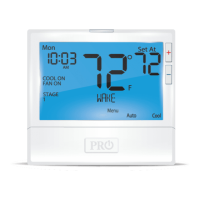
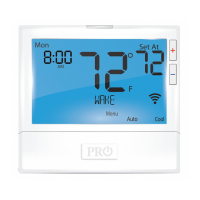
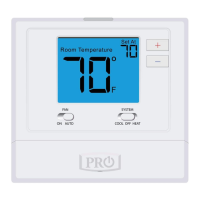
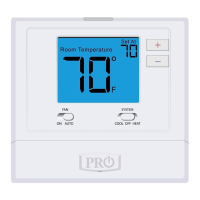
Temperature Set Point Buttons
User Program Buttons
System Button
Fan Button
Glow in the Dark Light Button
6
2
3
5
LCD Display
1
Getting to know your thermostat
Indicates the
current room
temperature.
Displays the user
selectable setpoint
temperature.
Hold is displayed when
thermostat program is
permanently overridden.
Days of the
week and time
Programmable Time Periods
Residential: uses 4 time
periods- WAKE, RETURN, LEAVE
and SLEEP.
Commercial: uses 2 time
periods - Occupied and
Unoccupied.
7
2
3
5
7
6
Button Access Door
88:88
AM
PM
8.8
C
F
Set At
8.8
HOLD
1234
Wake
Return
Leave
Sleep
SatSunMon
TueWedThurFri
5:23
PM
F
Tue
Menu
Auto
O
Button Information.
4
4
Stage
F
C
OutdoorTemp
UnOccupied
Wi-Fi Connection
Indicator
Wi-Fi Signal
Strength
Lockout
Indicator
Fan
Indicator
Indicates stages
of system running.
Information Field
MENU AUTO HEAT
1
3
THERMOSTAT QUICK REFERENCE



 To Next Page
 Loading...