8 of 92 | English English | 9 of 92
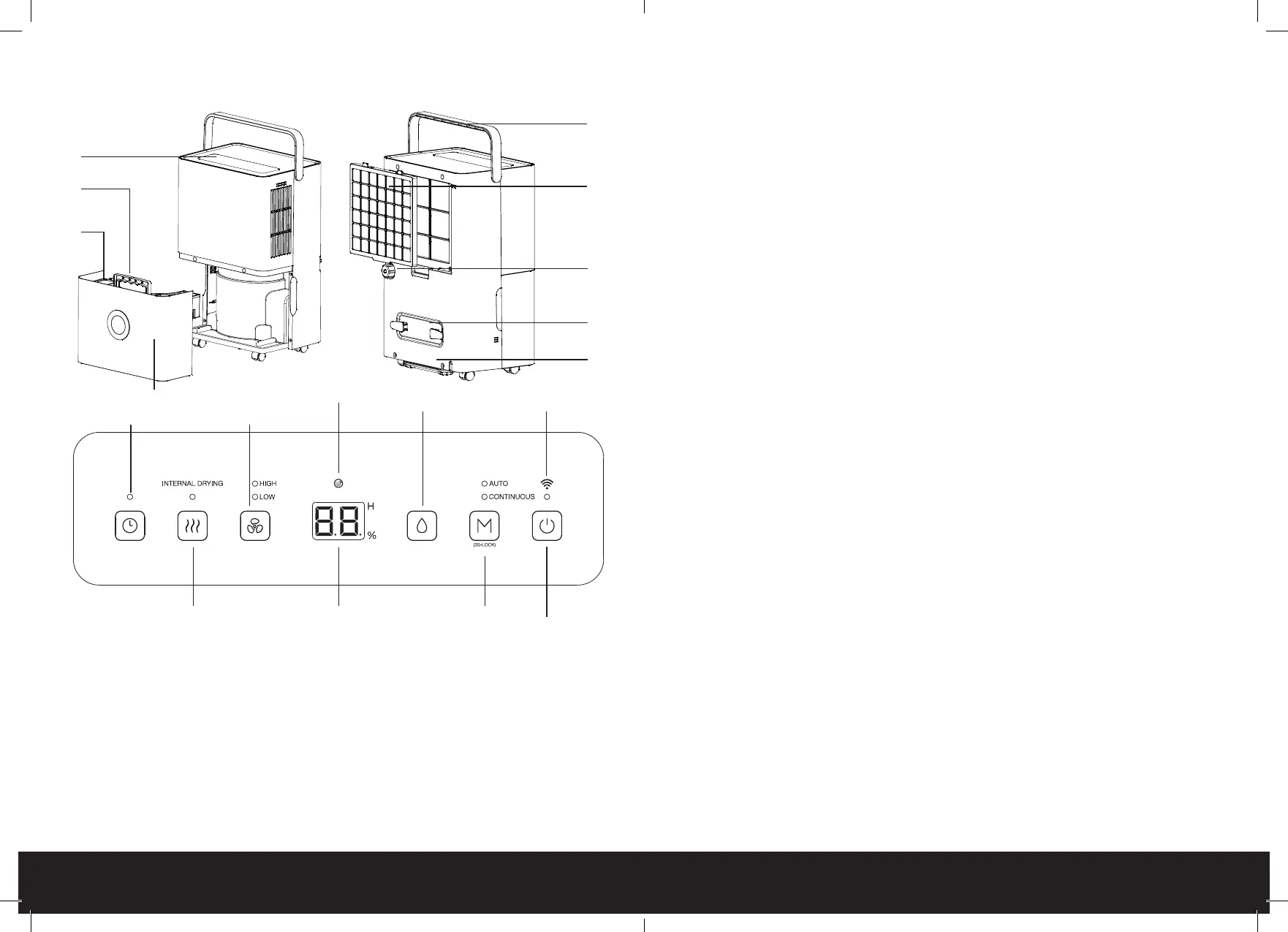
PARTS
-
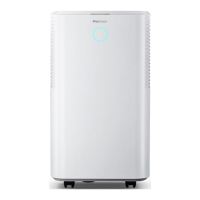
Body:
1. Control Panel
2. Water Tank Cover
3. Water Tank Handle
4. Water Tank
5. Handle
6. Filter
7. Continuous Drainage Hose Outlet
8. Power Cord Storage
9. Cater Wheels
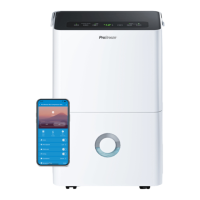
Control Panel:
10. Timer Button and Indicator Light
11. Fan Button and Indicator Light
12. Water Tank Indicator Light
13. Humidity Button
14. WiFi Indicator Light
15. Internal Drying Button and Indicator Light
16. LED Display
17. Mode Button and Indicator Lights
18. Power Button
1
4
2
3
5
6
8
7
9
10 11
15
12
13
1716
14
18
Getting started
• Ensure the water tank is completely empty.
• Ensure all windows and doors are shut in the room where the dehumidier is in use.
• Set up the dehumidier so that there is at least 50cm space above the dehumidier and
20cm around all sides.
OPERATING INSTRUCTIONS
-
Turning On/Off:
1. Plug in the dehumidier.
2. To turn on the dehumidier, press the power button. The dehumidier will beep once and
the power indicator light will turn on.
3. To turn off the dehumidier, press the power button again. The power indicator light will turn
off.
Setting a Timer:
The timer can be set to automatically turn the dehumidier on or off.
Setting a Timer for Turning On:
1. While the dehumidier is plugged in but not turned on, press the timer button repeatedly to
cycle through the timer options of 1 to 24 hours, increasing in increments of an hour.
2. The number of hours will display on the LED screen.
3. To set a number of hours, do not touch any button for 5 seconds.
4. The dehumidier will turn on when the timer elapses.
Setting a Timer for Turning Off:
5. While the dehumidier is on, press the timer button repeatedly to cycle through the timer
options of 1 to 24 hours, increasing in increments of an hour.
6. The number of hours will display on the LED screen.
7. To set a number of hours, do not touch any button for 5 seconds.
8. The dehumidier will turn off when the timer elapses.
Setting the Mode:
1. Press the mode button continuously to cycle through the options of Auto Mode and
Continuous Mode.
2. The corresponding indicator light will light up.
Auto Mode:
When in auto mode, the default relative humidity is 50%. To change the relative humidity, follow
the below steps:







 To Next Page