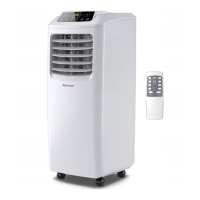
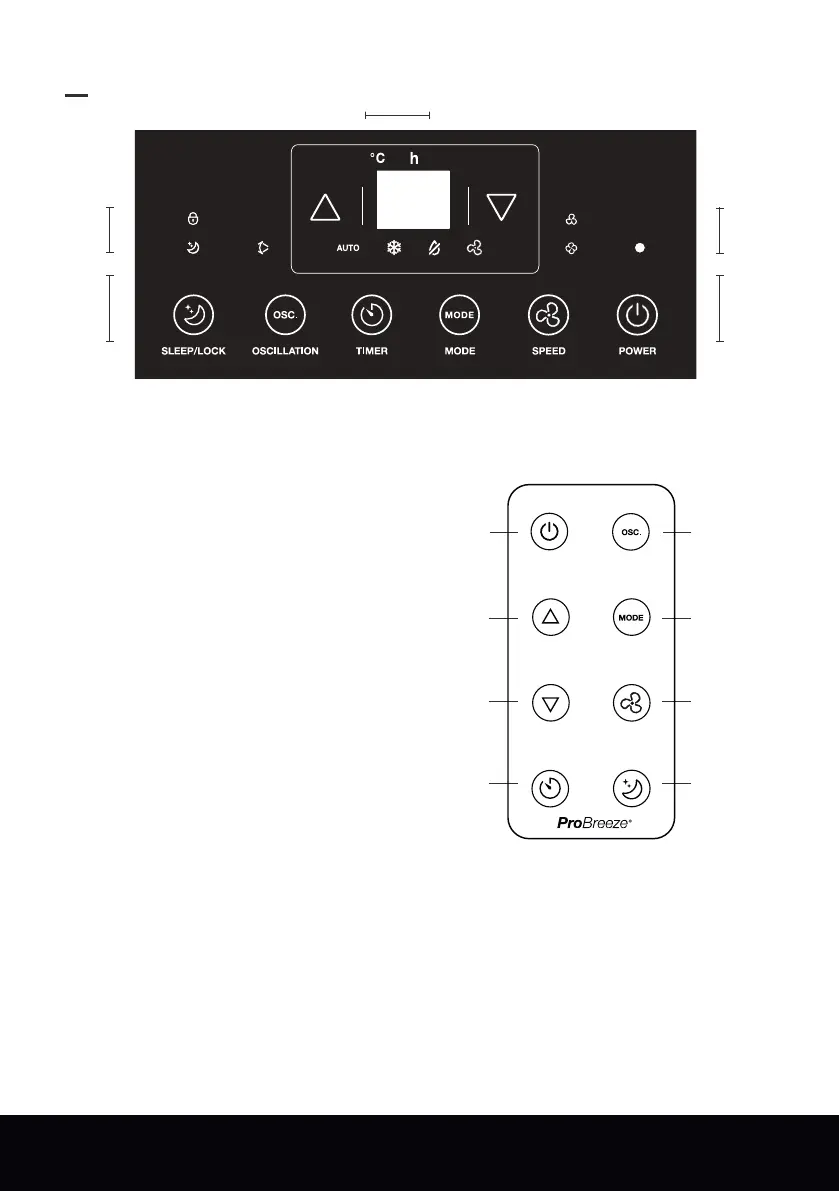
Remote Control
Buttons moving from right to left
Power button
Fan speed button
Down button
Mode button
Timer button
Up button
Oscillation button
Sleep / Lock button
Digital display panel moving from
right to left
Timer indicator light
Degrees celsius indicator light
Indicator light symbols moving
from right to left
Power on indicator light
Low fan speed indicator light
High fan speed indicator light
Fan-only mode indicator light
Dehumidifying mode indicator light
Cooling mode indicator light
Auto mode indicator light
Oscillation indicator light
Sleep mode indicator light
Lock indicator light
1.
2.
3.
Control Panel
English | 06
Note: One CR2025 battery included.
•
•
•
•
•
•
•
•
•
•
•
•
•
•
•
•
•
•
•
•
1
1
22
3
Power button
Oscillation button
Up button
Mode button
Down button
Fan Speed button
Timer button
Sleep / Lock button



 To Next Page
 Loading...