26
System Installation
10
7
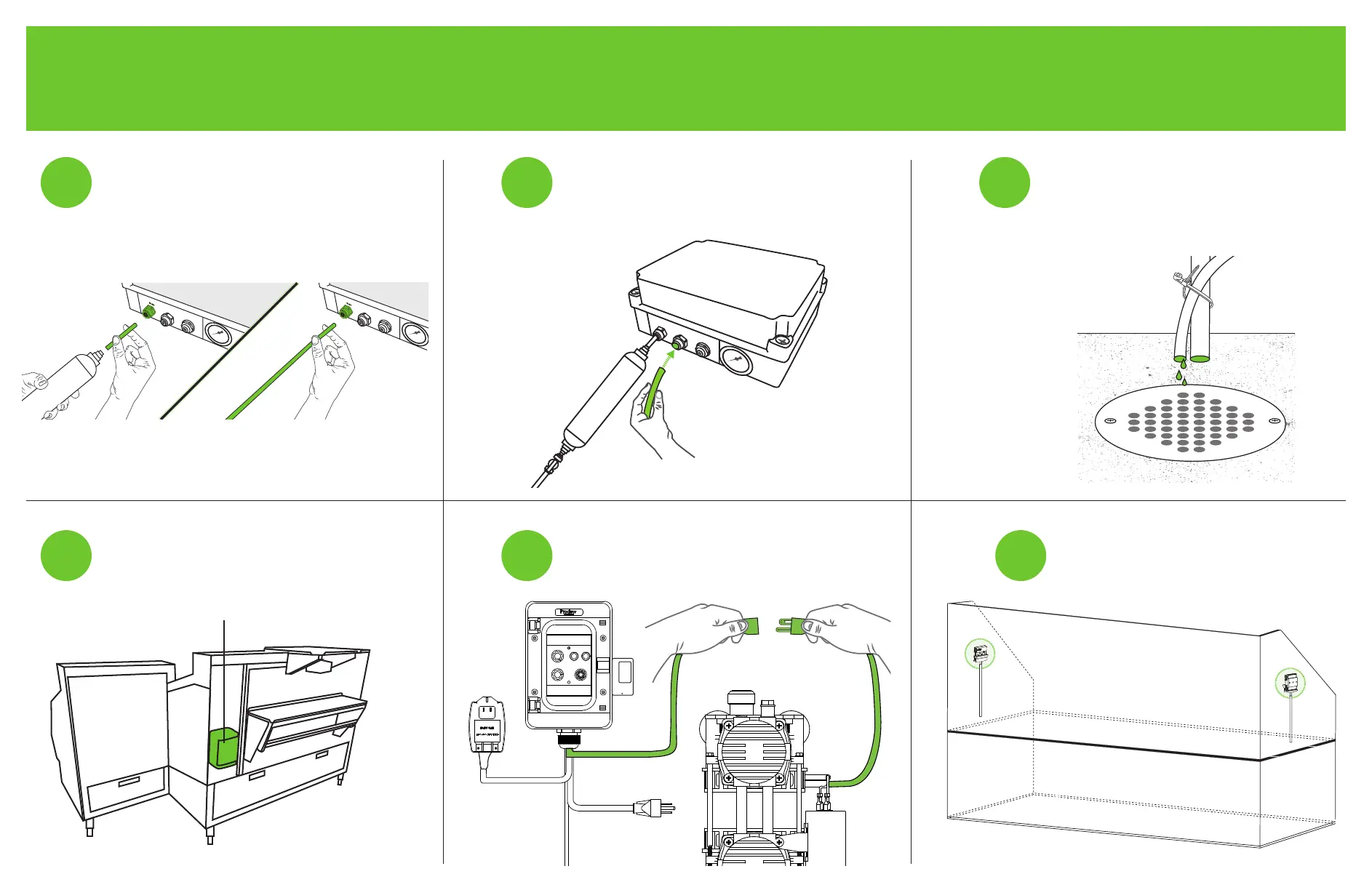
Runthedrainlinetowardstheoordrain
under the case. Strap the black tubing
to the existing drain lines using zip-ties.
Leave a 1in air gap
between the black tubing
and the drain to avoid
contamination.
Mount the FigMist™ Blocks as high
as possible without being obstructed
on each side of the display case.
6
9
Connect the remaining black tubing
to the port labeled ‘DRAIN’ on the
solenoid box.
Plug the air compressor into the outlet
that is coming from the timer.
5
8
Connecttheltertotheport
labeled ‘INLET’ on the solenoid box
using black tubing.
Mount the timer behind the
display case (employee side).
TIMER



 To Next Page