EasyManua.ls Logo

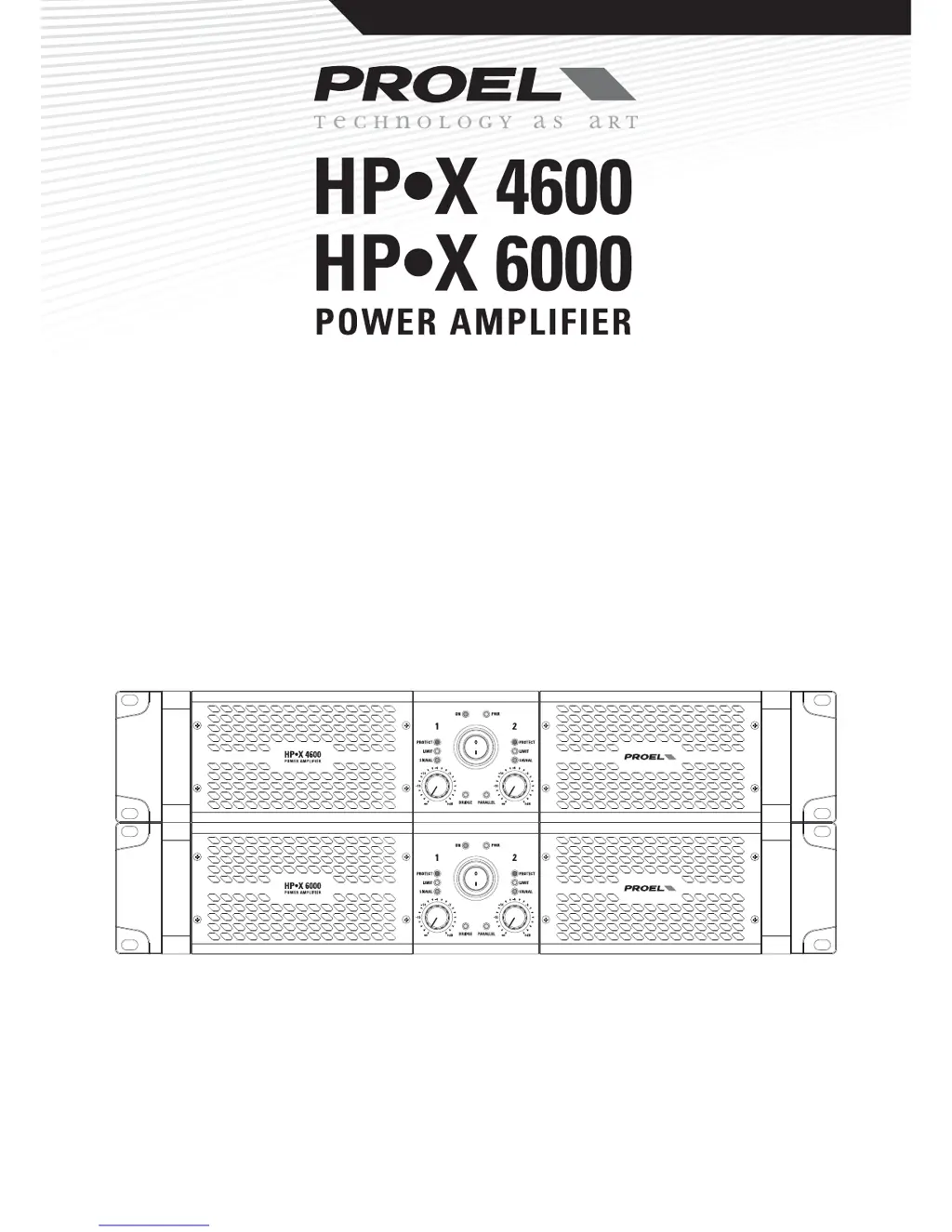
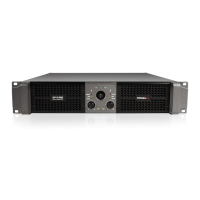
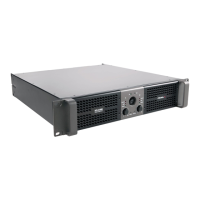
PROEL HP-X 4600 - User Manual

PROEL HP-X 4600
20 pages
Print Icon
To Next Page IconTo Next Page
Loading...
USER’S MANUAL
MANUALE UTENTE
www.proel.com

Questions and Answers

  • J
    Jason JohnsonAug 7, 2025
    What to do if my PROEL HP-X 4600 has no sound?
    • C
      Christine DownsAug 7, 2025
      If there's no sound coming from your PROEL Amplifier, here are a few things to check: * Is the input LEVEL control for the channel turned up? * Is the SIGNAL LED illuminated? If not check if your signal level is too low or check the signal cable, mixer and other equipment setting and cabling. * Ensure your signal cables are working correctly by using a cable tester or replacing them. * Verify the speaker cable connector is correctly connected, turning a SPEAKON connector clockwise until it clicks. * Make sure your power cable works properly by testing it with a cable tester or trying a new one.
  • C
    Colleen JohnsonAug 11, 2025
    How to troubleshoot a PROEL HP-X 4600 that has no power?
    • D
      Daniel FranklinAug 11, 2025
      If your PROEL Amplifier isn't powering on, ensure that the mains AC outlet is live and that the LED PWR lights up. Also, confirm the mains plug is securely plugged into the mains AC outlet.
  • U
    utaylorAug 15, 2025
    Why does my PROEL HP-X 4600 Amplifier have distorted sound?
    • P
      Philip HickmanAug 16, 2025
      If the sound from your PROEL Amplifier is distorted, the input signal level might be too high. Try turning down your level controls.
  • E
    elizabethbullockAug 20, 2025
    What to do if my PROEL Amplifier has no sound and the protection trips?
    • I
      imartinAug 20, 2025
      If your PROEL Amplifier has no sound and the PROTECT LED is always on, it could be due to: 1. A short circuit at the amplifier loudspeakers outputs, the speaker’s inputs, or in the cabling. Locate and remove the short circuit. 2. The impedance of the loudspeakers connected is too low. If more speakers are connected in parallel at the outputs, reduce this number by disconnecting a speaker. If the protection trips even with no load connected, a DC voltage has been detected in the amplifier’s output circuit.
  • S
    Shannon VasquezAug 25, 2025
    How to eliminate noise or hum from my PROEL HP-X 4600?
    • L
      Leah FreemanAug 26, 2025
      To minimize noise or hum in your PROEL Amplifier: * Use balanced cables whenever possible. * Try plugging all audio equipment into the same AC circuit to ensure they share a common ground.
  • P
    Pamela OwenAug 29, 2025
    Why does my PROEL Amplifier have different channel levels?
    • D
      Donald WardAug 29, 2025
      If you're experiencing different channel levels on your PROEL Amplifier: * Check if you are using a balanced cable for one channel and an unbalanced one for the other, as this would cause a considerable difference in channel levels. * Ensure that your loudspeaker system is fully connected and both loudspeakers have the same impedance.
  • J
    Jimmy PorterSep 2, 2025
    What to do if PROEL HP-X 4600 gets too hot and has no sound?
    • A
      Ashley ChandlerSep 2, 2025
      If your PROEL amplifier has no sound and gets too hot, relocate the amplifier in a more ventilated location.

PROEL HP-X 4600 Specifications

General IconGeneral
BrandPROEL
ModelHP-X 4600
CategoryAmplifier
LanguageEnglish

Related product manuals