EasyManua.ls Logo

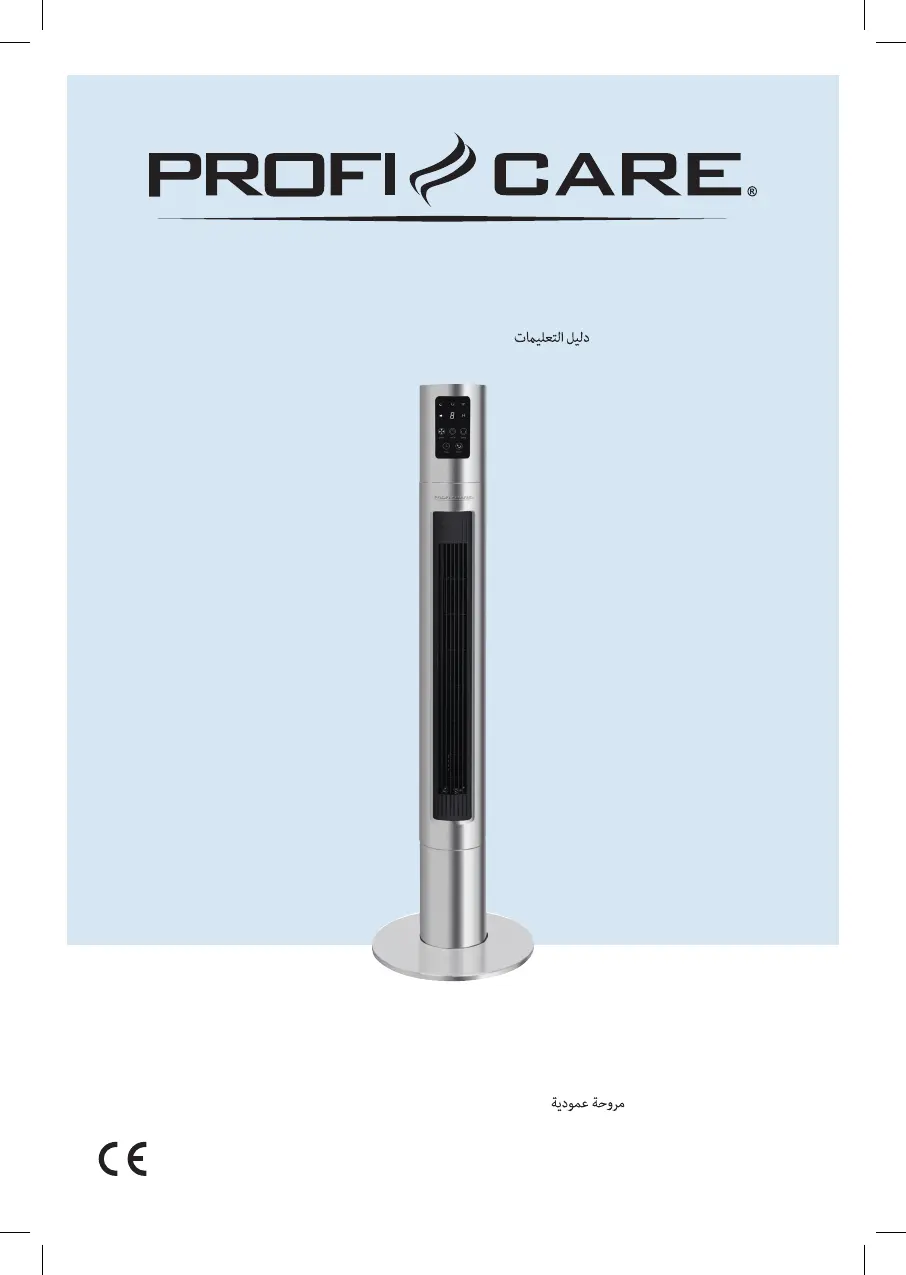
Profi Care PC-TVL 3090 - User Manual

Profi Care PC-TVL 3090
74 pages
Go to English
Print Icon
To Next Page IconTo Next Page
Loading...
Bedienungsanleitung / Garantie
Gebruiksaanwijzing • Mode d’emploi • Manual de instrucciones • Istruzioni per l’uso
Instruction Manual Instrukcja obsługi / Gwarancja Használati utasítás
Руководство по эксплуатации
PC-TVL3090_IM 15.01.21
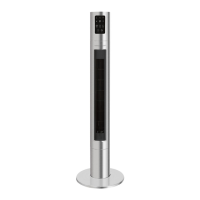
Tower-Ventilator
PC-TVL 3090
Torenventilator • Ventilateur tour • Ventilador de torre
Ventilatore a torre Tower Fan Wentylator wieżowy
Torony ventilátor Башенный вентилятор

Table of Contents

Questions and Answers

  • M
    Matthew ValenciaAug 6, 2025
    What to do if my Profi Care PC-TVL 3090 does not work?
    • D
      Danny LongAug 6, 2025
      If your Profi Care Fan isn't working, there could be a few reasons. First, ensure the fan is properly plugged into the socket and that the socket is working by testing it with another appliance. Also, check the main circuit breaker. If none of these steps work, the appliance might be faulty, and you should contact a specialist.
  • D
    Donald GuzmanAug 15, 2025
    Why does my Profi Care PC-TVL 3090 remote control not work?
    • D
      Desiree PowersAug 15, 2025
      If your Profi Care Fan isn't responding to the remote control, try these steps: First, make sure you're close enough to the fan. Then, ensure that you are pointing the remote control directly at the sensor on the fan, with no obstructions in the way. Finally, replace the batteries in the remote control, as they may be empty. If the problem persists, the remote control may be defective.
  • D
    david64Aug 27, 2025
    How to fix WiFi connection issues with my Profi Care PC-TVL 3090 Fan?
    • S
      Stephen ShawAug 27, 2025
      If you're having WiFi connection issues with your Profi Care Fan, it might be due to several reasons. The distance to the router may be too great, so try placing the fan closer to the router. Also, ensure that your router is using a 2.4 GHz network, as the fan does not support 5 GHz routers.

Summary

Overview of the Control Elements

General Notes

Special Safety Precautions for this Appliance

Handling of Batteries

Provides safety instructions regarding battery usage, charging, disassembly, and disposal.

Scope of Delivery

Overview of the Components

Unpacking the Appliance

Remote Control

Fitting Batteries into the Remote Control

Instructions for inserting batteries into the remote control, including battery type and polarity.

Putting into Service

Electrical Connection

Guidance on connecting the appliance to the power supply and verifying the mains voltage.

Information on the App Smart Life - Smart Living

Details on downloading and setting up the companion app for appliance control.

Disconnecting the Wi-Fi

Steps to disconnect the appliance from the Wi-Fi network.

Reset Wi-Fi Connection

Instructions to reset the appliance's Wi-Fi connection settings.

Operation

Button and Symbol Explanation

Explanation of control panel buttons, touch keys, and indicator symbols.

Switching the Appliance On;Off

Procedure for turning the appliance on and off.

Speed

How to select one of the six available speed levels for the fan.

Oscillation

Instructions for activating and deactivating the oscillation function.

Wind Change Functions

Details on special modes like 'Nature' and 'Sleep' for wind simulation.

Electronic Timer

Guide to setting timed switch-on and switch-off for the appliance.

Cleaning

Storage

Troubleshooting

Technical Data

Notice of Directive Conformity

Disposal

Meaning of the Dustbin Symbol

Explanation of the symbol for proper disposal of electrical equipment.

Warranty Card

Profi Care PC-TVL 3090 Specifications

General IconGeneral
BrandProfi Care
ModelPC-TVL 3090
CategoryFan
LanguageEnglish

Related product manuals