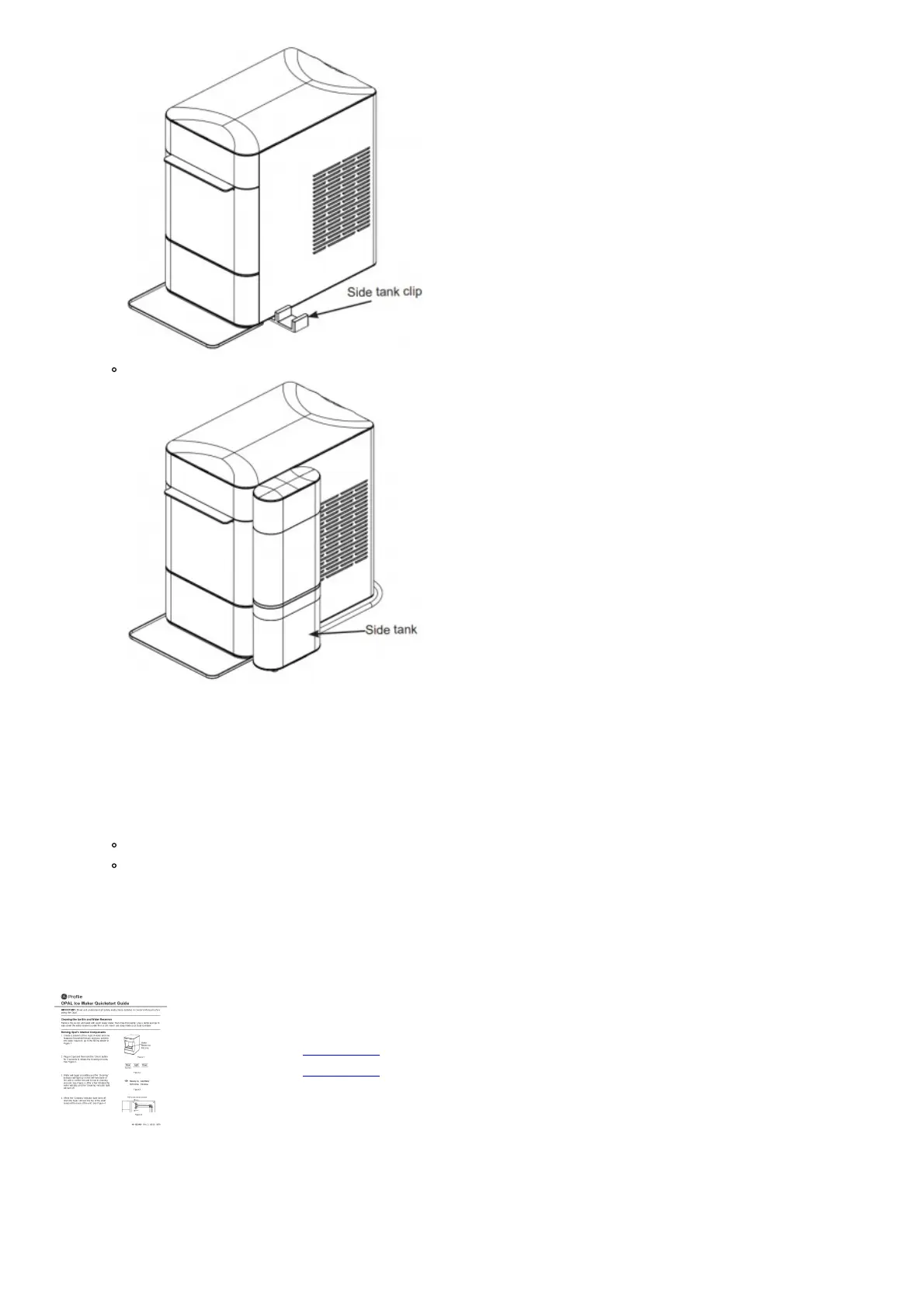
Side tank
7. Remove Opal Side Tank’s clear reservoir from its base.
8. Unscrew Opal Side Tank’s cap from the reservoir. Fill the clear reservoir with water.
9. Replace Opal Side Tank’s cap. Ensure the cap is clean when installing.
10. Carefully flip over Opal Side Tank’s reservoir and place in the base. Water should start flowing into the Opal
Nugget Ice Maker and bubbles in the Opal Side Tank will appear periodically during the time water is flowing to
the ice maker.
NOTE: If water does not appear to flow into the ice maker, please check for the following:
There may be bubbles in tube (B) connecting the Side Tank to the Opal.
Tube (B) is not lying flat. If either of the above issues are present, adjust tube (B) to allow the water to flow.
11. Fill Opal Nugget Ice Maker’s reservoir (if desired).
12. Plug in Opal Nugget Ice Maker, and begin making ice.
File Downloads
Profile User Guide
OPAL Ice Maker
Download [optimized]
Download
Related Manuals
1. ICE Cube Maker User Guide Cube Maker a Quick start guide Ice Cube Maker KAIC100FWT...
2. Nedis Ice Cube Maker User Guide Nedis Ice Cube Maker User Guide Product Overview Ice Cube...



 To Next Page