4
Steps of thermal binding:
• Connect the correct electric power, turn on the power switch. The red power light is
signaling preheating mode.
• After the green working light is on and the machine buzzes, it indicates that the tem-
perature of the machine has reached the default temperature and the machine is ready
for binding.
Product specifi cations:
Model: ............................................. Bindstream Thermo 220
Power supply / Voltage: ................... 220 V / 250 W
Max. binding width: ......................... A4
Max. binding thickness: .................. 24 mm (220 sheets 80 gr/m²)
Preheating time: ............................. 1 – 2 min.
Time for binding: ............................. 1 – 6 mm (1 min.)
8 – 12 mm (2 min.)
25 – 24 mm (3 min.)
Binding temperature: ...................... 165°C ± 10 °C
Binding range: ................................ 1 – 24 mm
Net weight: ...................................... 0,86 kg
Machine size (L. W. H.): ................. 420 x 90 x 170 mm
Disclaimer of warranty and liability
Please note that by repairing mechanical or electric parts by not authorized persons
by Profi Offi ce Germany, warranty will expire instantly.
This causes no liability by Profi Offi ce Germany!
Service Information
In case of service or support due warranty issues, please refer to your local seller.
WEEE-Reg.-Nr. DE 13567594
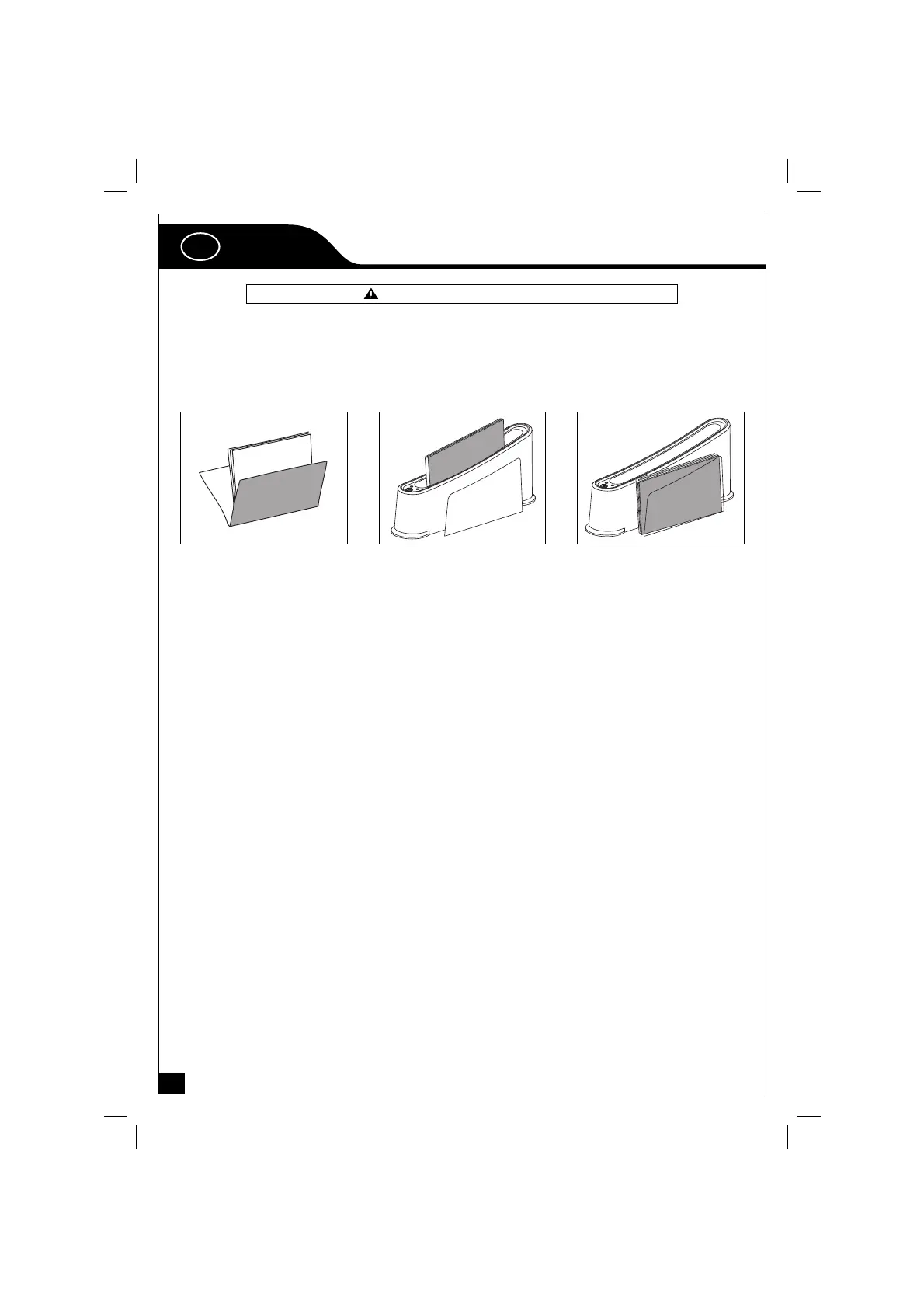
Put the documents into the
in-throat and begin to bind.
Place the document and ther-
mal cover on the cooling Rack
for cooling down.
The document should be in
good order to avoid bad bind-
ing result.
GB
Bindstream Thermo_T220_06.indd 4Bindstream Thermo_T220_06.indd 4 22.10.2008 22:54:2722.10.2008 22:54:27


 To Next Page