34
MITRE CUTS
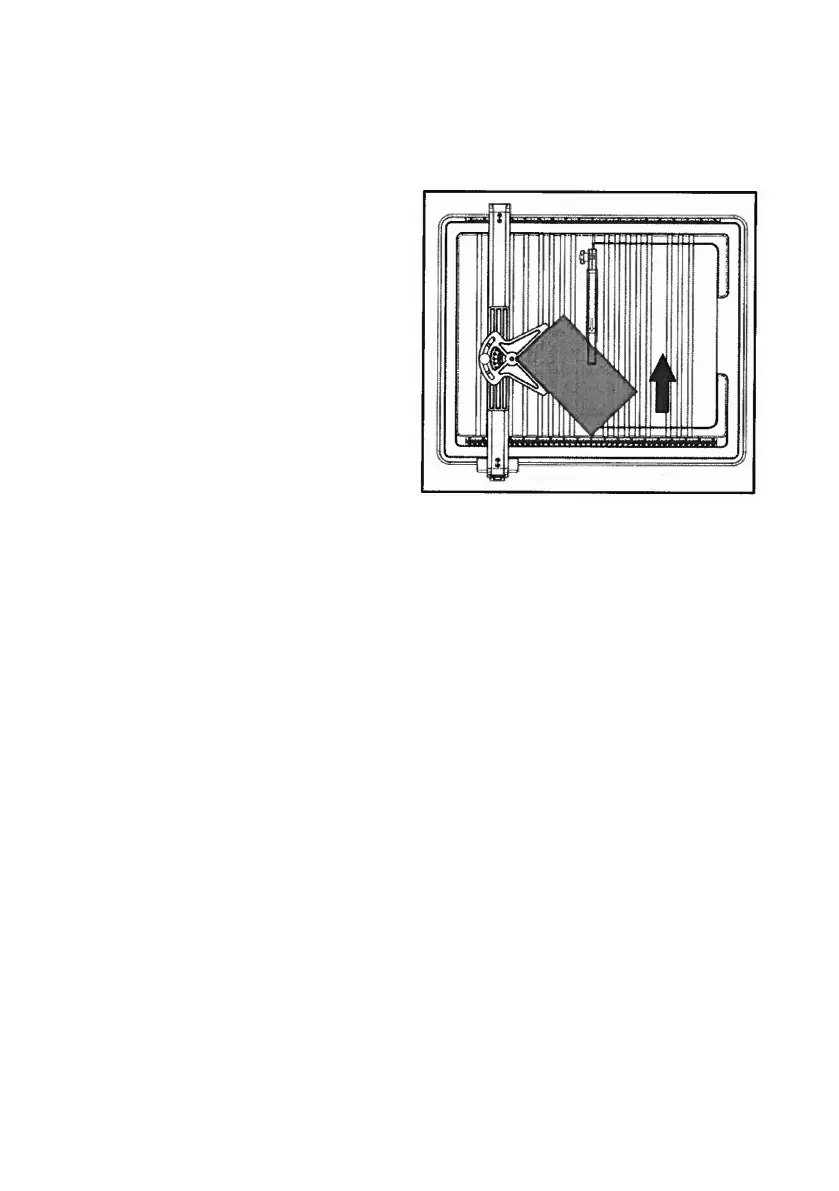
Mitre cuts allow basic decorative shapes to be cut into the material at any angle desired.
Mitre cuts tend to “crawl” through the material. Use an angle guide to control this.
1. Use a pencil or marker pen to draw
the cutting line.
2. Attach the angle guide.
3. Position the cutting guide at the
desired distance from the cutting
disc and secure it in place.
4. Adjust the desired angle on the
angle scale.
5. Place the material on the table.
6. Before switching the machine on,
ensure that the material is not tou-
ching the disc.
7. Switch the machine on.
8. Wait until the disc has reached its
full rotational speed and is wet befo-
re starting to cut.
9. Hold the material close to the cutting aid and guide it towards the cutting disk.
10. Once the cutting procedure has been completed, switch o the machine and wait
until the cutting disc is no longer turning before removing the material.


 To Next Page
 Loading...