8
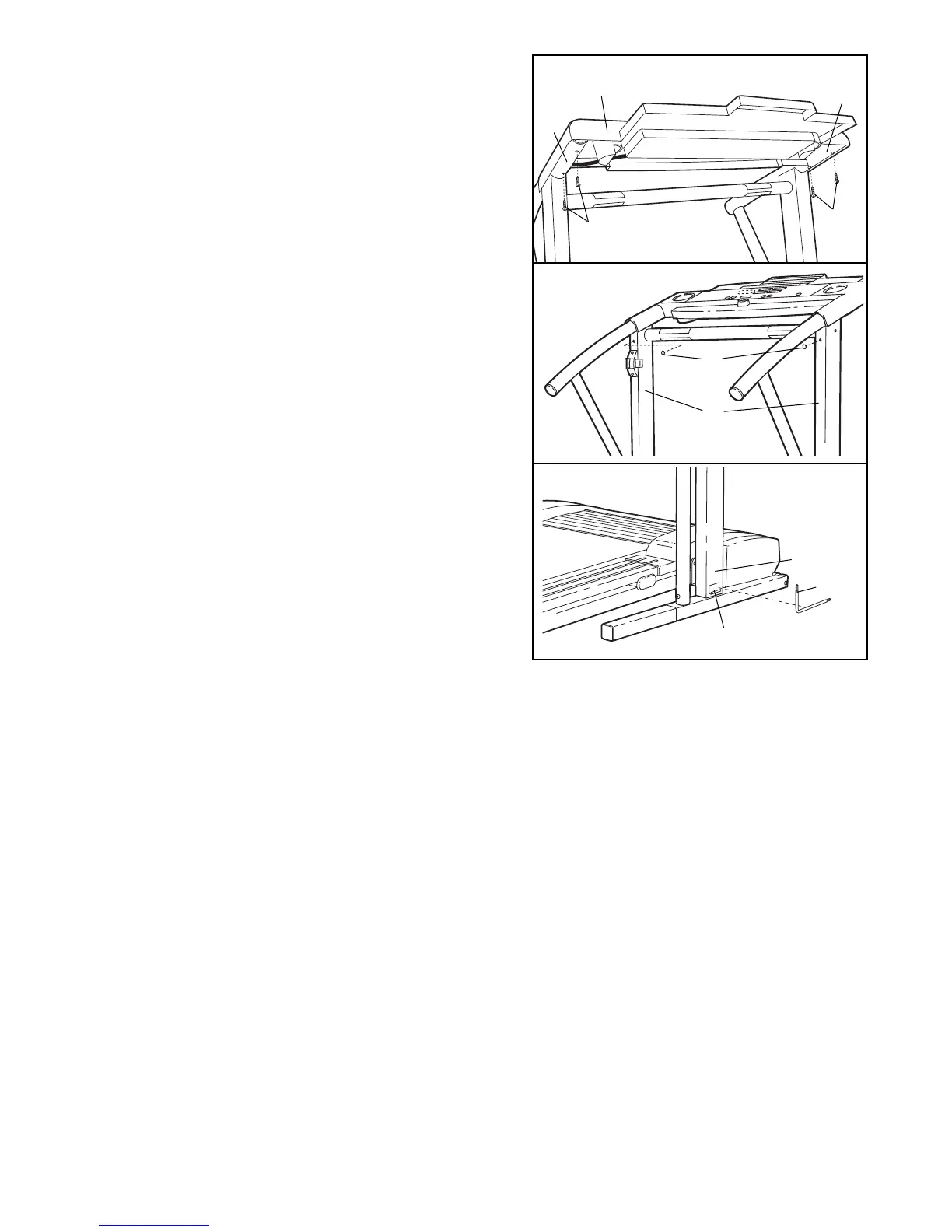
7. Attach the Console Base (87) to the Left and Right
Handrails (74, 85) with four Long Screws (114).
Refer to assembly step 5. Tighten the four Handrail
Bolts (78) used in assembly step 5.
85
74
114
114
7
87
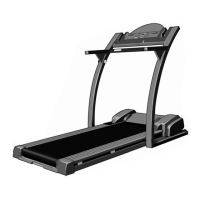
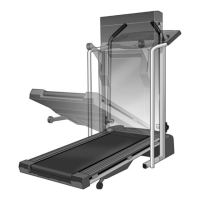
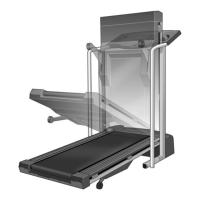
10. Make sure that all parts are tightened before you use the treadmill. To protect the floor or carpet, place a
mat under the treadmill.
82
79
8. Press two Small Upright Plugs (79) into the holes near
the upper ends of the Uprights (82).
8
100
99
82
9. Remove the backing from the Adhesive Clip (99). Press
the Adhesive Clip onto the base of the right Upright (82)
as shown. Press the Allen Wrench (100) into the
Adhesive Clip.
9




 To Next Page