19
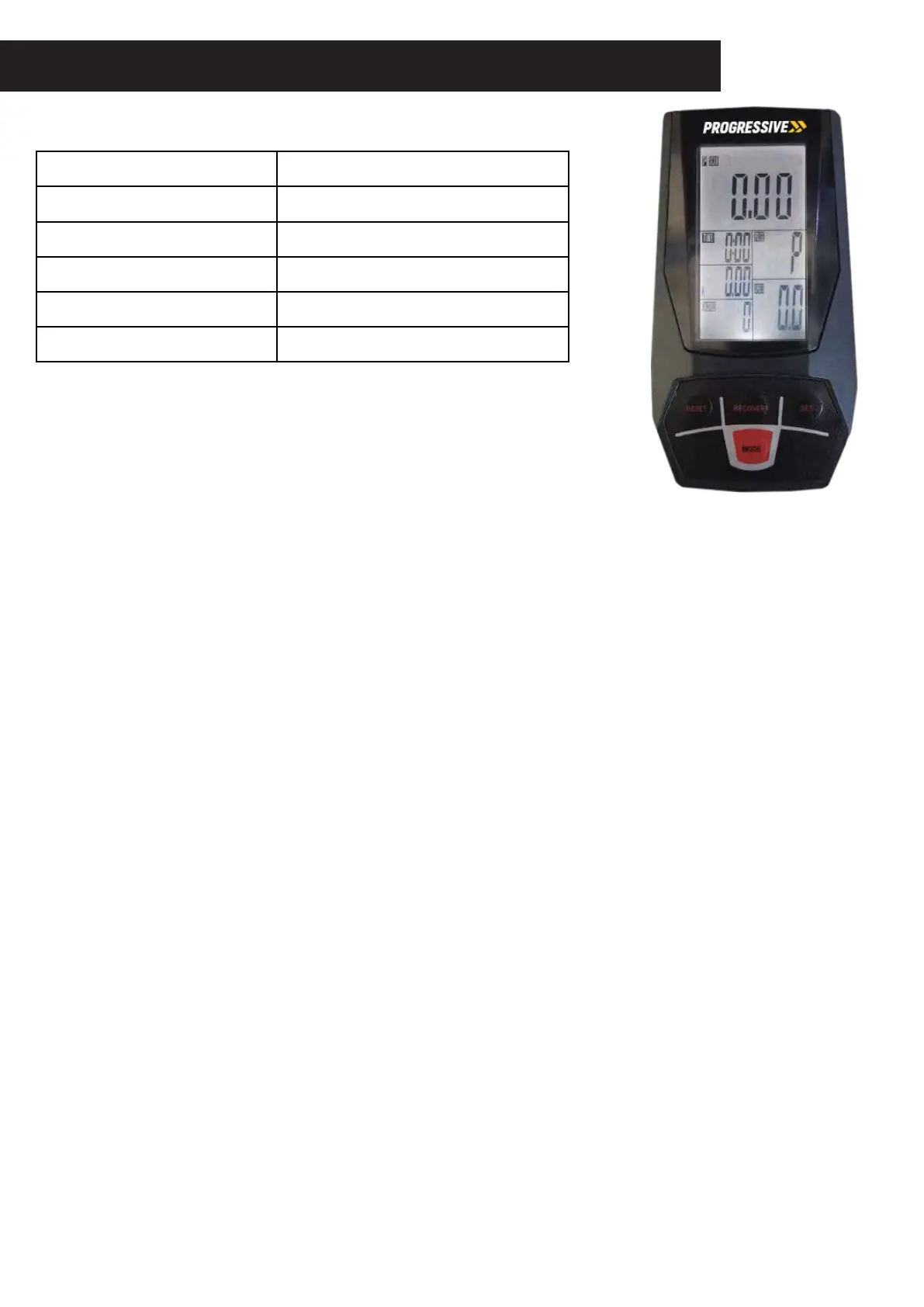
CONTROL PANEL
SPECIFICATIONS
TIME 00:00-99:59MIN
SPEED(SPD) 0,0 à 99,9 km / h
DISTANCE(DST) 0.00-99.99KM
CALORIES(CAL) 0.00-999.9KCAL
ODOMETER(ODO) 0-9999KM
PULSE(PUL) 40-240BPM
KEY FUNCTIONS
MODE:Thiskeyletsyouselect andlockonthefunction you want. The monitor will be reset by changing the battery
or pressing the MODE key for 3-4 seconds
AUTO ON/OFF: The system turns on when any key is depressed or when it senses input from the speed sensor.
MODE: To choose the SCAN or LOCK option if you do not want the SCAN mode, press the MODE key when the
indicator is on the function you want starts blinking.
TIME:PresstheMODE keyuntil the indicator locks onTIME.Thetotalworking time willbe shown when pedaling starts.
SPEED:Press theMODE buttonuntill the indicator landsonSPEED,the current speed willbe shown.
DISTANCE: Press the MODE button untill the indicator lands on DISTANCE, the distance of your workout will be
displayed.
CALORIE: Press the MODE button untill the indicator lands on CALORIE, the calories burned will be displayed.
ODOMETER: Press the MODE button untill the indicator lands on ODOMETER, the total accumulated distance of
your workout will be displayed.
PULSE: Press the MODE button untill the indicator lands on PULSE, the user’s current heart rate will be displayed
in beats per minute. Place the palms of your hands on both contact pads located on the handlebars and wait f
or 30 seconds for the most accurate reading.
SCAN: This automatically displays changes every 4 seconds.
NOTE: If there is an incorrect readout on the monitor, change or replace the batteries.


 To Previous Page
 Loading...