Acne Buster
Wrinkle Reducer
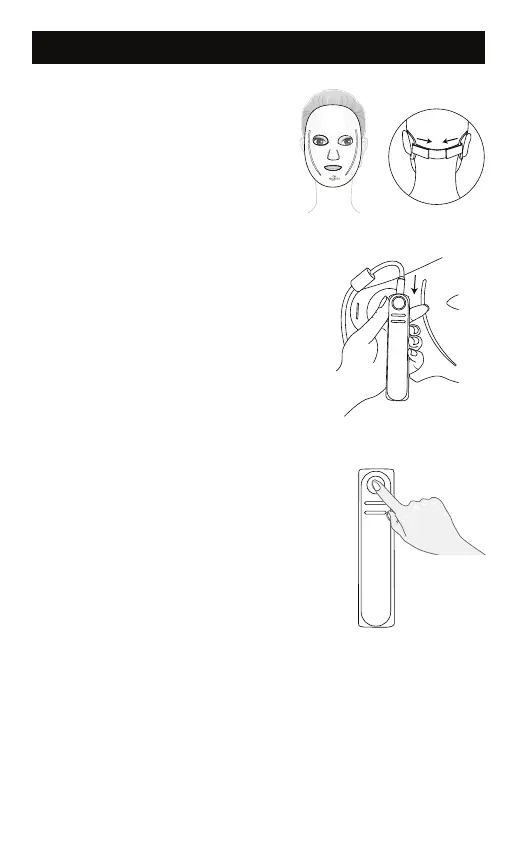
Connect the mask and the controller
with the USB cable.
4
Turn on the mask by pressing the
power button on controller for 2
seconds. The default mode is
Anti-Wrinkle mode (Red Light), when
the device turned on, the Anti-Wrinkle
mode indicator will light up.
7
The mask will automatically shut down
when the 10 minutes treatment is over.
You can turn o the mask in advance
by pressing the power button on the
controller for 2 seconds.
8
12
Use of the Device
5
Short press the power button on the
controller to change the Anti-Wrinkle
mode to Anti-Acne mode (Blue Light),
which is intended to treat mild to
moderate acne.
6
Place the mask on the face. Loop the
strap around your head and secure
rmly. Adjust the strap as required.



 To Next Page